Help centre / Settings & Admin
User permissions (RBAC) & Operations Director
Custom permission roles that switch sections and Settings tabs on or off.
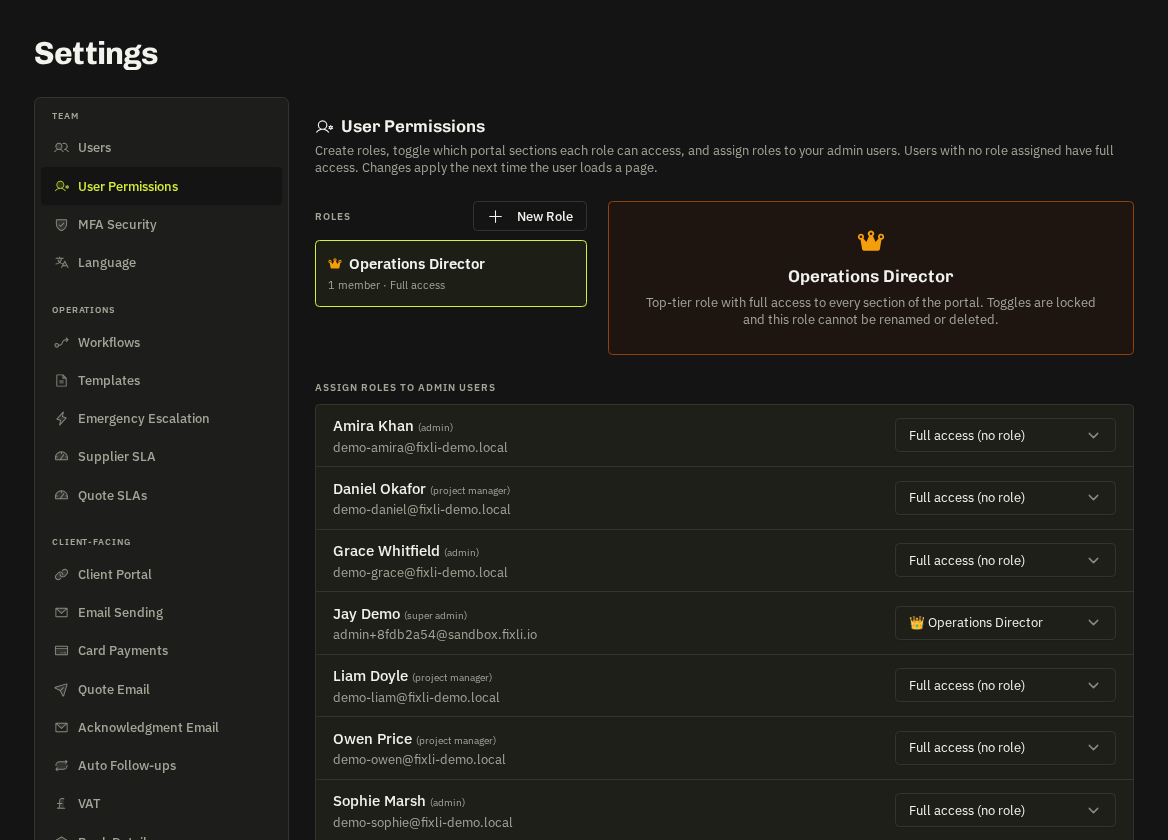
Settings → Team → User Permissions: create roles and toggle each portal section (Requests, Jobs, Contracts, Invoices, Suppliers, Staff Monitoring…) and every Settings tab on or off with Allow all / Deny all per group. Assign roles to users from the same page or the Users tab.
Semantics
Anything not explicitly denied is allowed; users with no role have full access for their base role; deleting a role reverts its members to full access; super admins always have full access.
- Operations Director — is a locked system role for the top tier — it also switches on Staff Monitoring settings and excludes the holder from monitoring.
- Enforcement: the sidebar hides denied sections, direct URLs show an Access Restricted page and Settings tabs disappear.
Related: User roles explained · Staff monitoring