Help centre / Communications & Inbox
Text Messages: reminders, 'on my way' texts & replies
Send texts from a job through your own Twilio account and handle replies in one inbox.
Connect your Twilio account (Settings → Integrations → Twilio: account SID, token and a From number or messaging service). Then:
Texts that go out
- Visit reminders N hours before a scheduled visit (set the lead time on the Twilio card).
- On my way from the engineer's job page, with an optional ETA.
- Ad-hoc texts (admins and project managers) from the Text message panel on a job — up to 480 characters. Every attempt is logged on the job timeline with its delivery status.
Replies
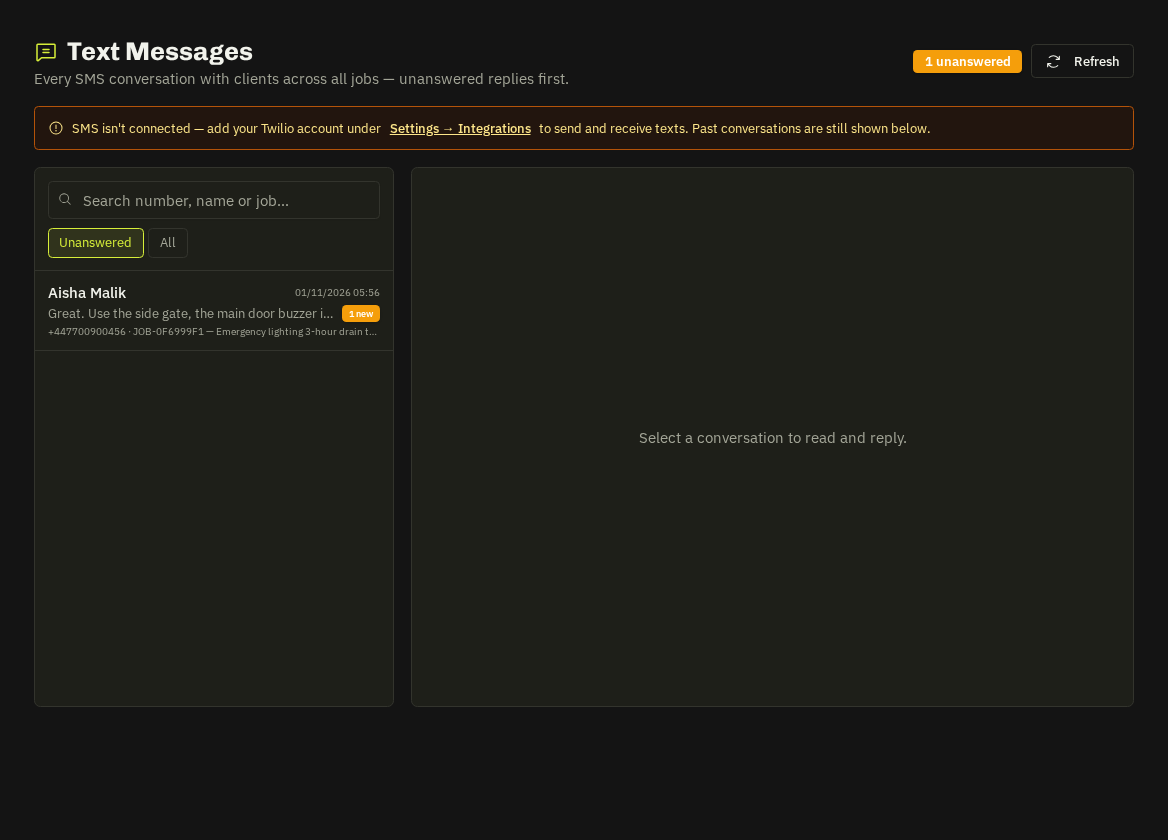
Communications → Text Messages lists conversations by number with the job they relate to; Unanswered filters the ones waiting for you, search finds a number, name or job. Open a conversation to read and reply.
Opt-outs
A reply of STOP opts the number out automatically (START opts back in); opted-out numbers are skipped for reminders.
Note: Texts are charged by Twilio to your own account.
Related: Integrations & keys · Notifications bell