Help centre / Suppliers
Supplier onboarding: applications, checklist & approval
The public /apply form, review checklist, approval steps, bulk approve, welcome packs.
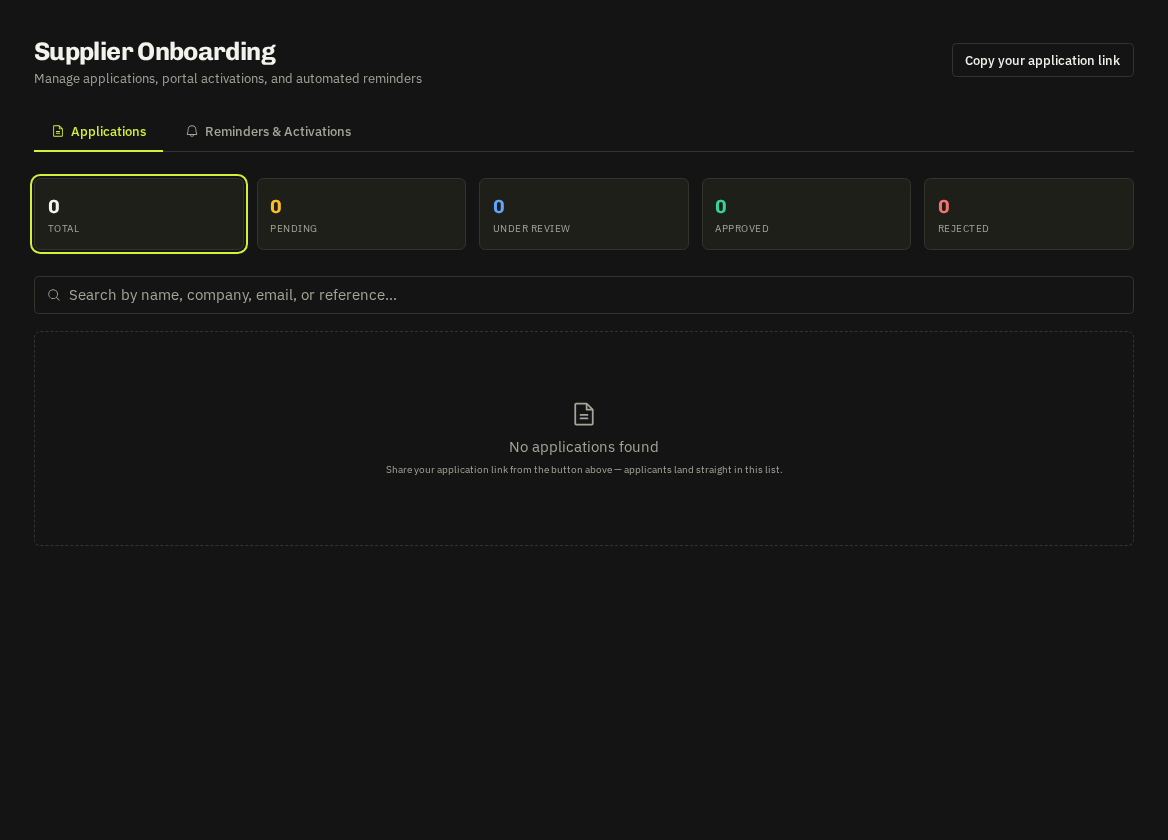
- Applications — arrive from the public form at /apply (contact, company incl. subcontractor questions, services and areas pickers, bank, legal declarations and document uploads tagged with type and expiry). Admins are notified and the application appears under Suppliers → Onboarding — with a violet Fills N gaps badge when it covers service/county combinations you're missing.
Review dialog
The Onboard Checklist scores 9 checks (contact, company, services, areas, bank, legal, documents, no expired docs, confirmation). The Approval Steps panel walks through 'Application reviewed' → 'Details verified & approved' → Add Supplier to Portal. Reject (with reason) and Reopen are in the footer.
Add to portal / one-click onboard
Creates the supplier record (tenant-scoped), carries uploaded documents into Compliance as unverified, and emails a Welcome Pack with a 14-day portal invite and getting-started steps. Bulk approve converts several complete applications at once.
- Profile updates — (see Supplier profile refresh) arrive tagged 'Profile Update' and use Merge into Profile instead of Convert.
Related: Supplier profile refresh · Supplier compliance