Help centre / Clients, Properties & Client Portal
Main clients, sub-clients & standalone clients
Model a managing agent with its estates, roll up statements and inherit branding and settings.
Clients come in three kinds — Main client, Sub-client (belongs to a main client) and Standalone. Use a main/sub structure for a managing agent with several estates, a retailer with regions, or a housing group with schemes.
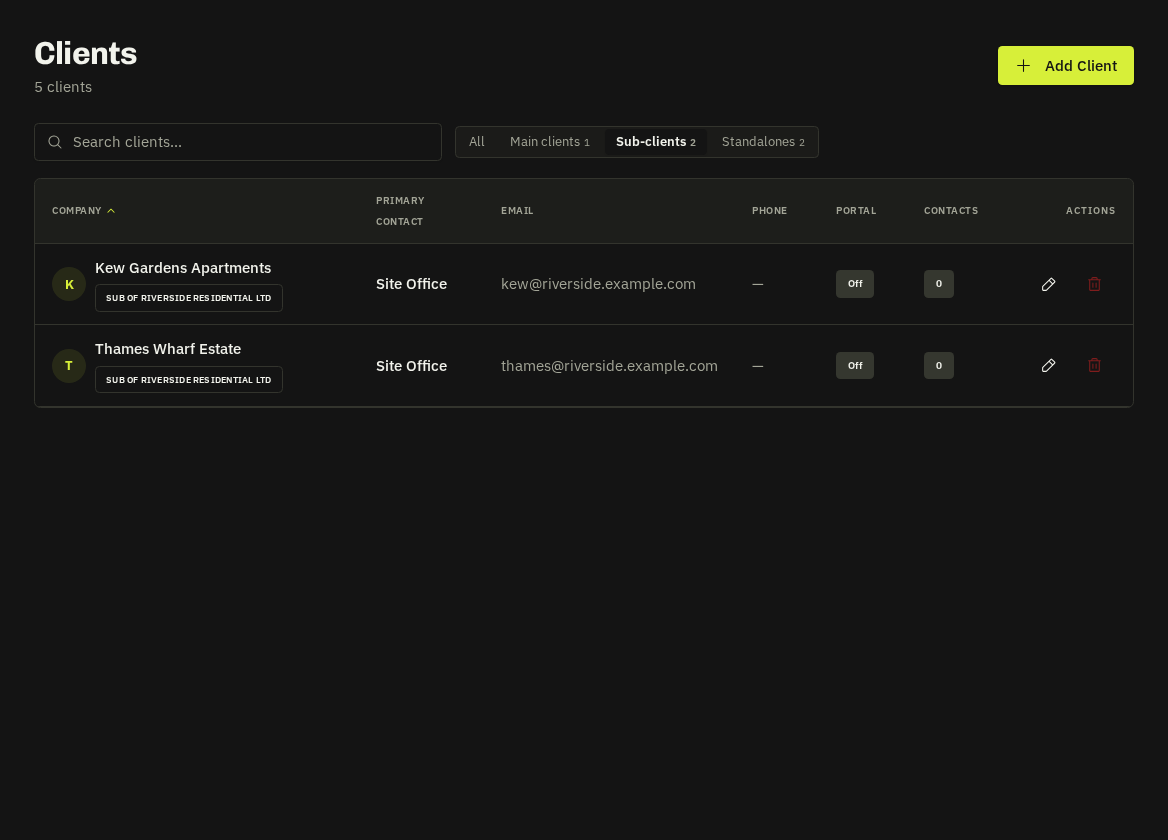
Setting it up
Create the main client first, then create each sub-client with Belongs to set to the main client (or convert an existing client). The Clients list filters by kind (Clients → Sub Clients in the menu opens the sub-client view).
What rolls up
- Properties — the Properties hub shows main → sub-client → properties; properties can be moved within the family.
- Statements — a main client's monthly statement groups invoices by sub-client; each sub-client has its own too.
- Portal — main-client users see every sub-client's requests, jobs, quotes and invoices with a sub-client overview (invoiced to date, outstanding, upcoming visits, contact); sub-client users see only their own.
- Branding, PO rules and PDF presets — sub-clients inherit the main client's settings unless you override them.
- Consolidated invoices — group a month's invoices for a main client into one, optionally only when a PO is present.
Related: Properties hub · Clients directory · Client PO numbers