Help centre / Jobs & Works Orders
Schedule tab & calendar subscription
Seeing your dates and syncing them to Google, Outlook or Apple Calendar.
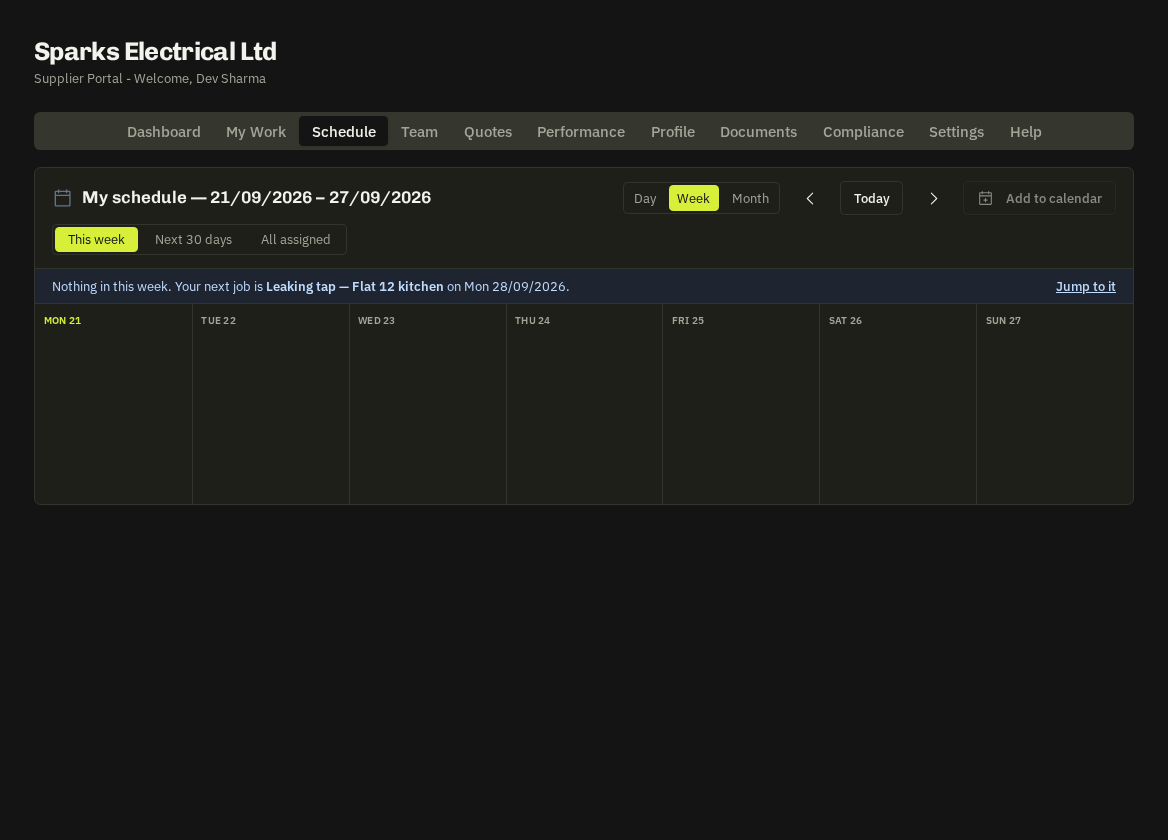
- Schedule — shows every job, emergency, task and works-order date assigned to you in a month/week view. Click an item to open it.
- Live calendar subscription (Settings → Live calendar subscription): copy your personal feed link and add it as a subscribed calendar — Google Calendar (Other calendars → From URL), Outlook (Add calendar → Subscribe from web) or Apple Calendar (File → New Calendar Subscription). New and changed dates appear automatically. Press Email me to send the link to yourself, Rotate if the link has been shared, or remove it entirely.
- Single items: every job also offers an .ics download to add just that visit.
Related: Availability & block-out days