Help centre / Quoting
Responding to quote invitations from Fixlr
Pricing a request Fixlr has asked you to quote for.
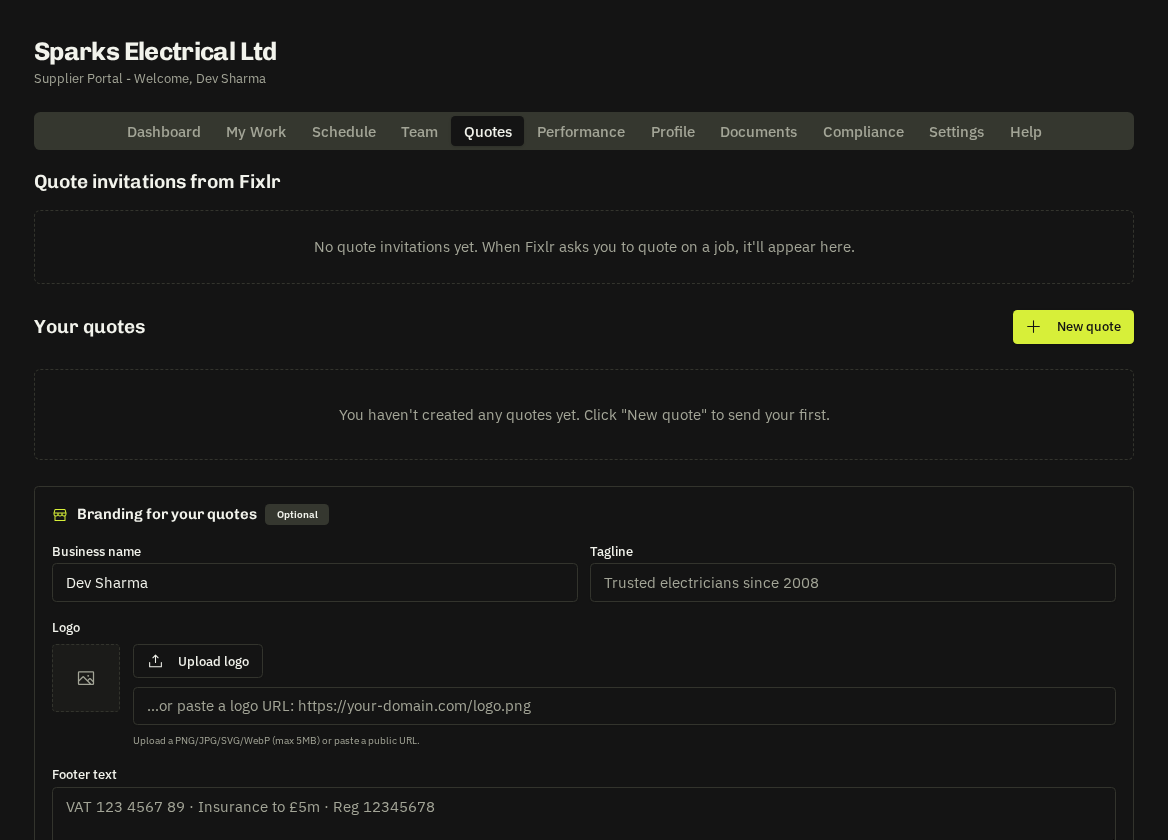
When Fixlr wants your price for a request you receive an email with the brief PDF and a personal link, and the invitation appears under Quotes → Quote invitations from Fixlr. You can respond from the email link (no login needed) or from the portal.
Submit your quote
Enter the Amount (£) (your price to Fixlr, ex VAT unless stated), a Description / scope of what's included, materials and timing notes, your Proposed start date (Fixlr may suggest one), the quote validity date and an optional note ('can start 9am, need cellar access'). Attach your own quote PDF if you have one.
- Prefer a line-by-line quote? — Build it in Your quotes instead — the same request can be priced with full line items, your private markup and a branded PDF (see Building line-by-line quotes).
What happens next
Fixlr compares quotes and picks one. If yours is chosen you're notified and a job and/or works order follows for you to accept. If not, you receive a short courtesy email — no need to chase.
Tip: respond quickly and fully. Invitations that sit unanswered for two working days are flagged internally at Fixlr and the work is likely to go elsewhere.
Related: Building line-by-line quotes · Works orders