Help centre / Quoting
Building line-by-line quotes with your private markup
The quote builder: line items, your markup, VAT, validity, terms, PDF and email.
Quotes → Your quotes → New quote (or open an invitation and press Quote).
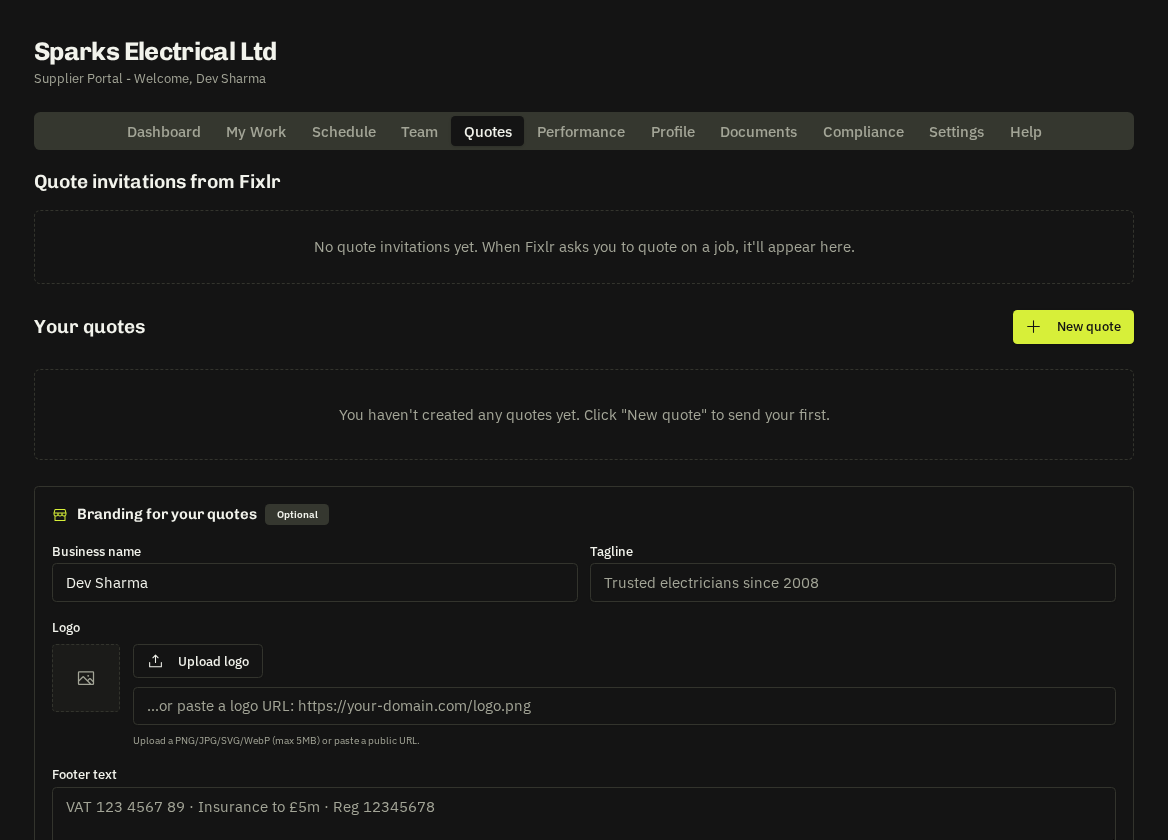
Steps
- Title, the client / contact (when quoting for an invitation the contracting company is your client), the property address and site contact if known.
- Line items — Description, Qty and Unit £ per line; add as many as you need (labour, materials, plant, waste). Smart suggestions offer common lines for your trade.
- Your markup (%) — applied on top of your cost lines.
- Charge VAT if you're VAT-registered, Validity (days), Terms (e.g. 50 % deposit, balance on completion) and Notes.
The builder shows Your cost subtotal, Quoted subtotal and Total (inc VAT) live.
Important: Your markup is private. The contracting company and their client only ever see the final figures; your cost / markup split is never stored on their side or shown on any PDF.
Save, submit, revise
| Action | Effect |
|---|---|
| Save | Keeps a draft you can edit |
| Submit | Locks the quote and sends it — a submitted quote can't be edited |
| Duplicate | Makes a revised version from any quote |
| Branded document with your logo and terms | |
| Email this quote | Sends with To, CC, subject and message |
After submission
The contracting company can accept your quote in one tap, which creates the job and a works order using your quoted lines as the agreed price. You'll see it under My Work and on the Dashboard.
Tip: Save your common jobs as templates (Settings → Quote templates) so a boiler service or a consumer-unit swap is two clicks.
Related: Quote branding, templates & auto-chase · Responding to quote invitations