Help centre / Profile & Compliance
Your performance scorecard, SLA grade & awards
How your grade is calculated, how you compare to peers, and how to improve it.
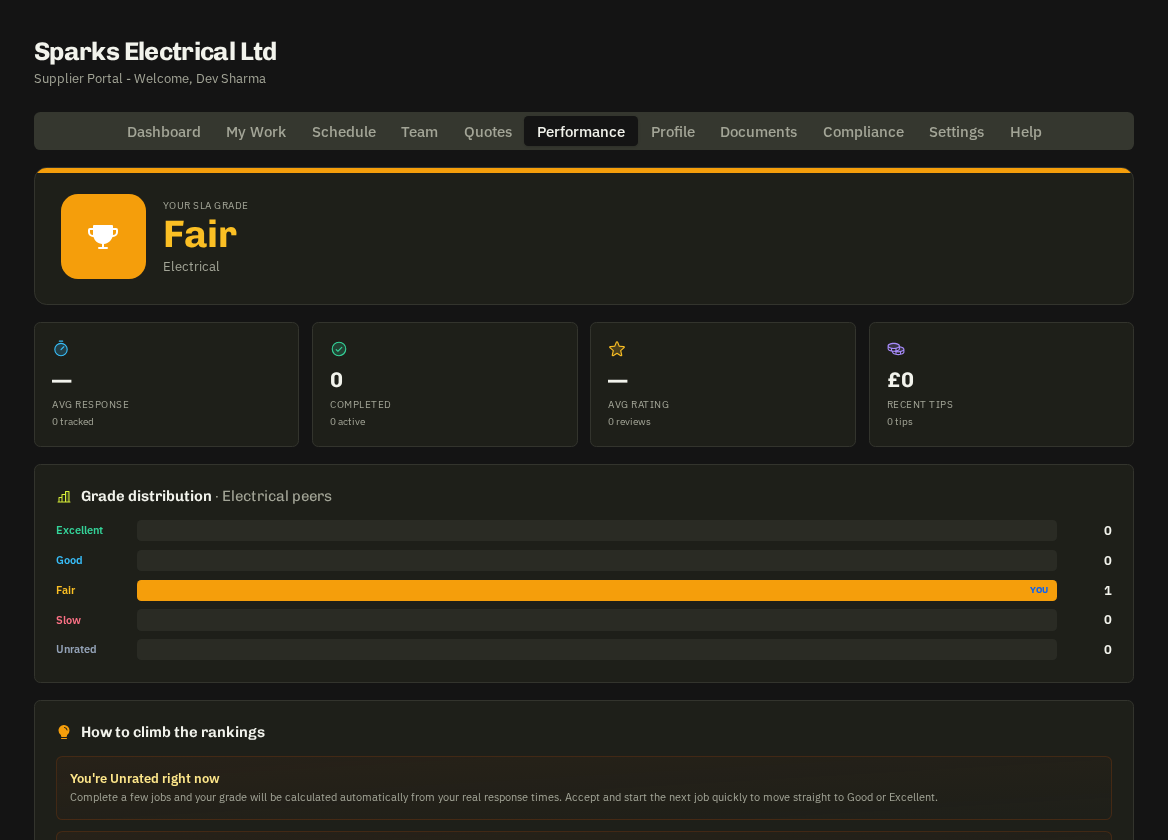
- Performance tab. — The hero card shows your SLA grade — Excellent, Good, Fair, Slow or Unrated — with your trade, rank and percentile among peers in the same trade.
- KPIs: average response time, completed vs active jobs, average client rating and tips received.
- Grade distribution: a bar chart of how many peers sit in each grade, with a YOU marker on your row.
How the grade is built
Speed of acknowledging works orders and starting tasks, on-time arrivals against the schedule, completion rate and client feedback. It's recalculated nightly.
Where it's used
Fixlr sees your grade when comparing quotes, when auto-suggesting suppliers for emergencies, and on their dispatch tools — a higher grade means more and better work.
- Improvement tips — on the tab are personalised to your weakest metric. The quick wins are always the same: respond to works orders the same day, press En Route and Arrived, complete with photos.
- Recent client ratings — and tips received are listed underneath. Best Supplier Awards badges are issued on the 1st of each month.
Related: On the day · Works orders