Help centre / Jobs & Works Orders
On the day: en route, arrived & completing with photos
The buttons to press on site and what the client sees.
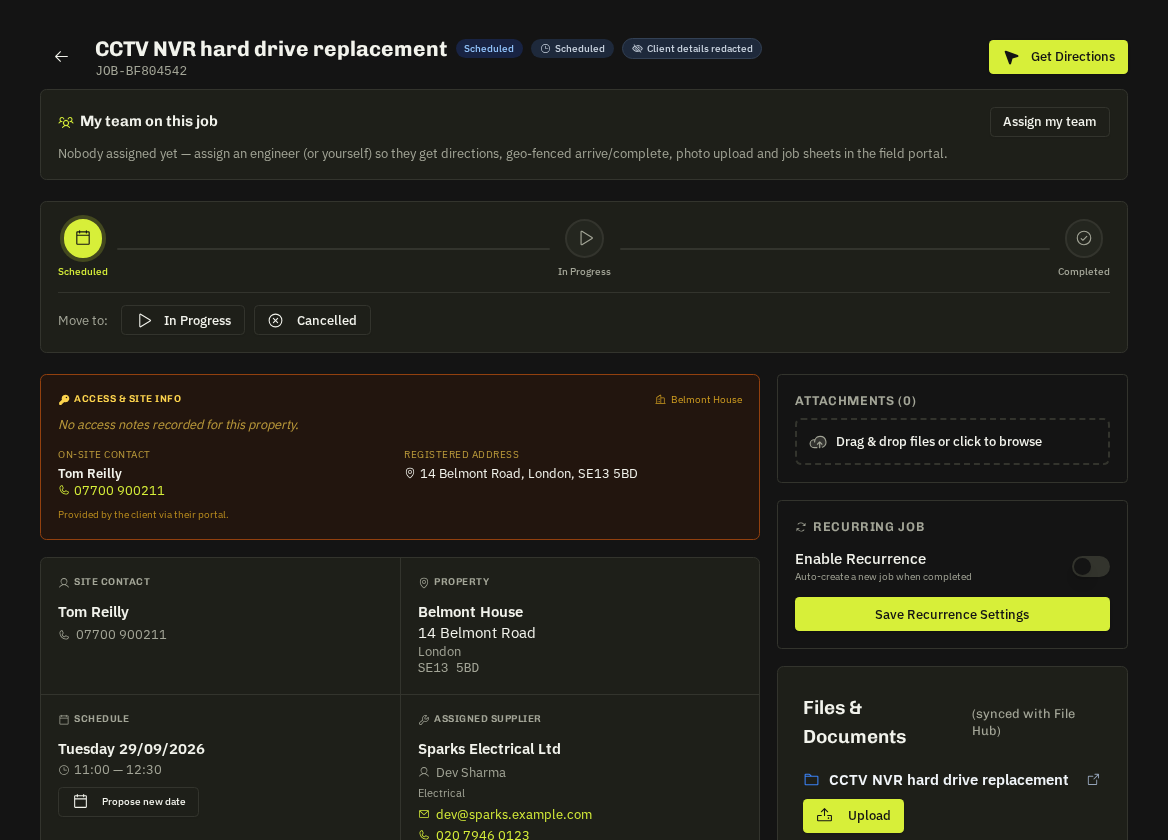
En route
On a task or job press En Route and enter your ETA in minutes (presets 10/20/30/45/60). Fixlr can share a live tracker link with the client showing 'On the way' with your ETA — so nobody is chasing you by phone.
Mark as Arrived
Press it when you reach the site. Your phone's location is recorded (best effort) and Fixlr sees your arrival time and travel time. On-time arrival feeds your SLA grade.
While working
Add progress notes and photos from the task or job page. Take before photos before you touch anything and after photos when finished — they protect you if there's a dispute.
Complete
Press Complete, add completion notes (what you did, materials, anything the client should know) and confirm. Fixlr is notified, the job moves to completed and — for tracked visits — the client is invited to rate the visit and may leave a tip, which is paid to you.
- Photos and notes — are the evidence Fixlr uses to sign the job off and invoice the client, so the more complete they are, the faster everything closes.
Related: My Work · Your performance scorecard