Help centre / Performance & Account
Notifications, mobile app & settings
Choosing how you're alerted, installing the portal on your phone, and the other Settings cards.
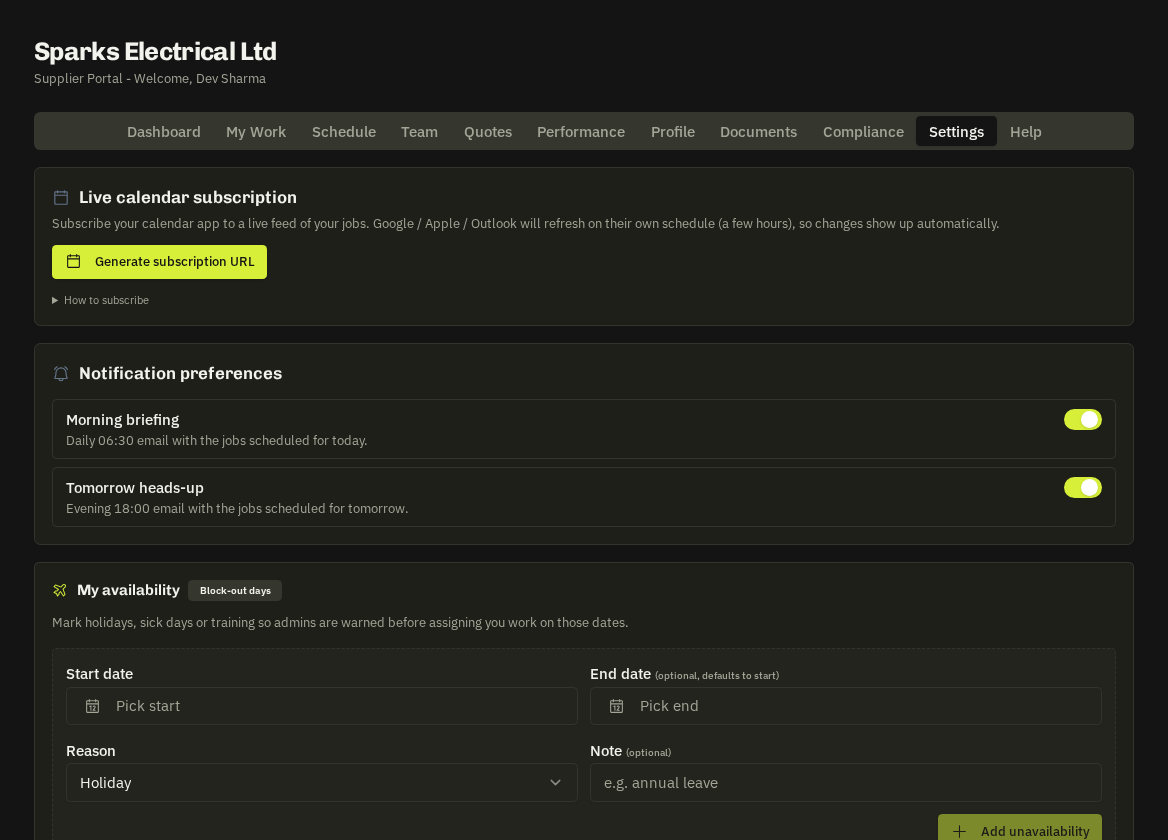
Notification preferences (Settings)
For each category — new works orders, quote invitations, assignments, schedule changes, document expiries, ratings — choose in-app, email or both. The bell in the header lists in-app notifications and each one opens the record it concerns.
Install the app
The Install app card (or your browser's 'Add to Home Screen') adds the portal to your phone as a full-screen app that stays signed in and can receive push notifications — allow them when prompted so urgent emergencies reach you even with the browser closed.
- Also in Settings: Live calendar subscription, My availability, and Replay walkthrough for the 5-step tour.
Offline
If you lose signal on site, Arrived / En Route / Complete actions are saved on your phone and sent automatically when you're back online — watch for the small sync indicator.
Related: Schedule tab & calendar subscription · Availability & block-out days