Help centre / Jobs & Works Orders
My Work: jobs, emergencies, projects & tasks
What's listed, what a job page shows you, and what is deliberately hidden.
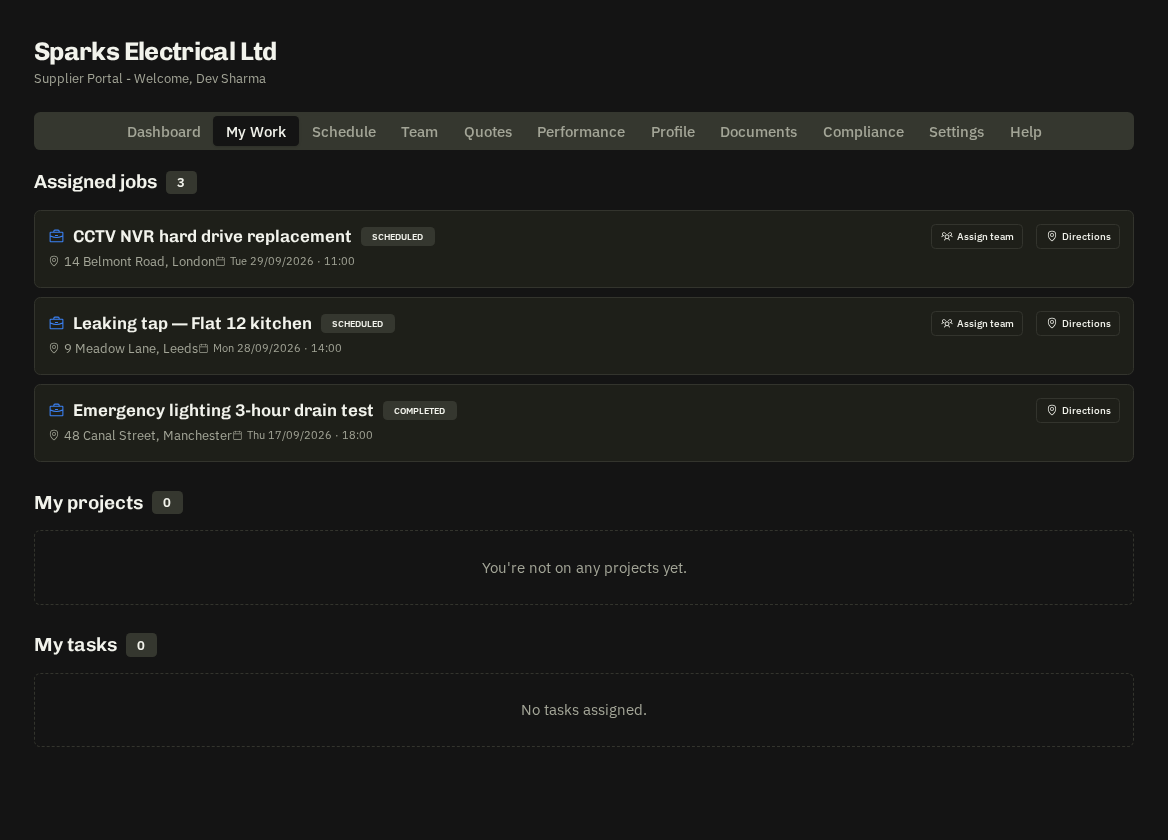
My Work lists everything assigned to you: Assigned jobs, Emergency jobs (with their response tier), My projects and My tasks.
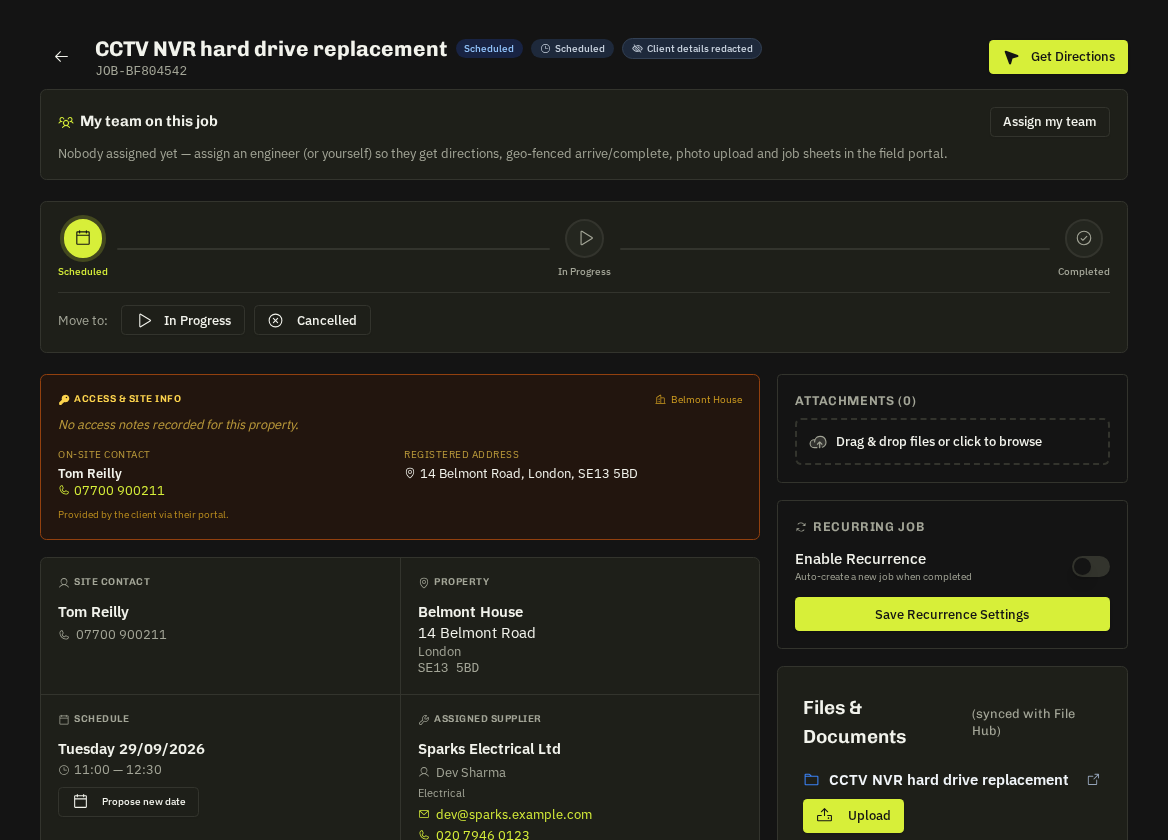
A job page
| Section | Contents |
|---|---|
| Header | Reference, status, category, priority |
| Property | Address with a what3words link and Get Directions |
| Site contact | Name, tap-to-call phone, email |
| Schedule | Date and arrive / finish window |
| Instructions & attachments | The scope and any drawings or photos |
| Access & Site Info (amber) | Alarm codes, key-safe, parking — whenever the client has registered them |
| Actions | Acknowledge, Arrive, Complete with photos and notes |
What you won't see
The client's company details and any client-facing prices. The Client details redacted badge is normal — the property and site contact are all you need on the day.
Emergency jobs
Carry a visible response clock — Critical 4h, Urgent 8h, Moderate 12h, Minor 24h — treat them as the top of your list.
Your operatives
Invite your own engineers from Team. They see only the jobs you assign to them and can arrive / complete on your behalf; you stay the account holder.
Related: Works orders · On the day · What you can and can't see