Help centre / Getting Started
Getting access: invites, welcome pack & fresh links
Completing your portal invite, recovering an expired link, passwords and lockouts.
Your invite
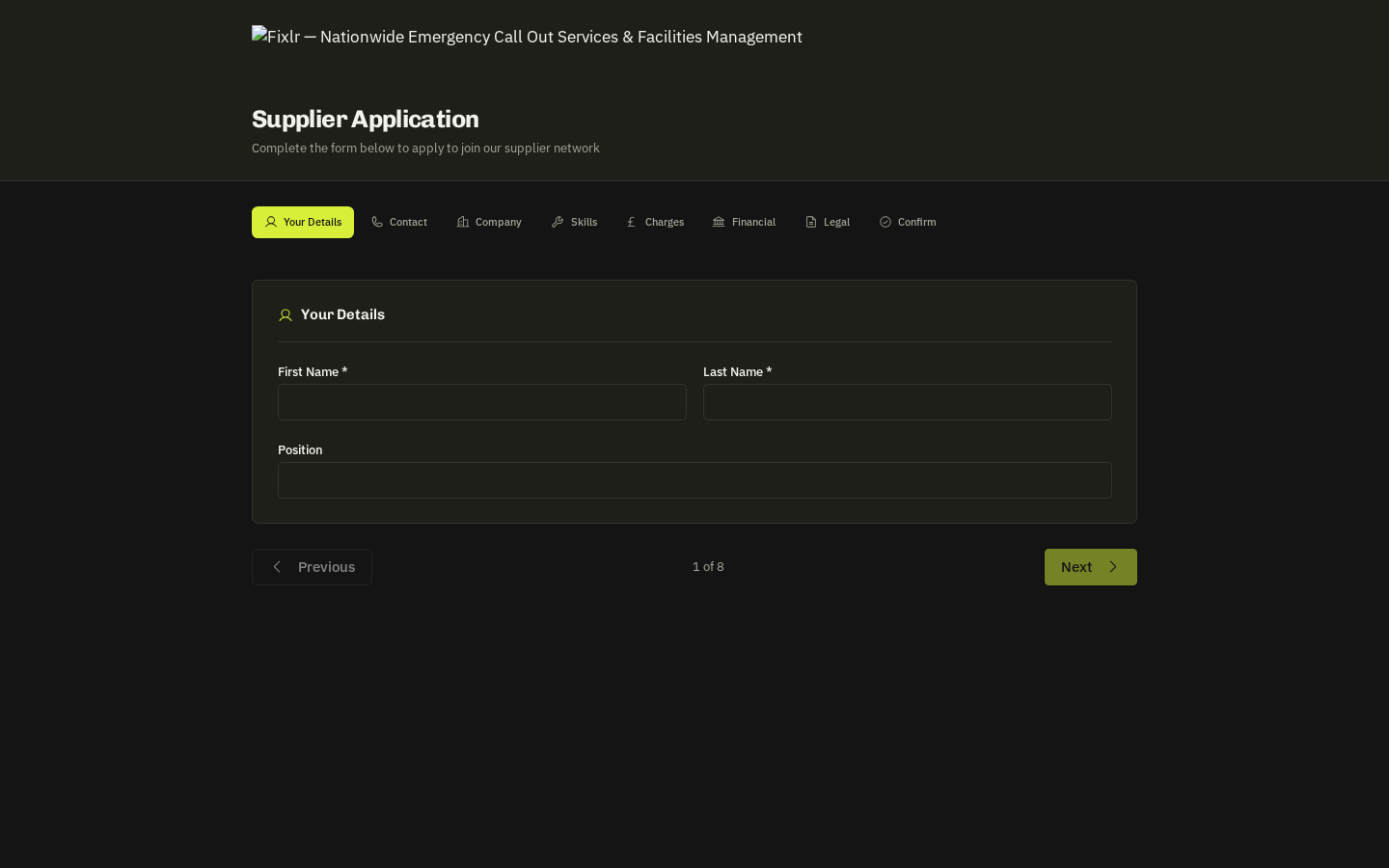
Fixlr sends a welcome pack email with a set-up link valid for 14 days. Open it, choose a password and you're in. If you already had an account the same link lets you set a new password.
- Link expired or already used? — On the set-up page press Email me a new link, or enter your email address in 'Recover with your email' — a fresh 14-day link arrives in minutes, with no need to call Fixlr. Older links keep working until their own expiry, so any recent email will do.
- Forgotten password: use Forgot password? on the sign-in screen.
- Locked out (too many attempts): after 5 failed attempts sign-in pauses for 15 minutes and then clears itself.
Profile refresh requests
From time to time Fixlr may email you a personal 30-day link to re-confirm your details and upload current documents. It opens a form pre-filled with what they hold — correct anything, add documents and submit; Fixlr merges the changes into your profile.
Related: Your company profile · Compliance documents