Help centre / Settings & Admin
Settings overview
A map of every Settings tab group.
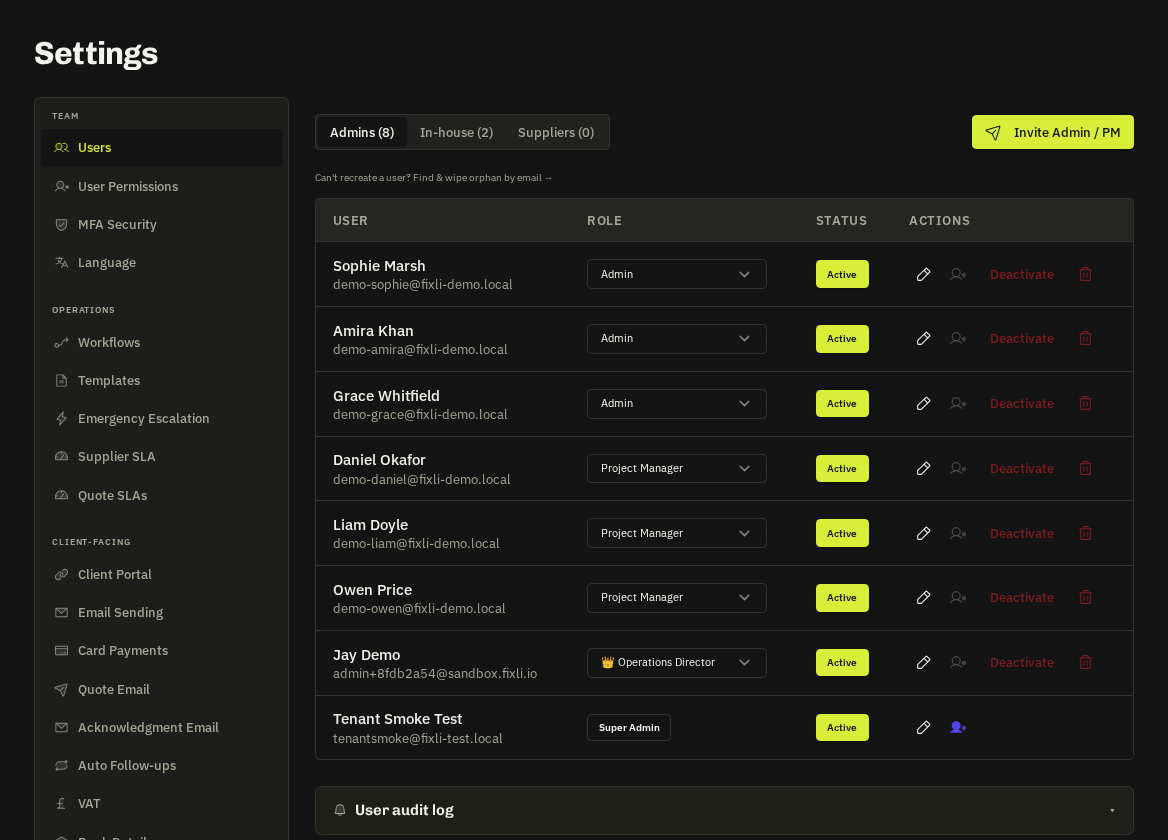
The gear icon opens Settings. Tabs are grouped; tabs you're not permitted to see are hidden, and add-on tabs not in your plan show a lock that links to Billing.
| Group | Tabs | What lives there |
|---|---|---|
| Company | Branding, VAT & invoicing, Language & timezone, Bank details | Logo, colours, VAT number, invoice numbering and due days, currency |
| Team | Users, Permissions, In-House Team, MFA | Invites, seats, permission roles, two-factor policy |
| Operations | Quote SLAs, Quote follow-ups, SLA watch, Escalation, Job forms, Checklists, Markup | How fast you promise to quote, auto-chase, who is escalated to, what operatives must fill in |
| Communications | Templates, Quote email, Acknowledgement email, Notifications, Digest, Email sending, Text messages | Every outbound message, when reminders go, whether email goes via your own domain |
| Client portal | Portal | What clients can do and see by default |
| Integrations | Integrations, API keys, Webhooks, Card payments | Xero / QuickBooks / GoCardless / calendars / Zapier, public API, Slack / Teams, Stripe Connect |
| Insights | Cashflow snapshot, Pricing calculator | Forecasts and margin tools |
| Security & audit | Audit log | Who did what, exportable |
| Billing | Billing | Plan, seats, add-ons, invoices, payment method |
Where things are not
- Per-client branding and permissions → the client record.
- Supplier compliance rules → Suppliers → Compliance.
- Your own profile, password and theme → the avatar menu.
Related: Users & invites · User permissions (RBAC) · Company branding · Integrations & API keys