Help centre / Job Requests & Quotes
Select, send to client & award a quote
Marking the recommended quote, sending it for approval and awarding the winner.
Once quotes are in, three decisions turn a request into work: which quote you recommend, whether the client approves it, and which supplier gets the job.
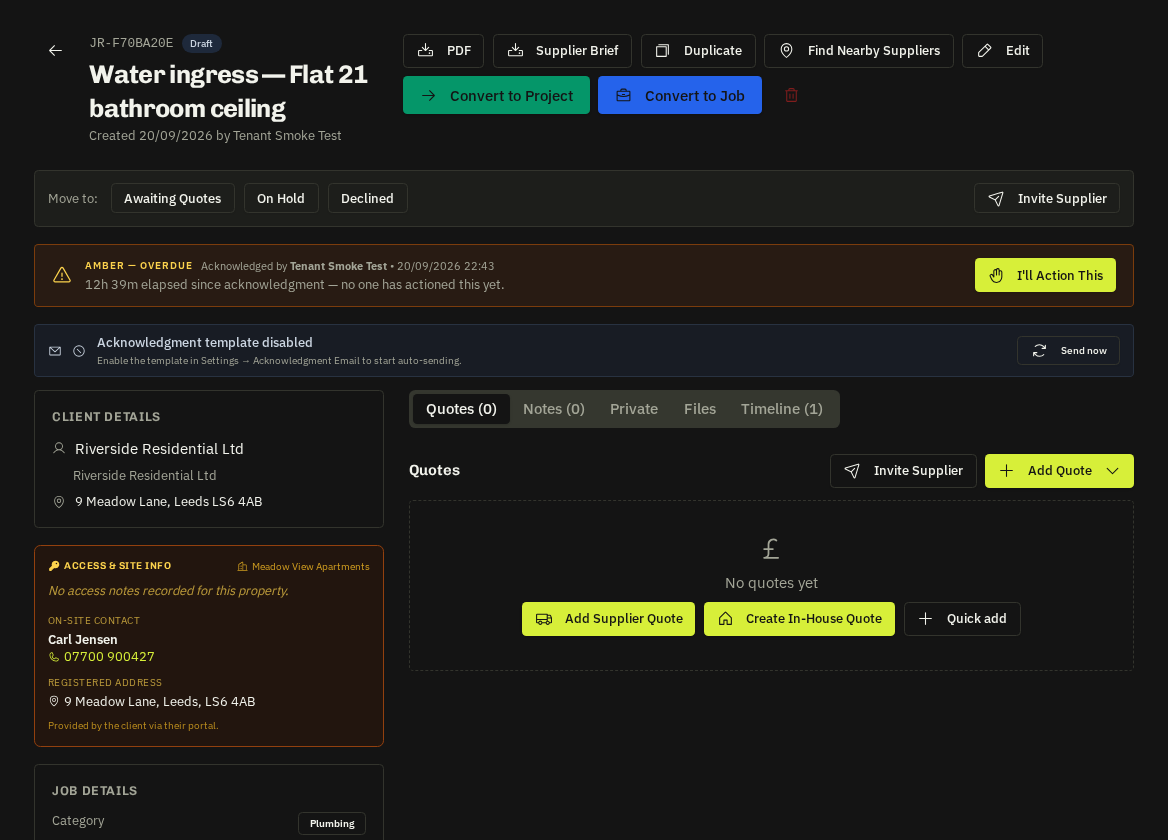
1. Select
Mark the quote you recommend as Selected. Your markup (from the markup template or a manual %) is applied on top of the supplier's cost to produce the client price. Only one quote can be selected at a time.
2. Send to client
- Portal clients get an in-app + email notification and approve or decline (with a note) from their portal. Only their Administrators can decide.
- Email-only clients receive a branded email with the quote PDF and a secure approve / decline link — no login needed.
- The request moves to Sent to client and the SLA beacon for "quote sent" clears.
3. Approval
On approval the request becomes Approved; the timeline shows who approved, when and any note (often a PO number). A decline records the reason so you can revise or close.
4. Award
Award the winning supplier — they are notified and the quote becomes the basis of the works order at conversion. Losing suppliers can receive an automatic polite rejection email (Settings → Auto-rejection).
Tip: You can approve on the client's behalf if they confirmed by phone — note who said yes in the approval note so the audit trail is complete.
Related: Auto-rejection emails · Convert a request to a job · Markup templates