Help centre / Clients, Properties & Client Portal
Properties hub: drill down, search & quick add
Every property across every client and sub-client in one place.
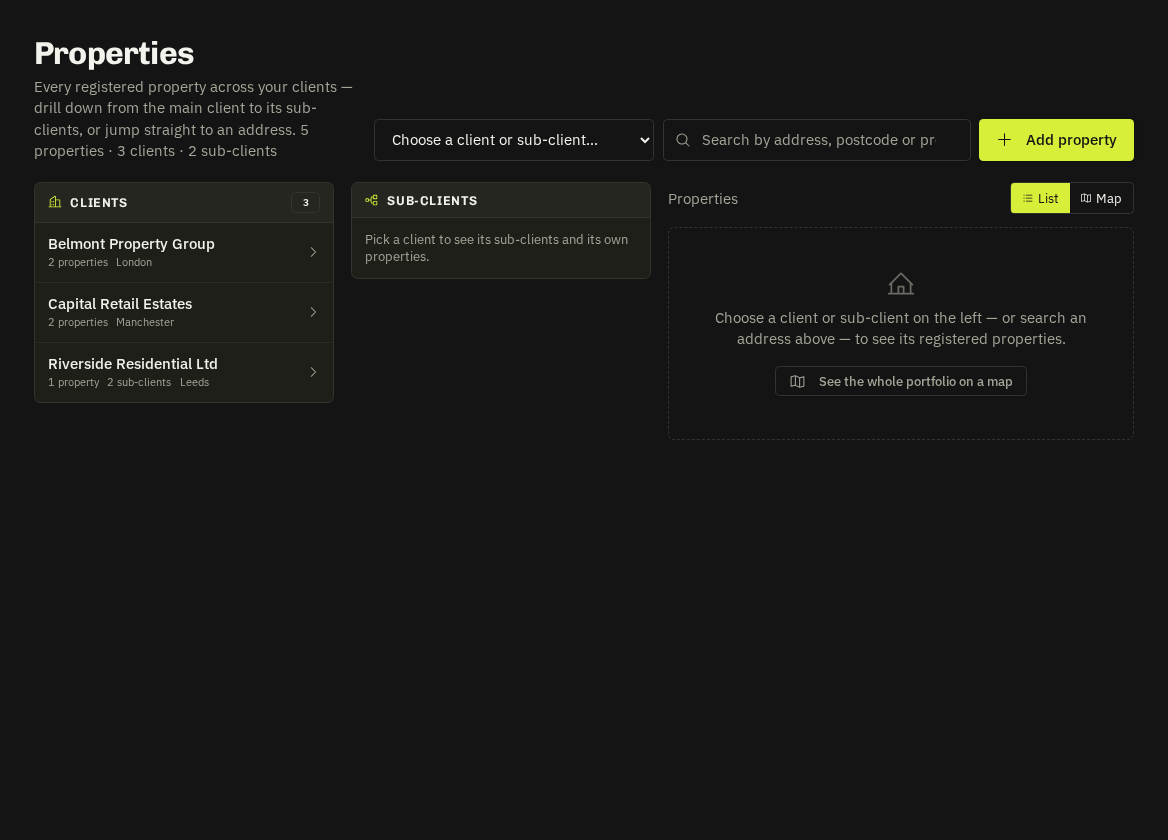
Clients → Properties is a portfolio view: main client → sub-client → properties in three columns, with a header dropdown to jump to any account and an address search box.
Finding a property
- Pick a client (or ↳ sub-client) in the header dropdown, or click through the columns. The breadcrumb and Open client record keep you oriented.
- Type two or more characters of a name, address line, town, county, postcode (
se135abworks) or site contact. Results show the client and parent; Show jumps into the tree, History opens the property's job history inline.
Add a property from here
Add property in the header opens the usual property form with a Belongs to selector grouped by main client, so the office can add to any account without leaving the page. The hub jumps to that account afterwards.
The right-hand column is the same property panel you know from the client record — add, edit, merge duplicates, import and view history.
Tip:
/clients?kind=subfrom the Clients menu lists only sub-clients.
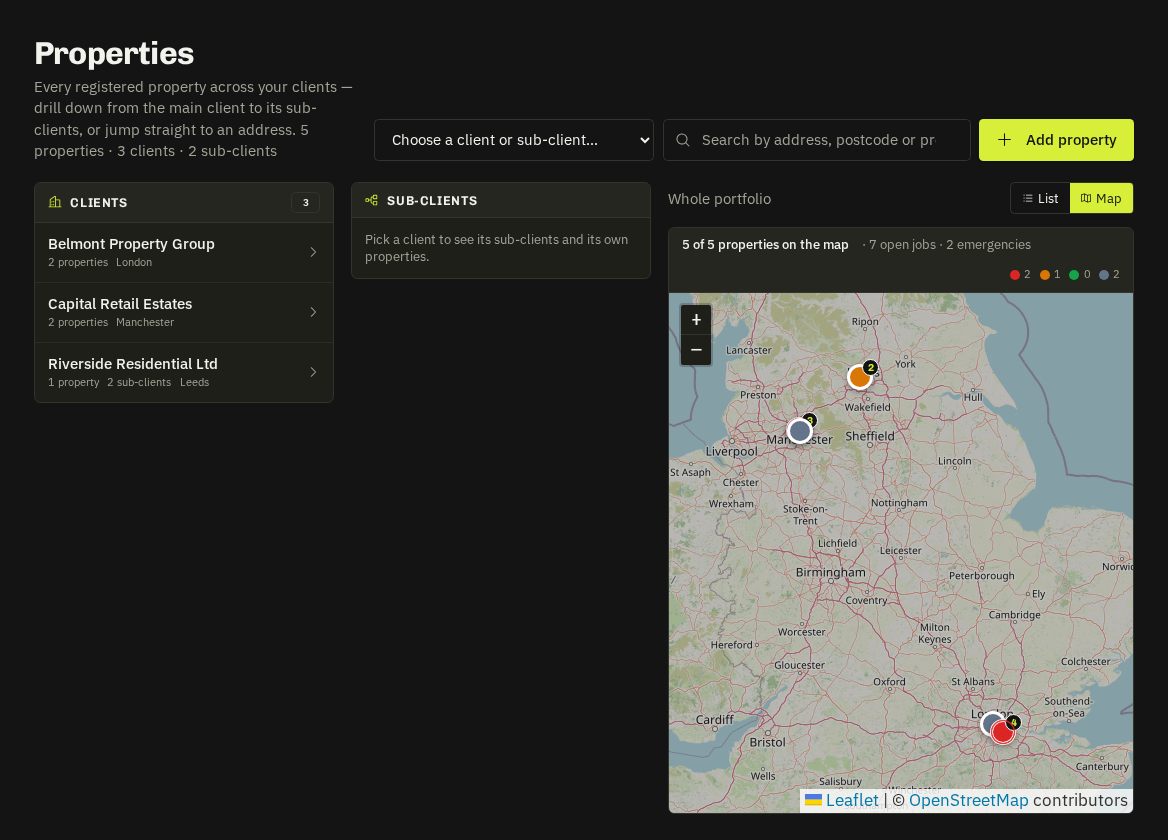
Related: Client properties · Move properties, map & nearest engineer