Help centre / Projects & Tasks
Projects overview
Multi-week work broken into tasks, with Gantt, Kanban, budgets and client visibility.
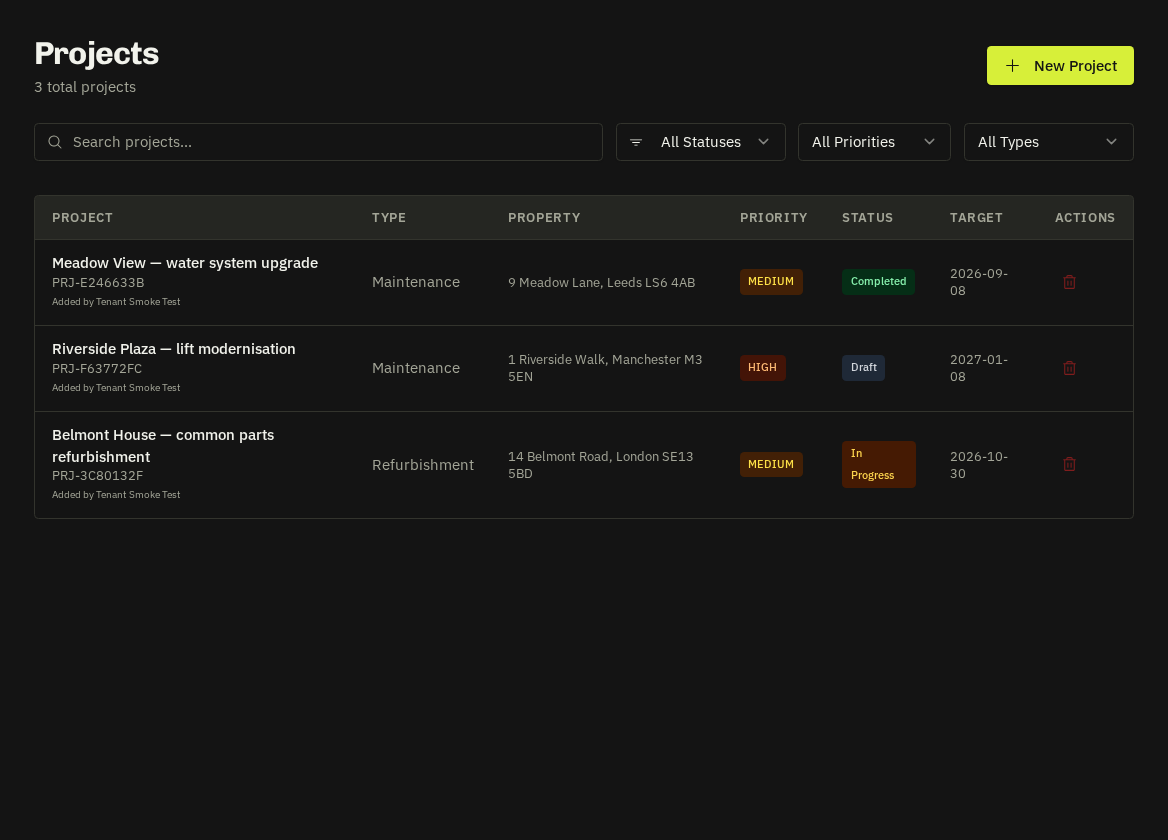
A project groups related tasks, quotes, works orders, files and invoices under one budget and timeline — refurbishments, compliance programmes, fit-outs.
The project page
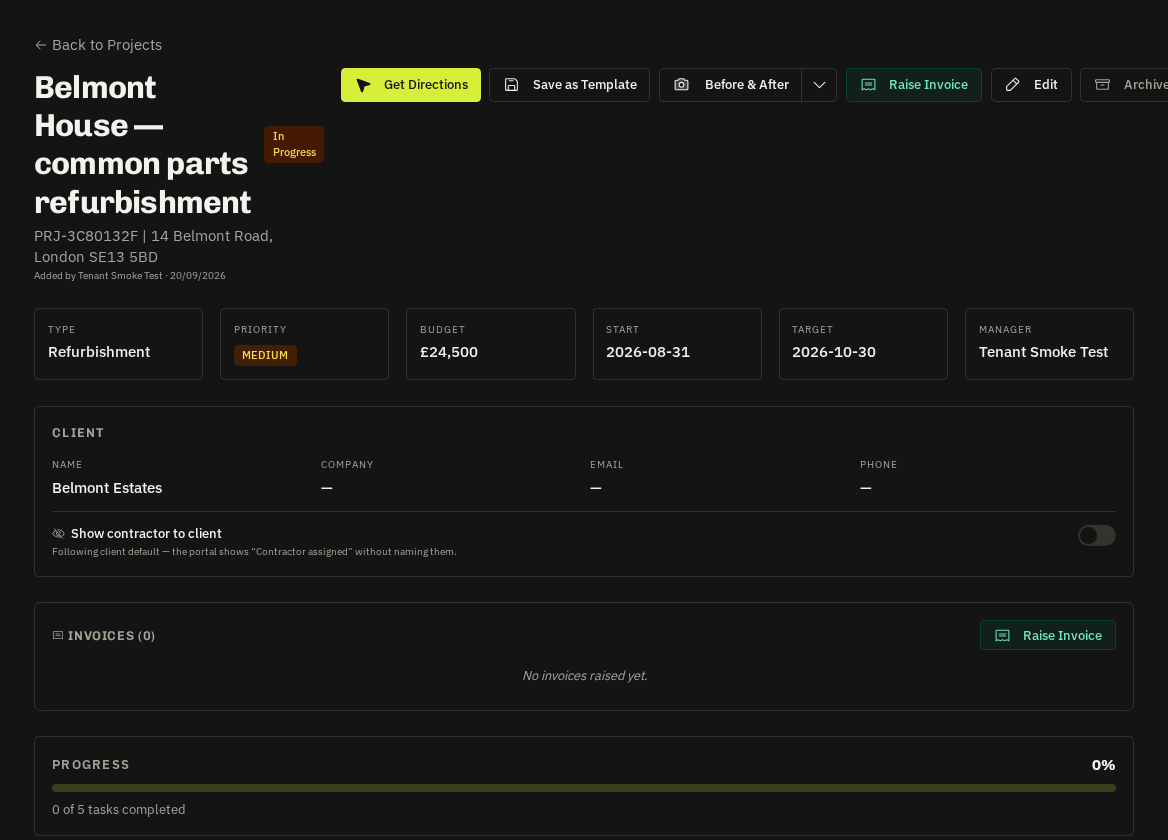
| Tab | What you do there |
|---|---|
| Overview | Budget vs spend, progress, milestones, client and property |
| Tasks | Kanban board — each task can be assigned to a supplier or operative, scheduled and tracked |
| Timeline | Gantt view with dependencies; drag to reschedule |
| Quotes & Works Orders | Supplier pricing and the works orders raised from it |
| Files | Drawings, specs, photos — shared with the client where marked |
| Invoices | Stage invoices raised against the project |
Multi-session tasks
A task can span several visits (e.g. first fix / second fix). Each session has its own date and assignee; the task completes when the last session does.
Client portal
Clients can propose projects from their portal; you review, quote and convert. They then follow milestones and progress, receive status and milestone alerts (with photos where shared) and see the invoice when raised.
Time tracking
The header timer logs time against a project or task; totals appear on the Overview and in Staff Performance.
Related: Create a project · Gantt timeline · Kanban board · Multi-session tasks