Help centre / Planning Your Day
Route Planner: plan your day & home location
Set your home, build an optimised route with ETAs, open it in Google Maps.
Menu → Route Planner.
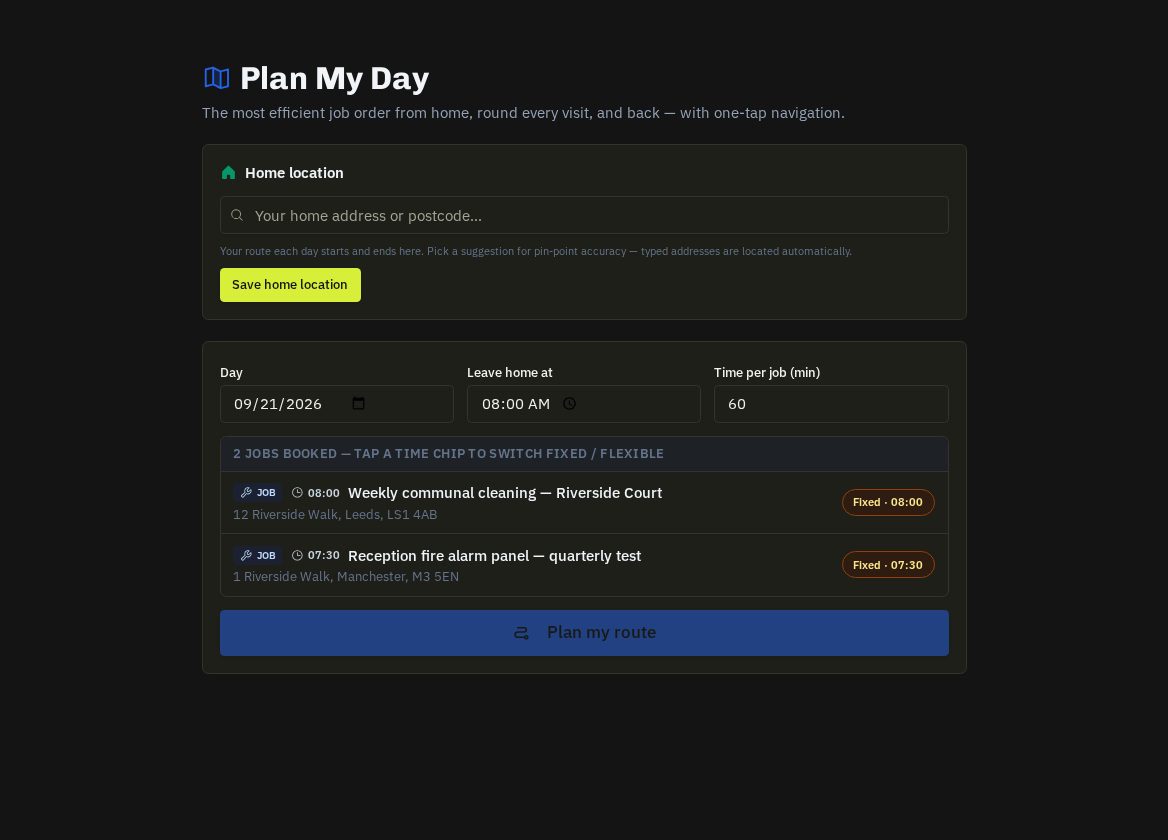
Home location (first time)
Press Edit on the Home location card, start typing your address and pick it from the list, then Save. Routes and mileage are measured from here; your manager can also set it for you.
Plan a route
Choose the date, when you'll leave home, and the time per job in minutes, then press Plan route. You get an ordered list of stops with ETAs, per-leg miles and drive time, booked-time chips, late warnings where an ETA is after the booked window, skipped jobs that couldn't be routed (no address/coordinates — tell the office) and total mileage.
- Navigate: Open in Google Maps loads the whole route with every stop.
Where else you'll see it
The same route is embedded in your 06:30 briefing email and is what the office sees on the Dispatch Board. Planned mileage is logged against the day for your mileage claim.
Related: Your schedule & calendar feed · How your hours & mileage are recorded