Help centre / Getting Started
Your welcome email, passwords & lockouts
Setting up your login, resetting a password and what a lockout means.
Welcome email
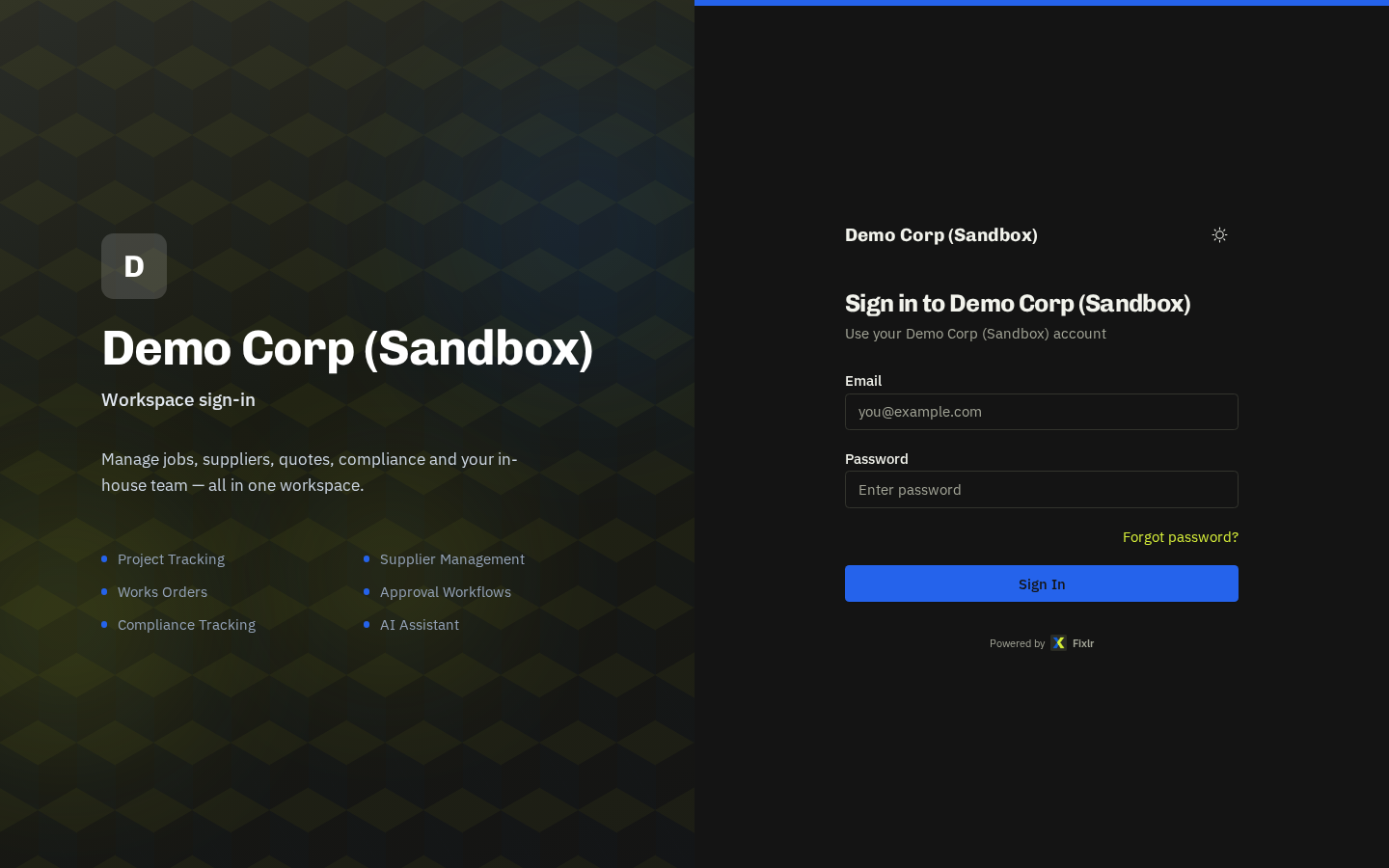
Your manager adds you to the team and you receive a welcome email with a set-password link. Choose a password and sign in — you land on My Work.
- Link expired? — Ask your manager to press Resend welcome on your team record; a fresh link arrives in a minute.
- Forgotten password: use Forgot password? on the sign-in screen. Signed in already? Use Change password from the header menu.
- Locked out (too many attempts): after 5 failed attempts sign-in pauses for 15 minutes and then clears itself — nobody needs to unlock you.
Related: Welcome to My Work