Help centre / Dashboard & Alerts
Notifications & the bell
What generates a notification, where it links, and how to control the noise.
The bell in the header lists in-app notifications. Every notification deep-links to the record it concerns — a job, request, quote, contract, invoice or staff-monitoring page.
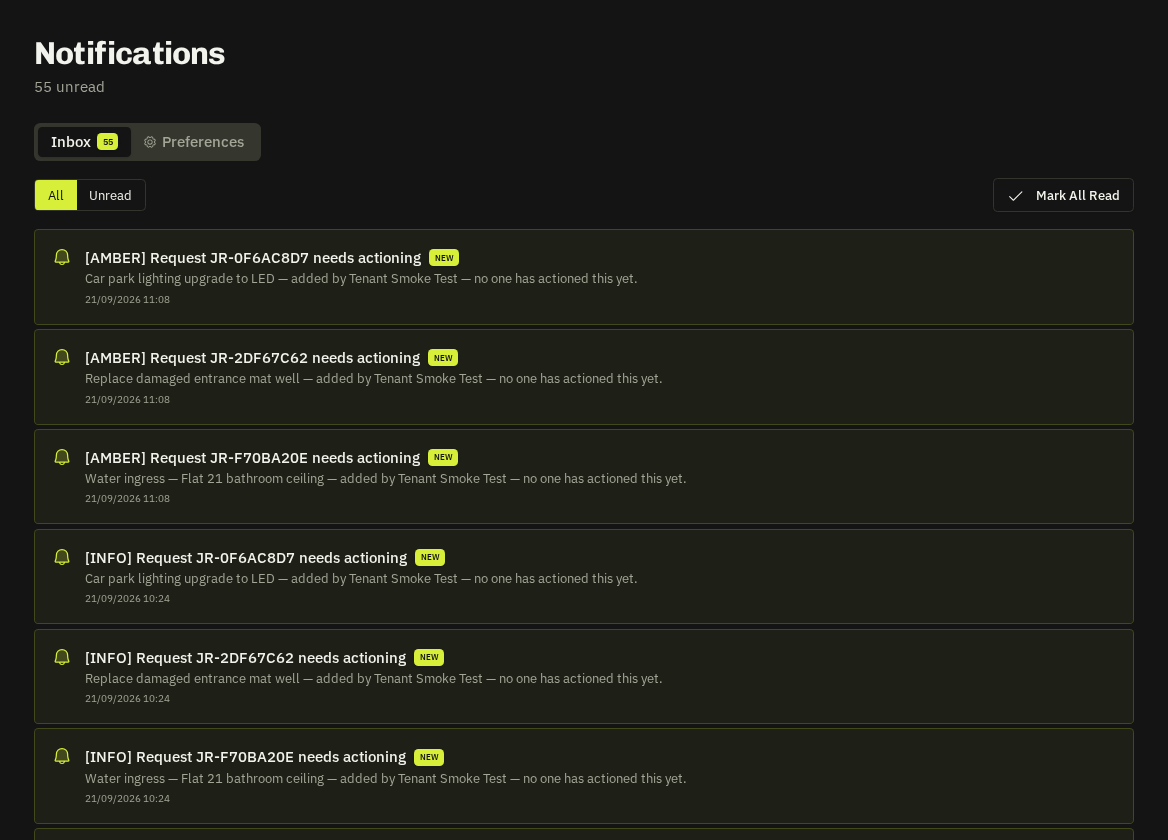
Typical admin notifications
New request or emergency from a client, quote submitted by a supplier, supplier accepted/declined a works order, client approved or declined a quote, client booked/moved/cancelled a contract visit (with SHORT NOTICE where under 3 days), client rated a visit (low ratings also email you), invoice marked paid by a client, @mentions in notes, quote SLA breaches, supplier profile-change digests, low-activity alerts (Operations Directors), compliance expiries.
Controls
Settings → Notifications lets you choose email vs in-app per category and set quiet hours. Push notifications require the installed app or browser permission.
Related: Notification preferences · Dark mode, mobile & installing the app