Help centre / Marketplace
Quote requests, direct job offers, messages & reviews
Ask for a quote or offer a job at an agreed price, chat in a thread and rate the work afterwards.
From a contractor's page:
Request a quote
Describe the work, add photos, a needed-by date, the site and a priority; link an existing job if you like. The contractor quotes in the thread; Accept raises a Works Order to them automatically and adds them to your Suppliers list (marked from the Marketplace) the first time.
Offer a job directly
Already agreed a price? Offer job creates the Works Order immediately with status sent until the contractor accepts. Decline or withdraw cancels it.
Urgent work
High or urgent priority also sends the contractor a text message or WhatsApp ping (when they've opted in) — the toast tells you whether it went.
Messages
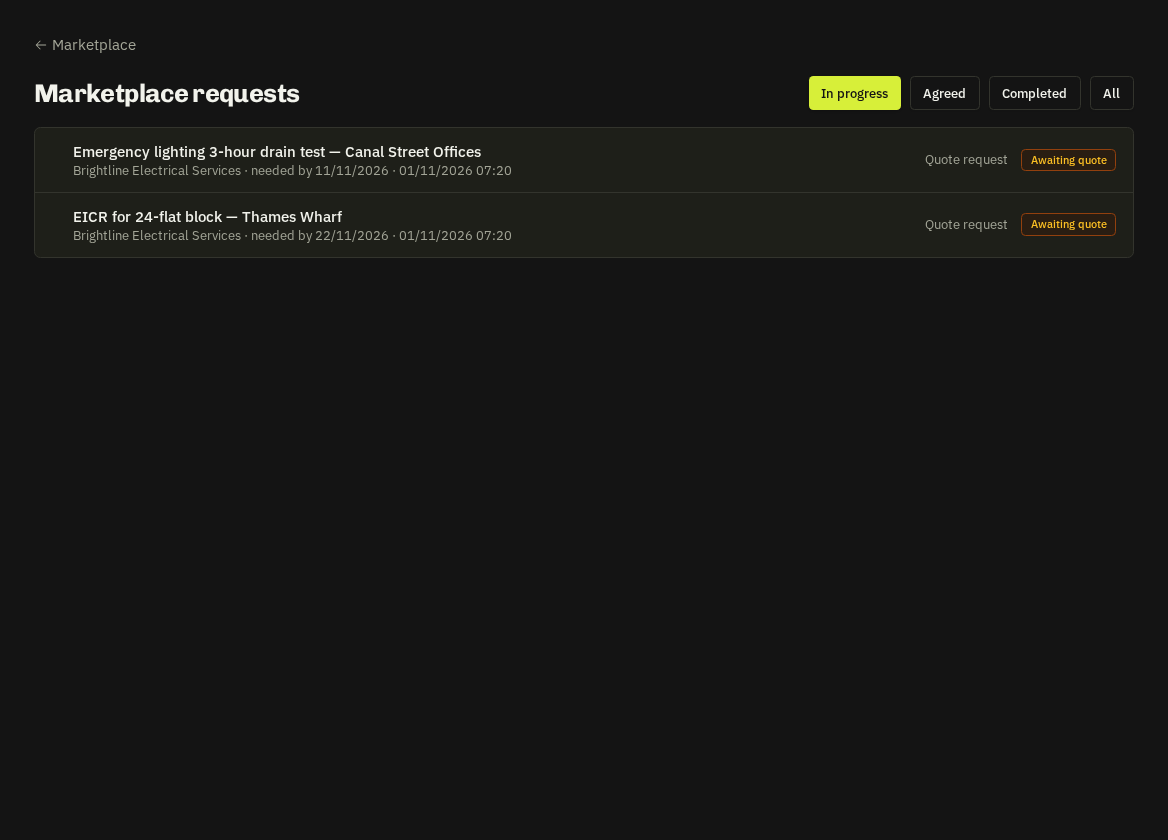
Every request has its own thread with unread counts for both sides. My Requests lists everything you've sent with status: open → quoted → offered → accepted → completed.
Reviews
When a job is completed you'll be nudged after three days (in-app + office e-mail) to leave a star rating and review; contractors can also ask for a review once. Reviews feed the public rating on their listing.
Warning: Spotted a problem with a listing? Report it with a reason — the Fixlr team reviews every report, and three reports from different companies hide a listing automatically.
Related: Browse & compare · Works orders