Help centre / Jobs, Emergencies & Works Orders
Job forms, checklists & completion evidence
Attaching forms and checklists to jobs and reviewing what operatives/suppliers submit.
- Checklists — (Settings → Checklists) are step lists resolved per job category or chosen explicitly. Operatives tick them off on site; an incomplete checklist warns before completion.
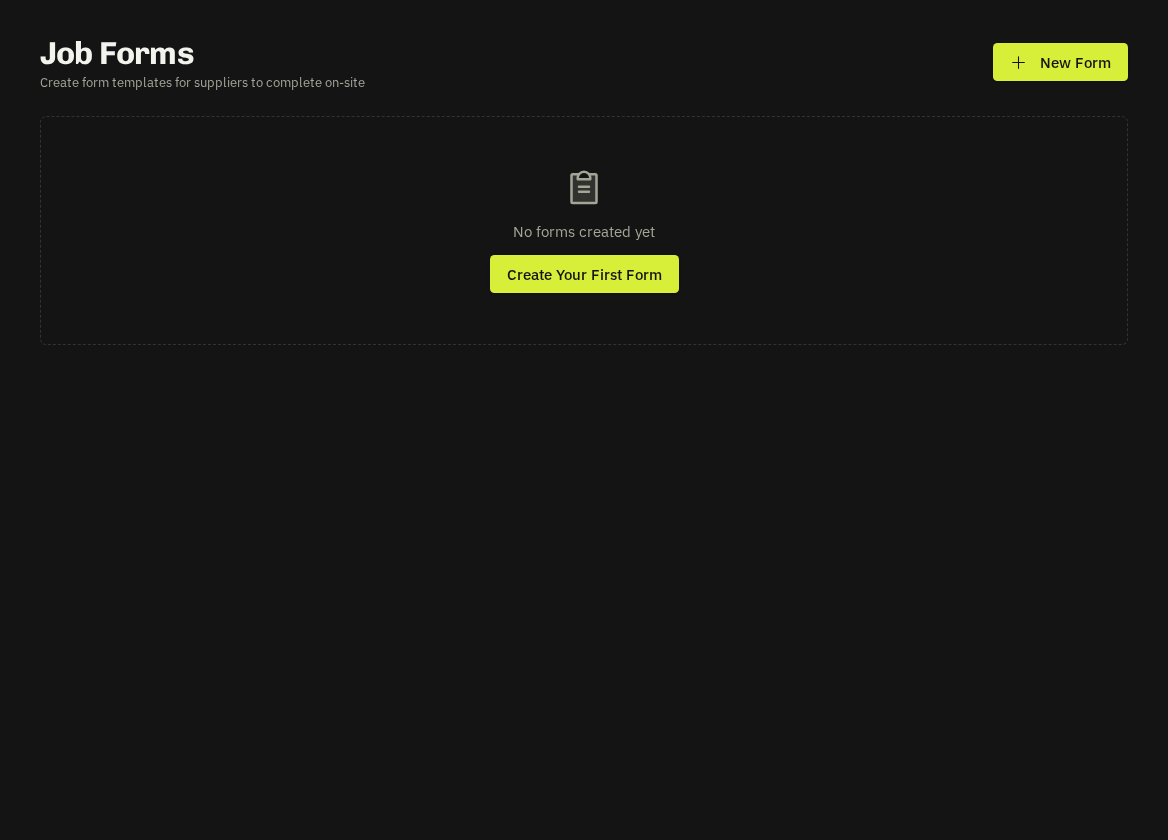
- Job forms — (Settings → Job Forms) are custom forms — risk assessments, gas safety, EICR summaries — attached to jobs. Submissions are viewable and downloadable as PDF from the job and shared with portal clients as completion documents.
- Photos: before/after photos are prompted on completion. Use the Share/Hide toggle on a photo to control what the client portal shows.
Related: Job status workflow · Files hub overview