Help centre / Health & Safety Hub
RAMS, risk assessments & permits to work
Build a RAMS in ten sections with AI, issue it to the engineer, and block arrival until it's signed.
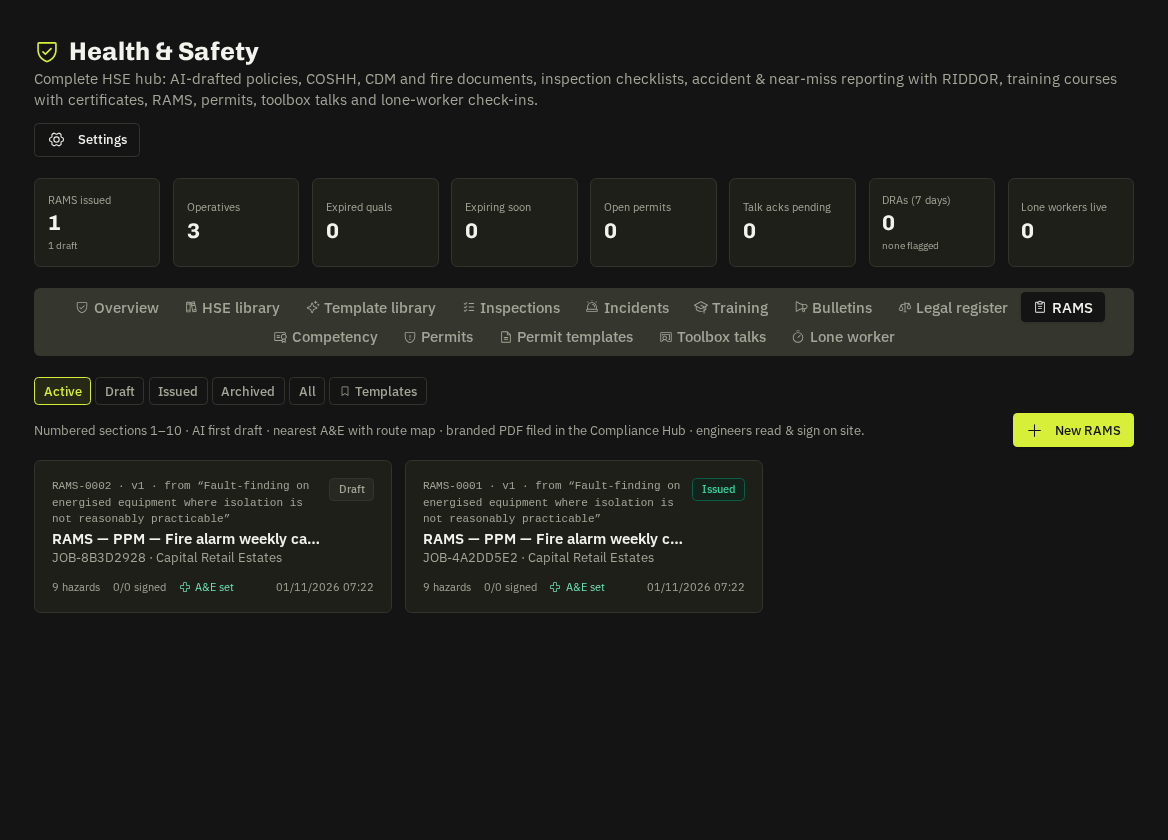
RAMS builder
Create RAMS from the header of any request, job or emergency (or from the RAMS tab). Sections 1–10 cover scope, people, hazards, method, PPE, emergency arrangements (nearest A&E with phone, distance, drive time and route map, opening-hours flag, nearest minor-injuries fallback), sign-off. AI first draft fills the sections from the job; trade templates (and the Template Library) give you a head start. Issuing produces a branded PDF filed in the Compliance Hub and on the client's portal job page.
Read & sign on site
The named engineer reads and signs on the phone. Arrival gate: an unsigned issued RAMS naming the operative blocks Arrive and Complete; jobs flagged high-risk can't be arrived at all until a RAMS naming the engineer is issued and signed. RAMS drafted on a request move to the job on conversion.
Review reminders
In-app reminders 7 days before review and daily when overdue, plus one daily e-mail digest to admins.
Risk assessments
Stand-alone risk assessments (Risk Assessments in the menu) live in the HSE document library with a L × S hazard table ("L3 × S5 = 15 (High)") and an actions table; approve, read & sign, share and PDF like any HSE document.
Permits to work
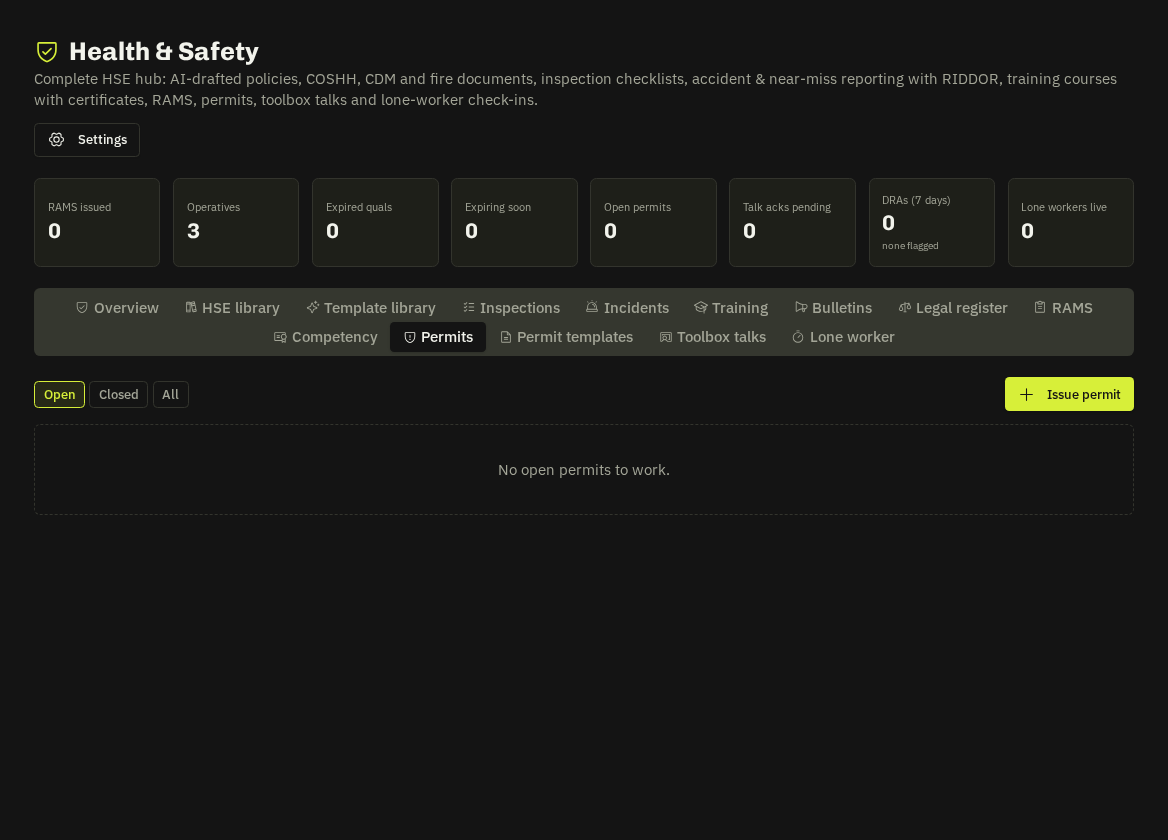
Permits to Work issues time-limited permits from permit templates (hot works, working at height, confined space, LV isolation, excavation, live gas…) with precautions, PPE and required qualifications; PDF for the site file.
Tip: The Lone Worker tab tracks check-ins for people working alone.
Related: HSE documents · Template library · PDF branding presets