Help centre / Health & Safety Hub
Inspections & checklists on the phone
Build checklists with AI, inspect item by item, turn failures into actions and jobs, and score sites.
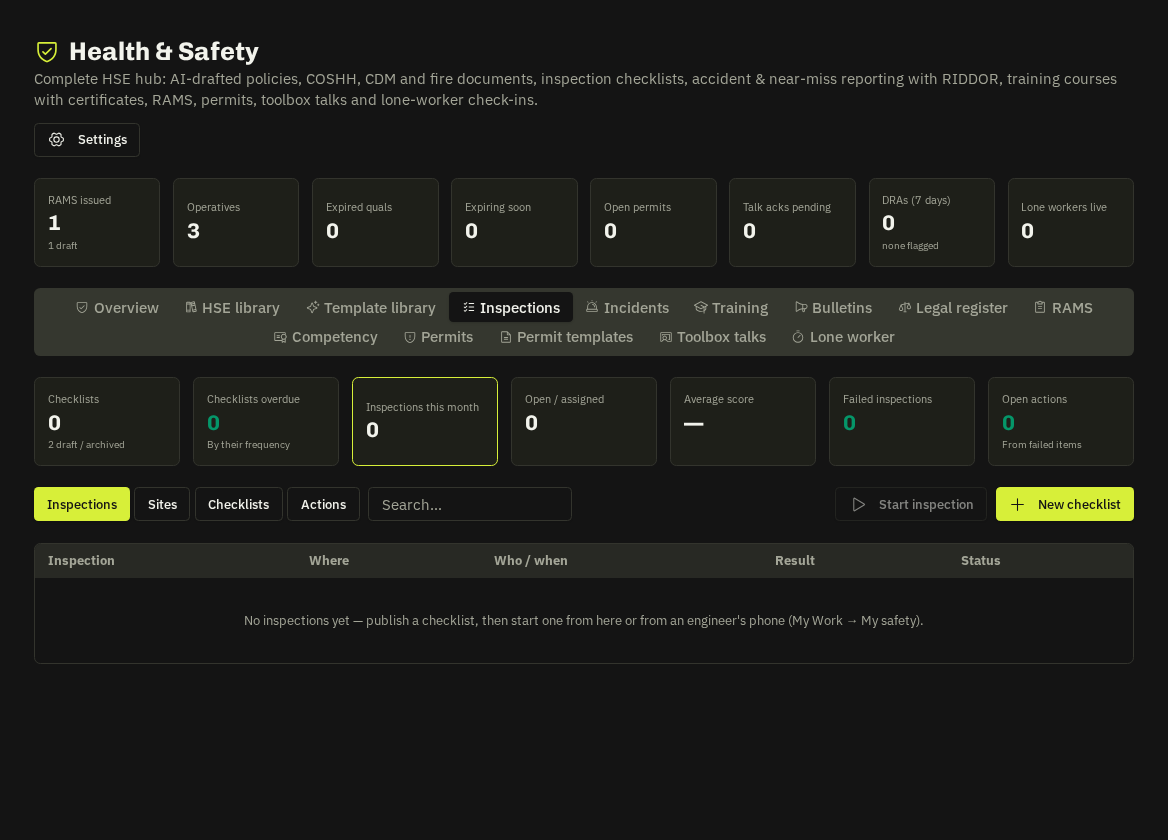
Checklists
Inspections → Checklists: AI-built templates (weekly site, scaffold, ladder, harness, MEWP, vehicle, fire weekly, welfare… or your own) with sections, items, guidance and critical flags, a frequency and publish/unpublish. Assign an inspection to a person with a due date.
Doing an inspection
The engineer works through the items — pass / fail / n.a. — a fail needs a photo. The result is a score and outcome, a branded report PDF filed in File Hub → Health & Safety → Inspections, and tracked actions for every failed item (critical = High priority, due next day). One tap turns an action into a job.
Sites view
Inspections → Sites scores every site: average, pass rate, trend (last three visits against the three before) and a per-site report PDF.
Overdue nudges
When a checklist is overdue by its frequency, admins get the daily 08:00 nudge (in-app + e-mail). Send nudge now and a preview sit on the Checklists tab.
Sharing with clients
Tick Share with client on an inspection at that client's site: the PDF is copied into their portal (Health & safety → Inspections) and e-mailed to their portal users; untick to withdraw.
Related: Legal register & client safety · Incidents & RIDDOR