Help centre / HR & People
Recruitment: vacancies, candidates & hiring
Track applicants through to a hire that creates the HR record and onboarding checklist.
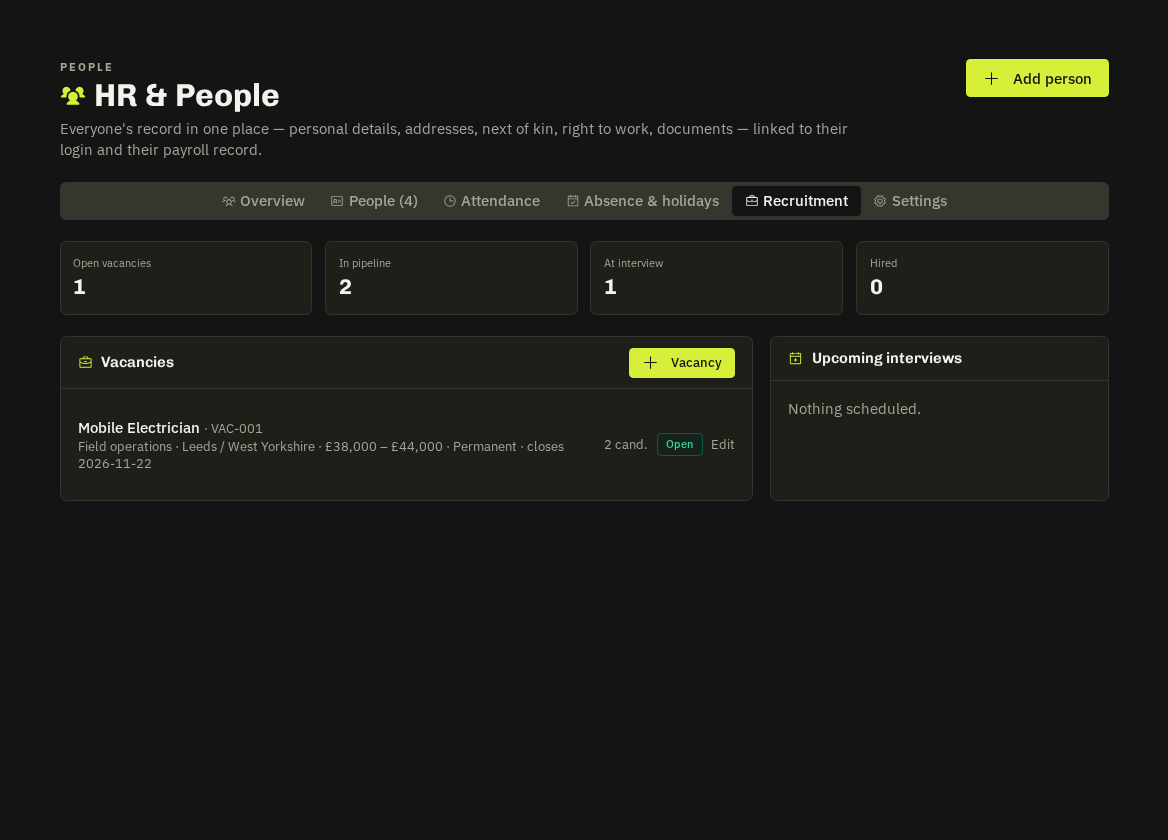
HR → Recruitment: create a vacancy (title, department, location, salary range, closing date), then add candidates against it — contact details, CV upload, source and notes.
Pipeline
Move candidates through new → screening → interview → offer → hired / rejected. Book interviews with date, interviewer and format; outcomes and notes stay on the candidate.
Hire
Hire turns the candidate into an HR record in Onboarding with the onboarding checklist attached and the vacancy closes automatically when filled. Add the payroll link and a login from the record afterwards.
Related: HR & People overview · Onboarding & reviews