Help centre / HR & People
HR & People: the hub, roles and employee records
Who can see HR, what an employee record holds and how it links to payroll and logins.
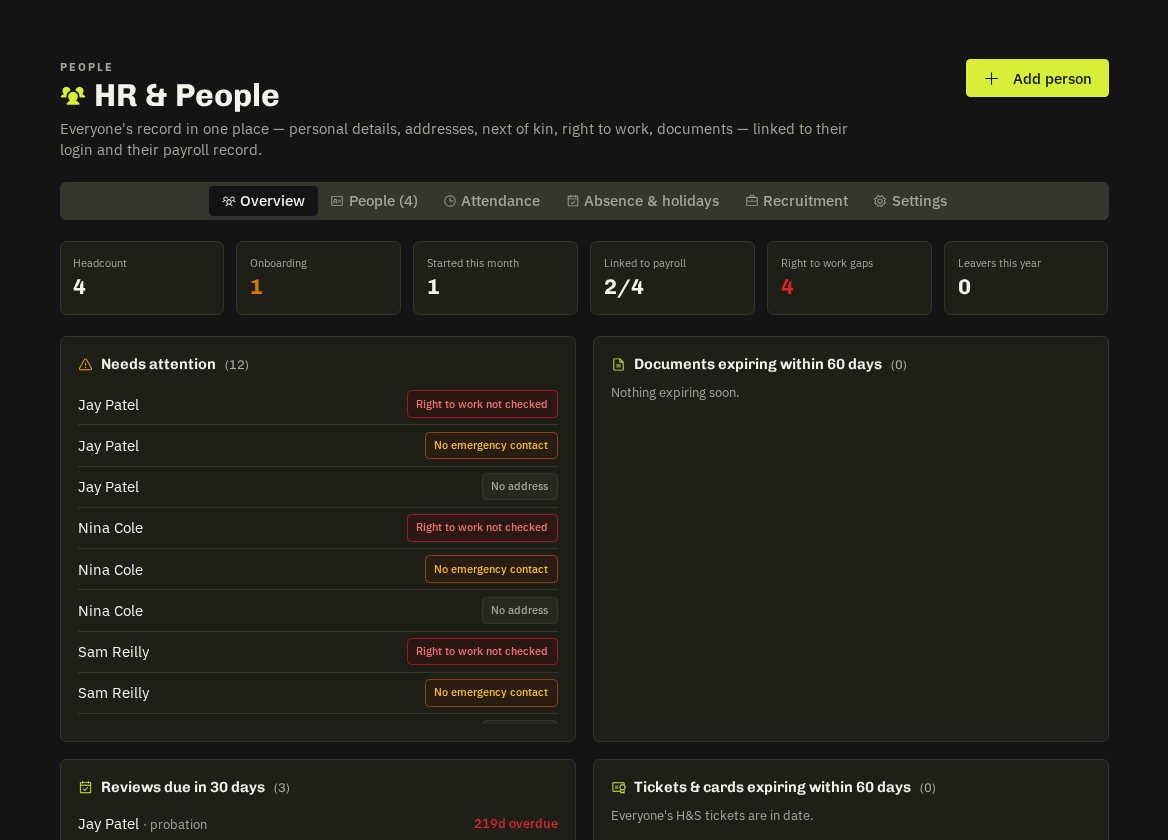
HR & People (an add-on with Payroll) holds records, documents, onboarding, attendance, absence and recruitment for everyone who works for you — office, engineers and anyone who never logs in.
Who sees it
Super admins, the HR Manager role (Settings → Users), and admins or project managers flagged as Operations Director. Everyone else sees only their own My HR page. Line managers additionally see their reports' leave, reviews and a team card.
Tabs
Overview (headcount, starters & leavers, reviews due in 30 days, tickets expiring, sickness patterns) · People · Attendance · Absence & Holidays · Recruitment · Settings.
An employee record
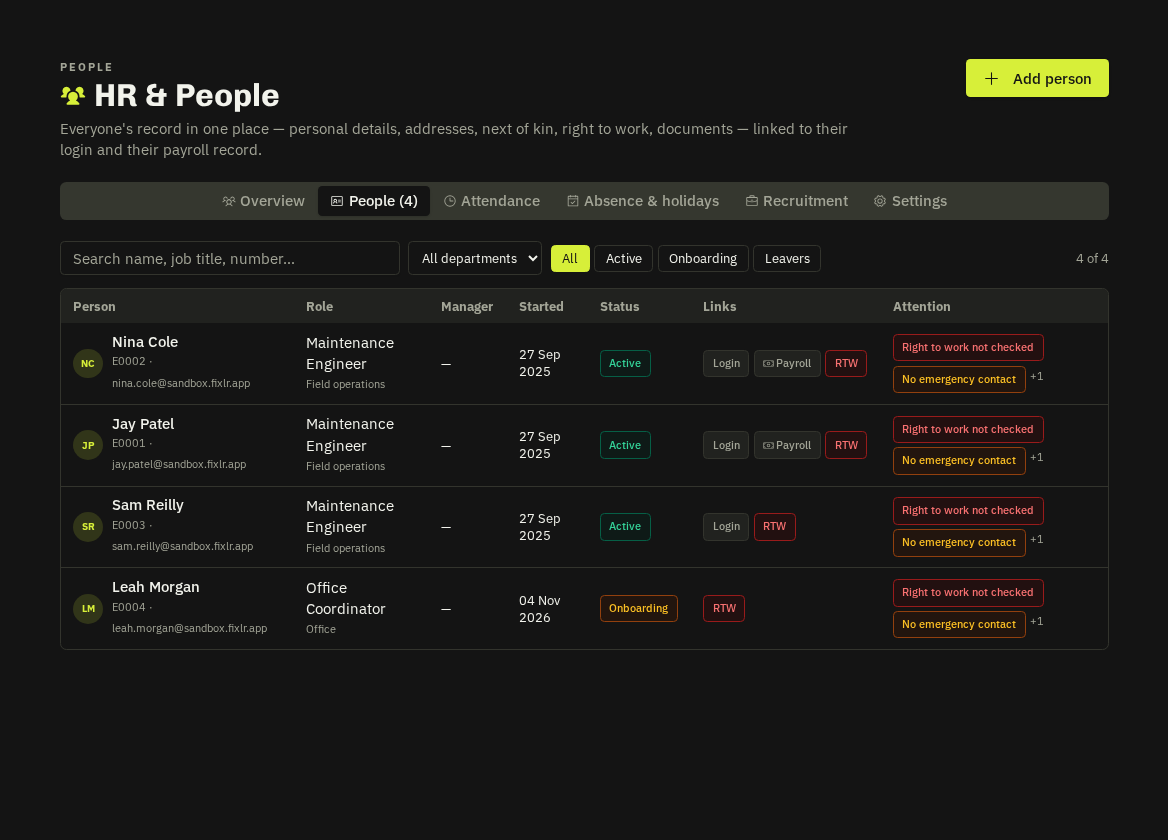
- Details — personal, emergency contact, address, right-to-work.
- Employment & pay — job title, department, line manager, start/probation dates, working pattern, and the payroll link: link to an existing payroll employee or create one — there's only ever one pay run.
- Documents — contracts, ID, certificates; HR-only or visible to the employee; employees can upload their own in allowed categories.
- Onboarding — the checklist (see the next article).
- Training — passed courses and qualifications from the H&S hub, flagged when a card expires within 60 days.
- Reviews and private HR notes.
Link the record to a login (team candidates) so leave, sickness, payslips and My HR all join up.
Related: Onboarding, probation & reviews · Attendance & clock in · Payroll