Help centre / Getting Started
First-time login, password resets & lockouts
Completing an invite, resetting a password and what the brute-force lockout means.
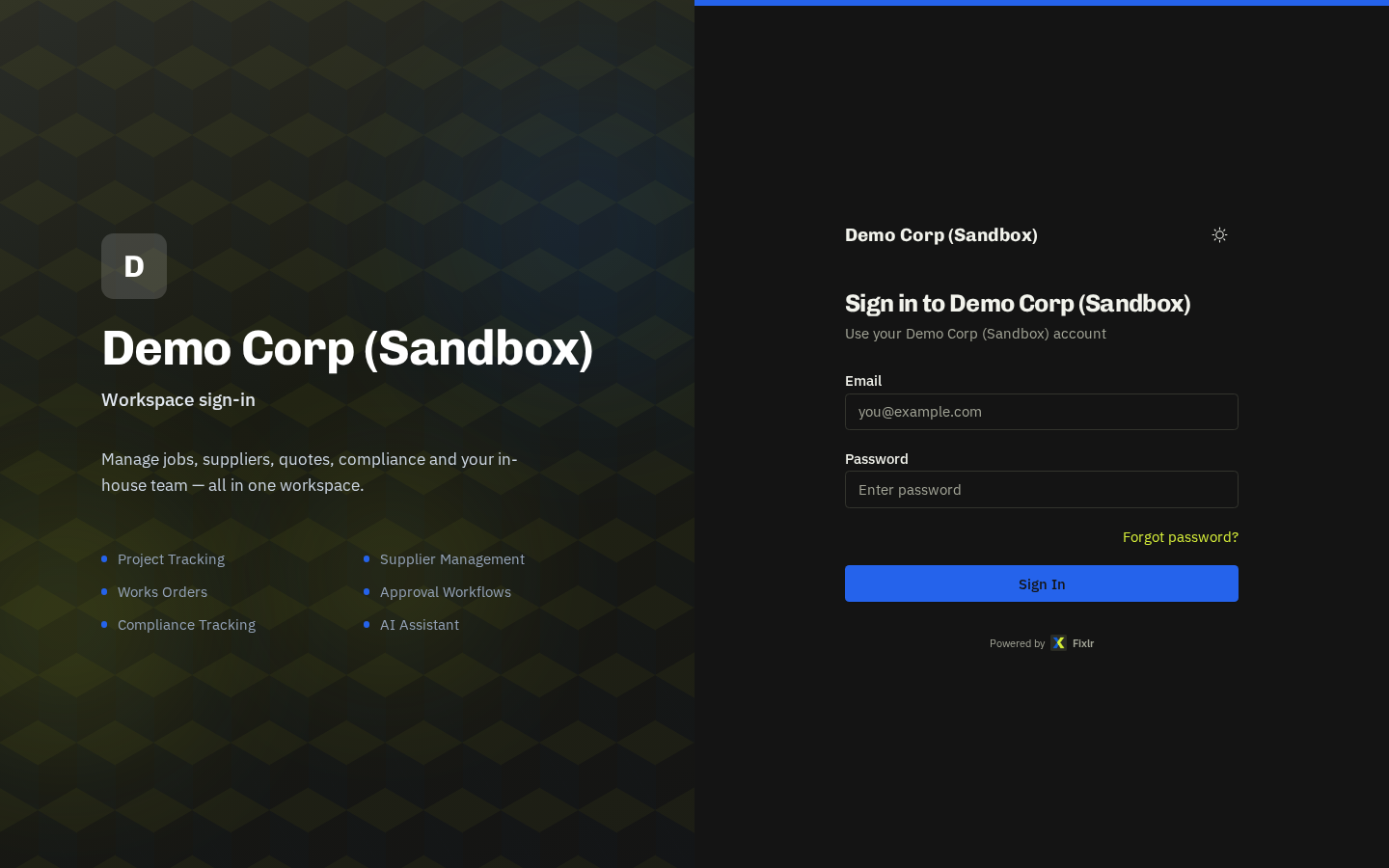
Completing your invite
Open the email 'You've been invited to Fixlr' and click Set Password. Links last 7 days. Choose a password, then sign in at /login — you land on the dashboard for your role.
Expired invite
Ask an admin to open Settings → Users, find you and click Resend invite. Operatives are re-invited from In-House Team (Resend welcome), suppliers from their supplier record, client portal users from the client's Portal Users panel.
- Forgot password: use Forgot password? on the sign-in screen for a one-time reset link.
Locked out (429 'too many attempts')
The login is protected against brute force — 5 failed attempts for the same email from one connection, or 15 for the same email from anywhere, locks sign-in for 15 minutes. Wait it out; the lock clears itself. Nobody needs to unlock you.
Branded client logins
Clients with white-label branding may be given a custom link (/login/{clientId}) that shows their logo and name on the sign-in screen. It's the same account system — only the look changes.
Related: Users & invites · Client portal users & tiers