Help centre / In-House Team
What engineers can do for themselves in My Work
Receipts, bills, mileage, leave, sickness, payslips, certificates and HR — all from the phone.
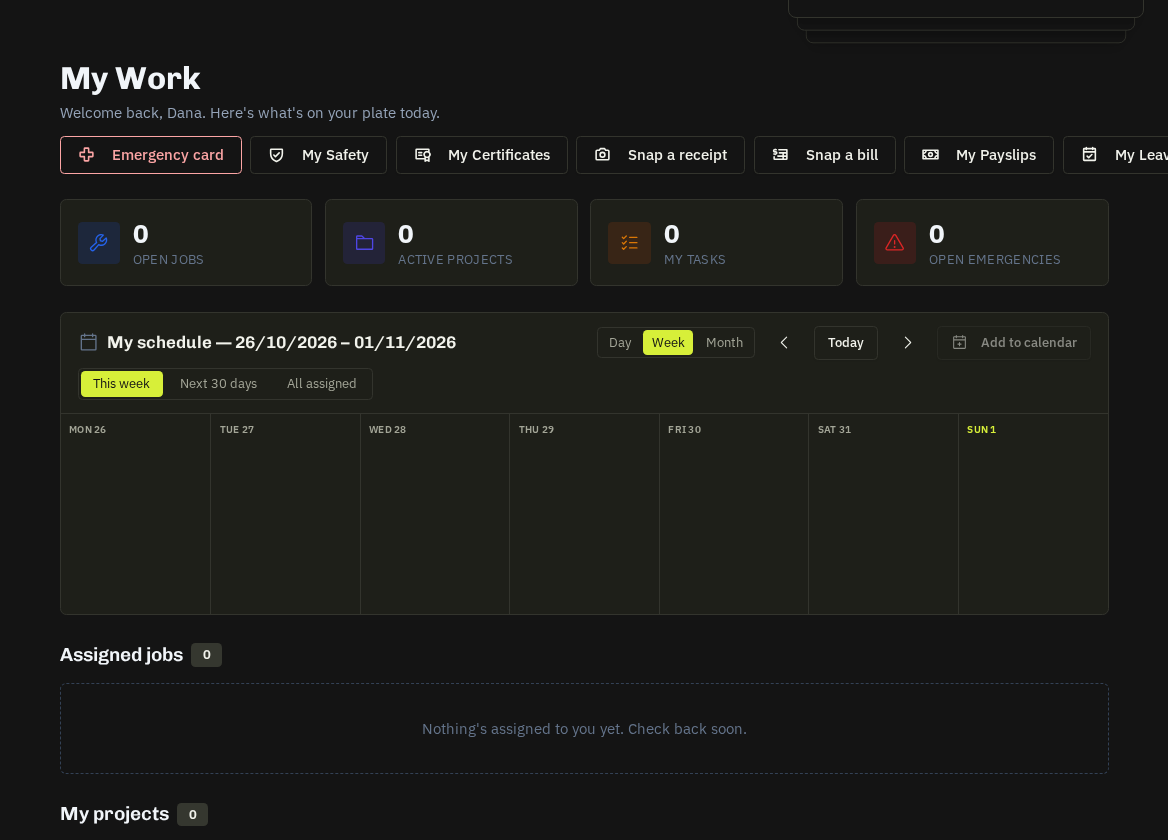
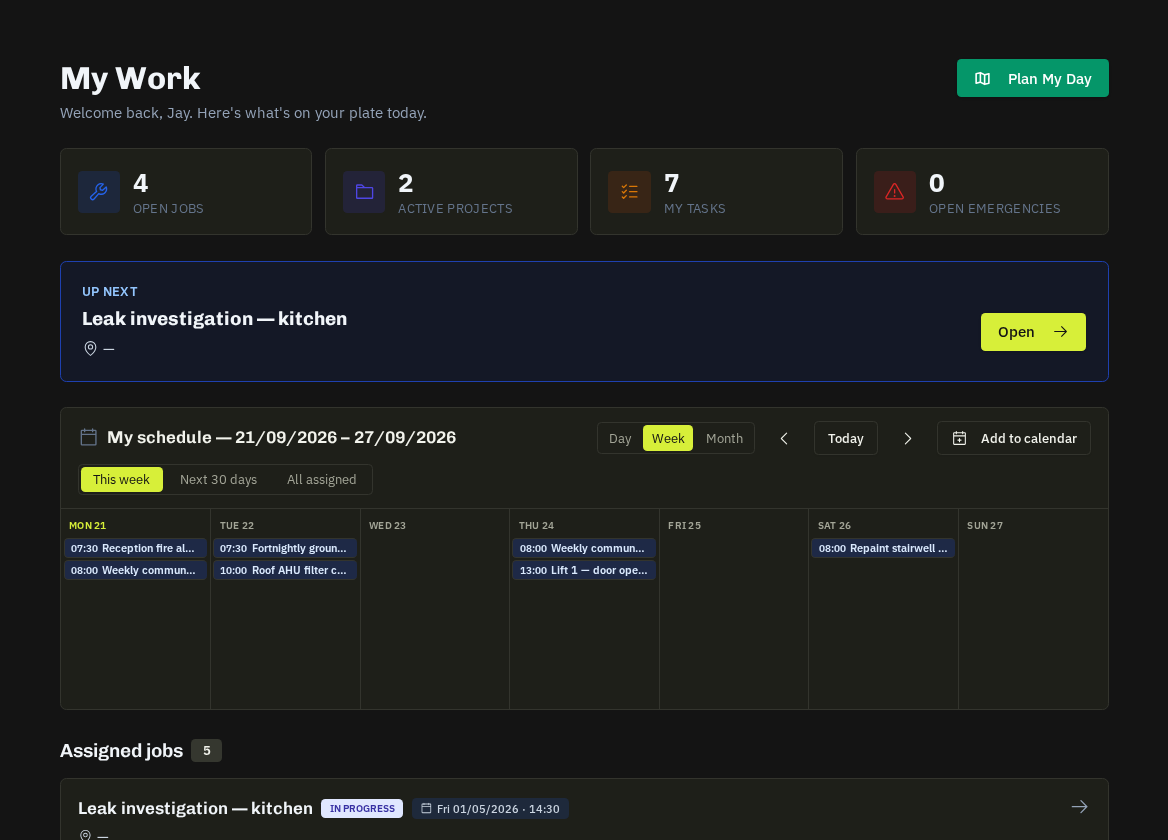
Beyond jobs and schedules, My Work gives every engineer a set of self-service tools. What appears depends on the modules in your plan.
| Tool | What it does | Where the office sees it |
|---|---|---|
| Receipts | photograph a receipt; AI reads supplier, date, total, VAT and category; mark paid personally to claim it back | Accounts → Receipts (match to the bank line or approve the claim) |
| Snap a bill | photograph a supplier bill on site, pick the job it belongs to | Accounts → Bills → To check |
| Mileage | log a trip; Log mileage on a job pre-fills the destination and estimates miles from the previous job or home | Accounts → Receipts → Mileage claims → next payslip |
| Leave | request annual leave with a live balance, see bank holidays and cover warnings; add approved leave to Google / Outlook / Apple calendar | Payroll → Leave & calendar / HR → Absence |
| Sickness | report sick, press I'm back at work, upload a fit note after 7 days | HR → Absence; manager and HR notified |
| Payslips, P60s, P45 | download PDFs once a run is approved | Payroll |
| Certificates | every qualification with countdown rings, PDF download, verify link and share image | Competency matrix / Team certificate wall |
| My training | assigned courses, progress, locked courses | H&S → Training |
| My HR | personal details, documents, onboarding ticks, reviews to sign, team card for line managers | HR → People |
| Clock in / out | QR poster at the site + GPS check | HR → Attendance |
Tip: Expense claims approved as paid personally and approved mileage land untaxed on the next payslip automatically when the person is on payroll.
Related: Timesheets & expenses · Receipts, claims & mileage · My HR self-service