Help centre / Jobs, Emergencies & Works Orders
Create & edit a job
Direct job creation, editing fields, recurrence and cloning.
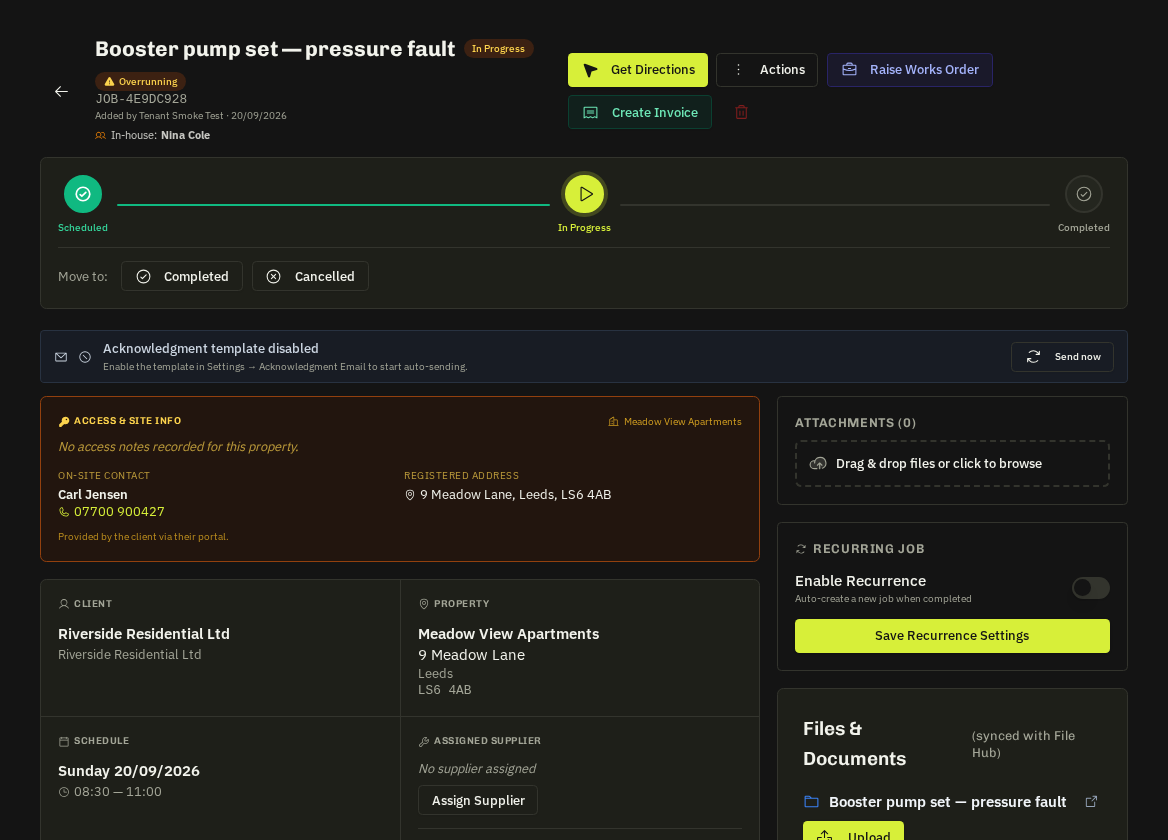
Create
Jobs → New Job (or convert a request). Pick the client, address (lookup + what3words), category, schedule, assignee and instructions. Attach photos and documents, choose a checklist template and job forms.
Edit
Open the job → Edit. Schedule changes notify the assignee and — for portal clients — the client. Address changes re-geocode for maps and routing.
Recurrence
For simple repeat jobs the Recurring panel spawns the next occurrence when one completes. For contracted, calendar-driven work use Contracts instead — visits are generated ahead, clients can book dates and invoicing is per visit.
- Clone: duplicates title, client, address, category and instructions into a new job.
Related: Contracts overview · Job status workflow