Help centre / Dashboard & Alerts
Dashboard overview
Reading the admin dashboard: counters, at-risk work, SLA popup and quick actions.
The dashboard is your morning briefing — what needs a decision today, what is at risk, and how the week looks.
Counters
Open requests, live jobs, emergencies in progress, quotes awaiting decision and invoices outstanding. Click any card to jump to the filtered list.
At-risk widgets
- Tomorrow's jobs without an assignee — dispatch them before the 06:30 briefing goes out.
- Jobs past their start SLA — the supplier or operative hasn't started on time.
- Compliance expiring soon — supplier and company documents inside their warning window.
- Unclaimed requests — nobody has taken ownership yet.
Quote SLA popup
If any request has breached the amber or red quote SLA and you haven't acknowledged it, an undismissable dialog lists them when the dashboard opens. Tick the checkbox and confirm to acknowledge. Acknowledgement is per person — a colleague still sees it until they acknowledge too. The beacon itself only clears from the SLAs page.
Calendar strip and activity
The week's jobs, visits and tasks appear in the calendar strip; the activity feed shows the latest timeline events across the workspace. Both link through to the record.
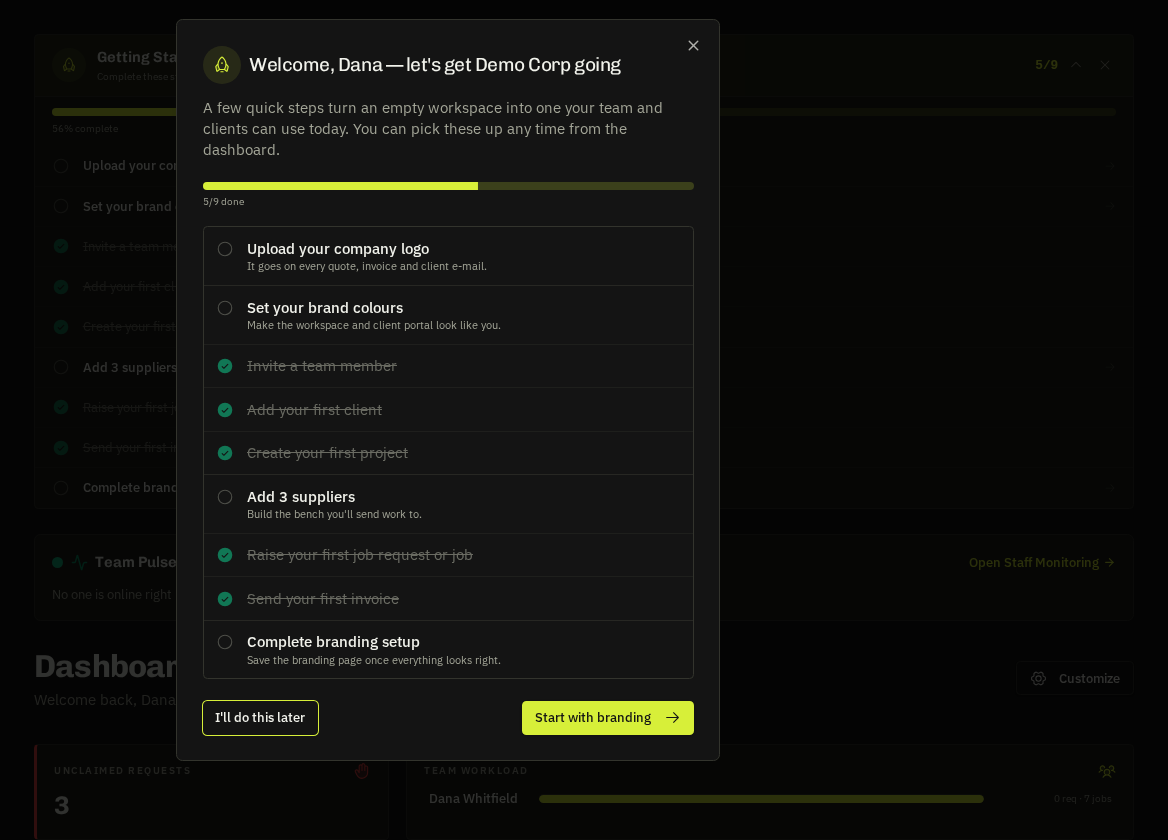
First visit
New users get a short welcome tour. Skip it or replay it from the help drawer.
Tip: Stakeholders see a read-only version of this page — useful for a client director or a business owner who wants the numbers without the buttons.
Related: Quote SLAs · Dashboard calendar · Notifications bell