Help centre / Dashboard & Alerts
Dashboard calendar & upcoming work
The at-a-glance week on the dashboard and where the full calendar lives.
The dashboard's calendar strip shows the next few days of scheduled jobs, emergencies and contract visits. Hover an item for the client, address and assignee; click to open it.
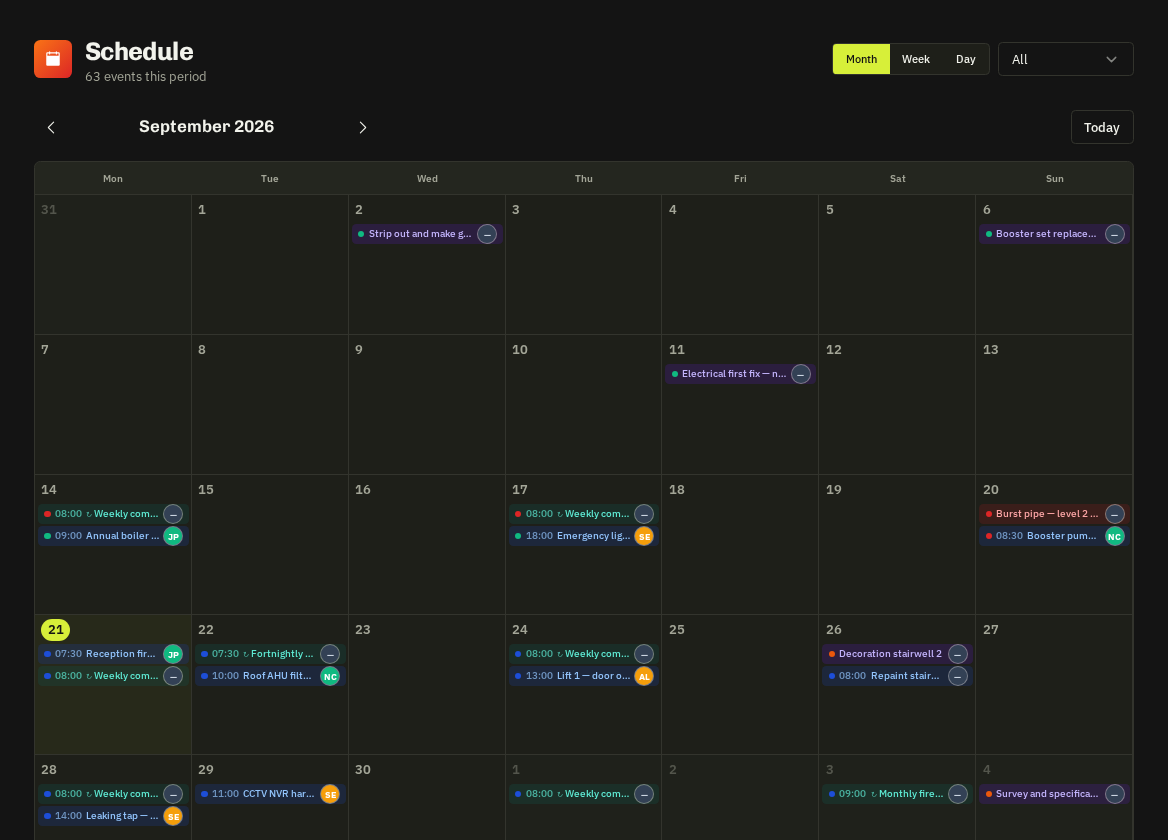
For the full month/week view with filters use Schedule → Calendar. Contract visits appear there in teal with a ↻ prefix so recurring work is never missed.
Related: Calendar (Schedule) · Contracts overview