Help centre / Getting Started
Dark mode, mobile & installing the app
Switching themes and installing Fixlr as an app on phone or desktop.
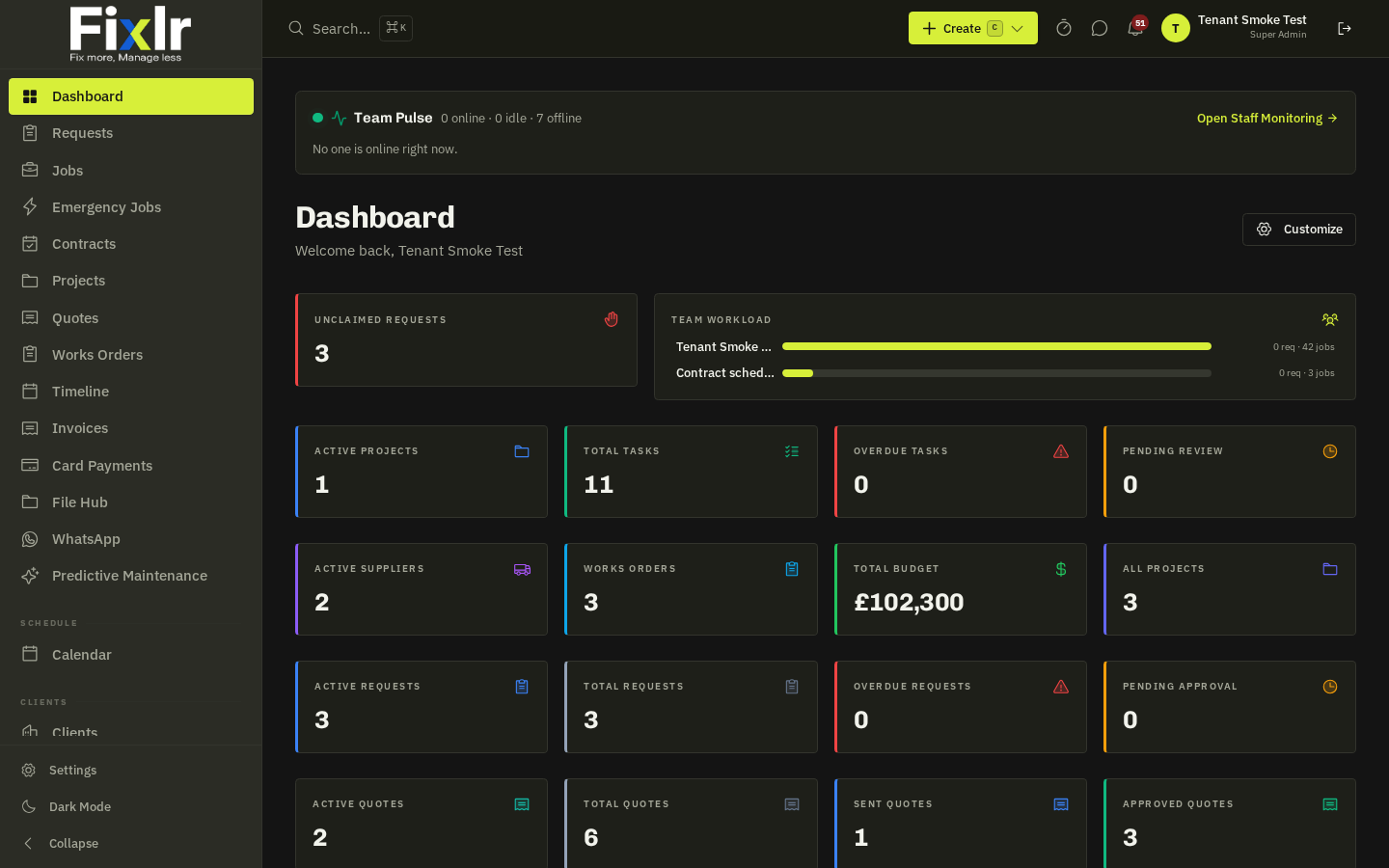
- Dark mode: toggle it from the sun/moon icon in the header. The choice is saved per browser.
Install as an app (PWA)
On Chrome/Edge desktop use the install icon in the address bar; on Android choose 'Add to Home screen'; on iPhone use Share → 'Add to Home Screen'. The installed app opens full-screen, supports push notifications and keeps you signed in.
Mobile layout
On small screens the sidebar collapses into a bottom navigation bar with the most-used sections and a floating action button for quick creation.
Push notifications
Allow them when prompted so assignment, SLA and client alerts reach you even when the tab is closed. Manage what you receive in Settings → Notifications.
Related: Notification preferences