Help centre / Projects & Tasks
Create a project & add tasks
Setting up a project, budget, milestones and tasks.
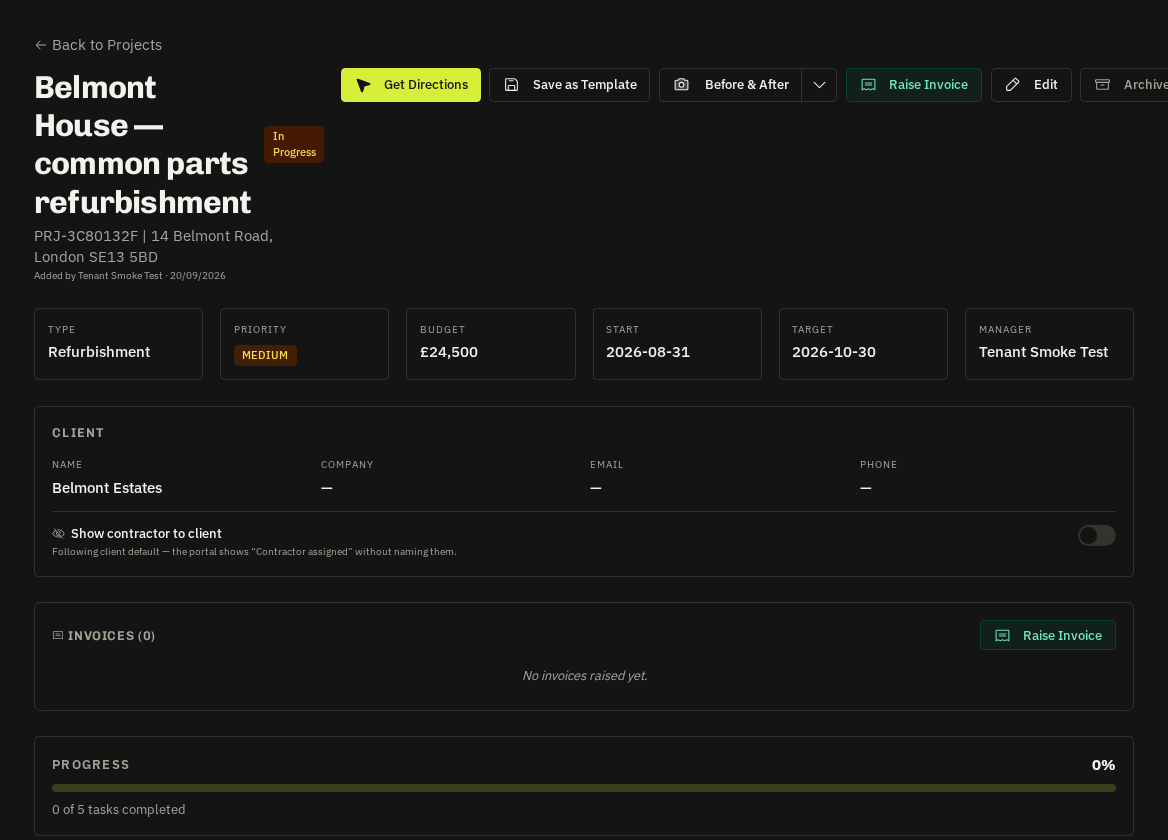
Projects → New Project: client, property, description, budget, start/end dates and a project manager. Then add tasks — title, assignee (supplier or operative), dates, estimated hours/cost, dependencies and milestone flag.
- Converting from the client portal: a client-proposed project arrives as a proposal; use Convert to make it live, which notifies the client.
- Works orders and quotes — can be issued against the project (see Works orders); the Raise Invoice button appears when the project is completed.
Related: Works orders · Invoices: raising & sending