Help centre / Files, Properties & Account
Inviting colleagues & managing your team
Give colleagues their own login and the right level of access.
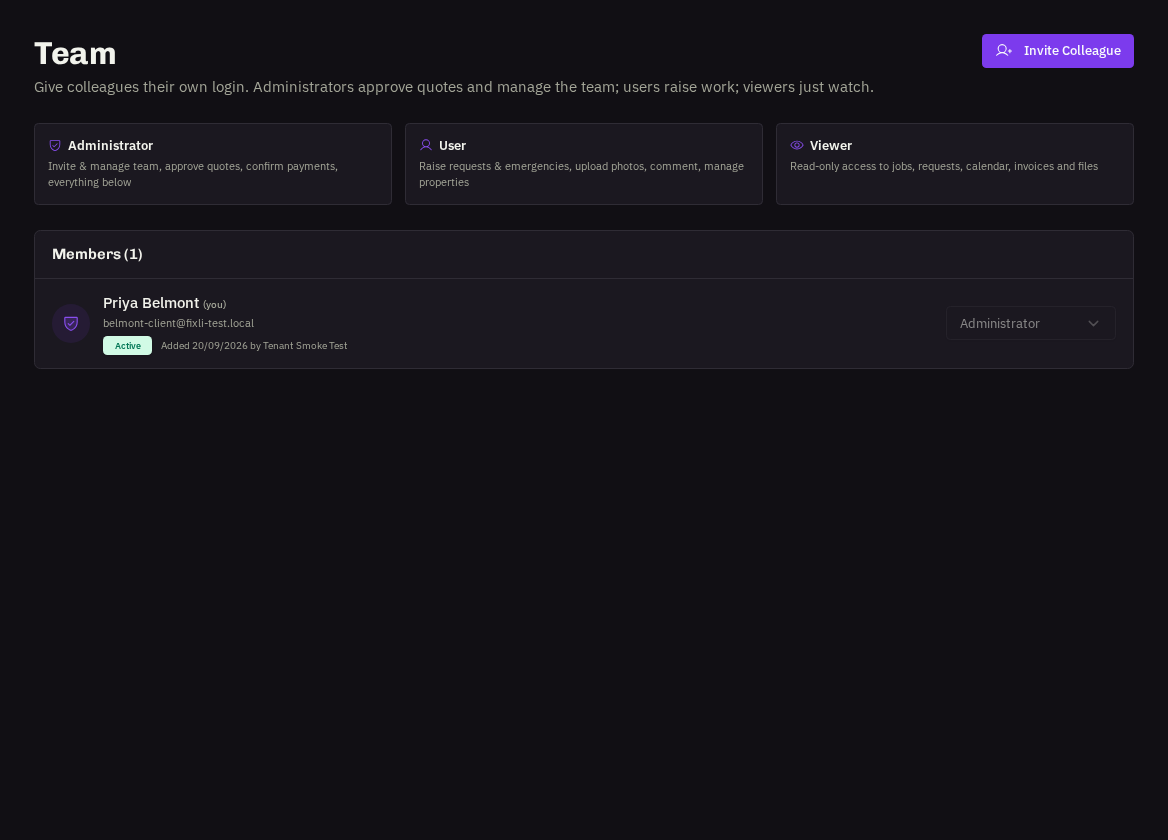
Administrators can manage the team from Account → Team.
Invite someone
Invite → full name, email, phone (optional) and portal role (Administrator, User or Viewer). They receive an email to set their password and are live in minutes. Everyone gets their own login and notification preferences — please don't share accounts.
- Change a role or remove access: use the menu on the person's row. You can't change or remove your own account; another Administrator (or your provider) must do that.
- Resend an invite: if a colleague's link expired, resend it from their row.
Related: Portal roles