Help centre / Getting Started
Portal roles: Administrator, User and Viewer
Who can do what inside your organisation's portal.
Each person in your organisation has one portal role. Your role is shown in Settings → Organisation and on the dashboard's Account Snapshot.
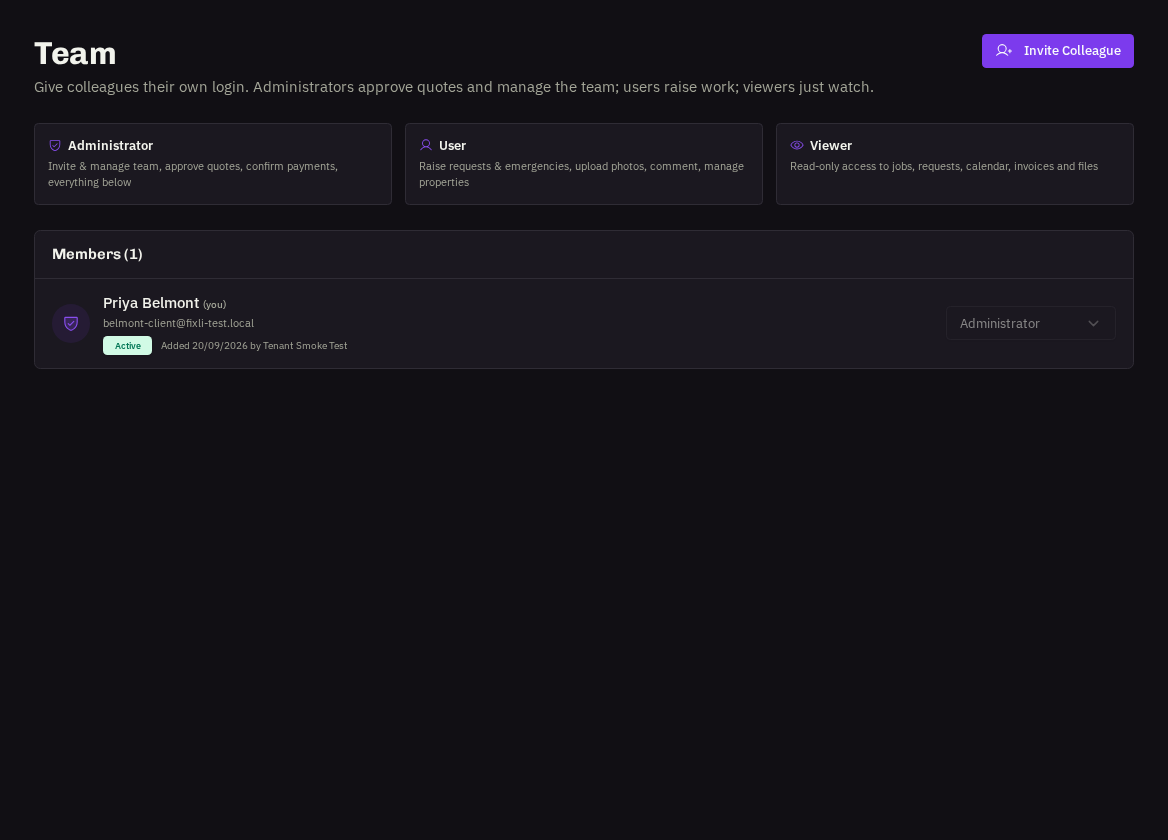
- Viewer — read-only. Sees requests, emergencies, jobs, projects, contracts, the calendar, quotes, invoices, files and reports. Cannot raise work or comment.
- User — everything a Viewer can do, plus: raise job requests and emergencies, propose projects, comment and message, upload photos, manage properties, book/move/cancel contract visits and rate visits.
- Administrator — everything a User can do, plus: approve or decline quotes, confirm invoice payments ('I've paid'), and invite and manage the team.
Changing roles
Any Administrator can change a colleague's role from Team. Nobody can demote or remove themselves — ask another Administrator (or your provider) if you need your own role changed.