Help centre / Requests & Emergencies
Following a request: the progress tracker
What each stage means, who is handling it, and how to add detail after submitting.
Open any request from Job Requests. The Progress tracker at the top shows exactly where it is:
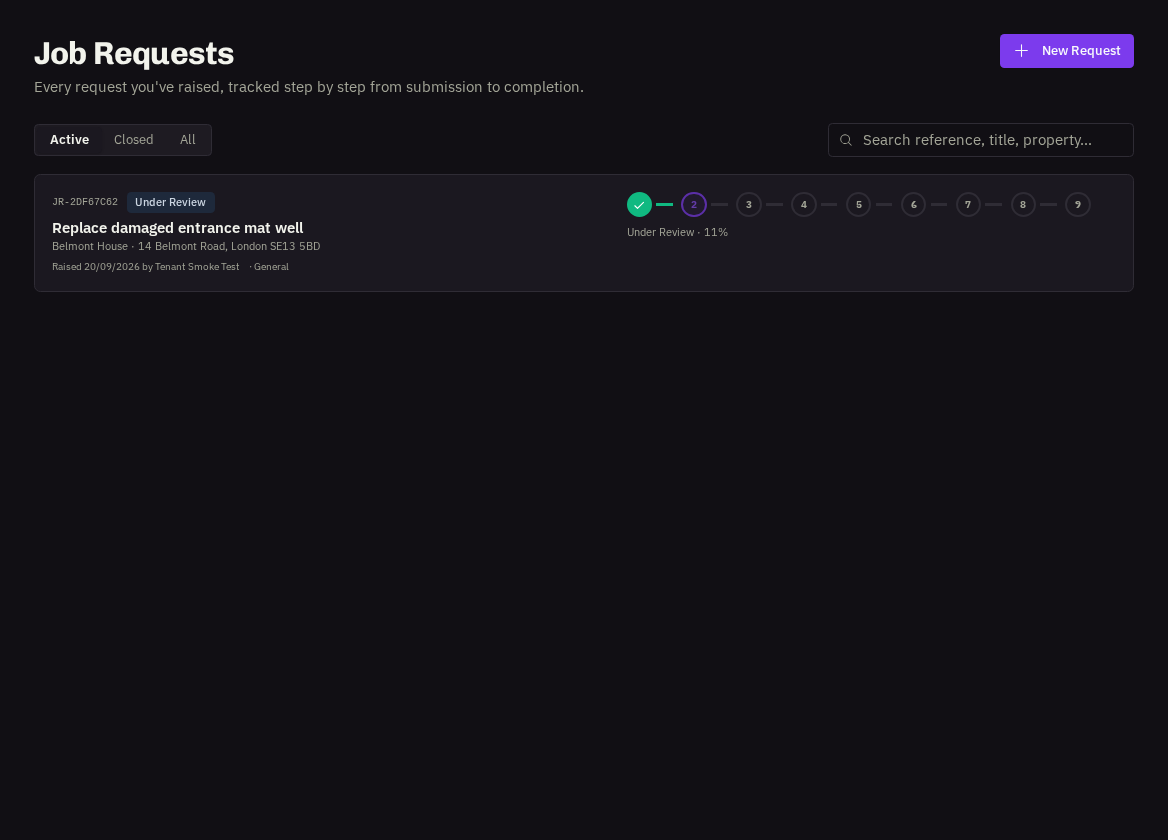
- Under Review — our team has it and is checking the details.
- Gathering Quotes — we're asking contractors to price the work.
- Quotes Received — prices are back and being compared.
- Awaiting Your Approval — a recommended quote has been sent to you. An Administrator needs to approve or decline it (see Approving or declining quotes).
- Approved — Scheduling — approved and being booked in.
- Job Created — the work is now a job; a View job link appears so you can follow the visit itself.
- Declined / On Hold — the request has been stopped or paused; the activity timeline explains why.
- Project Live — larger requests can be converted into a project; follow it under Projects.
Also on the page
The Handled by card (who on our team owns it), a Price mandate badge when one was set, the request details and photos, and the Activity timeline of every update.
Adding detail later
Use the comment box at the bottom to add information or photos at any time — our team sees it instantly and it's kept with the request. Viewers can read comments but not post.
Related: Raising a job request · Approving or declining quotes · Comments vs Messages