Help centre / Files, Properties & Account
Registering properties & access notes
Save each site once so raising work is one click and contractors arrive prepared.
Account → Properties → Add property. Enter a name (e.g. 'Head Office, Block B'), type (office, residential, retail…), address line, town/city, county and postcode, an optional what3words location (///word.word.word) for hard-to-find entrances, the site contact (name, phone, email) and access notes — alarm codes, key-safe location, parking, sign-in procedure, hours.
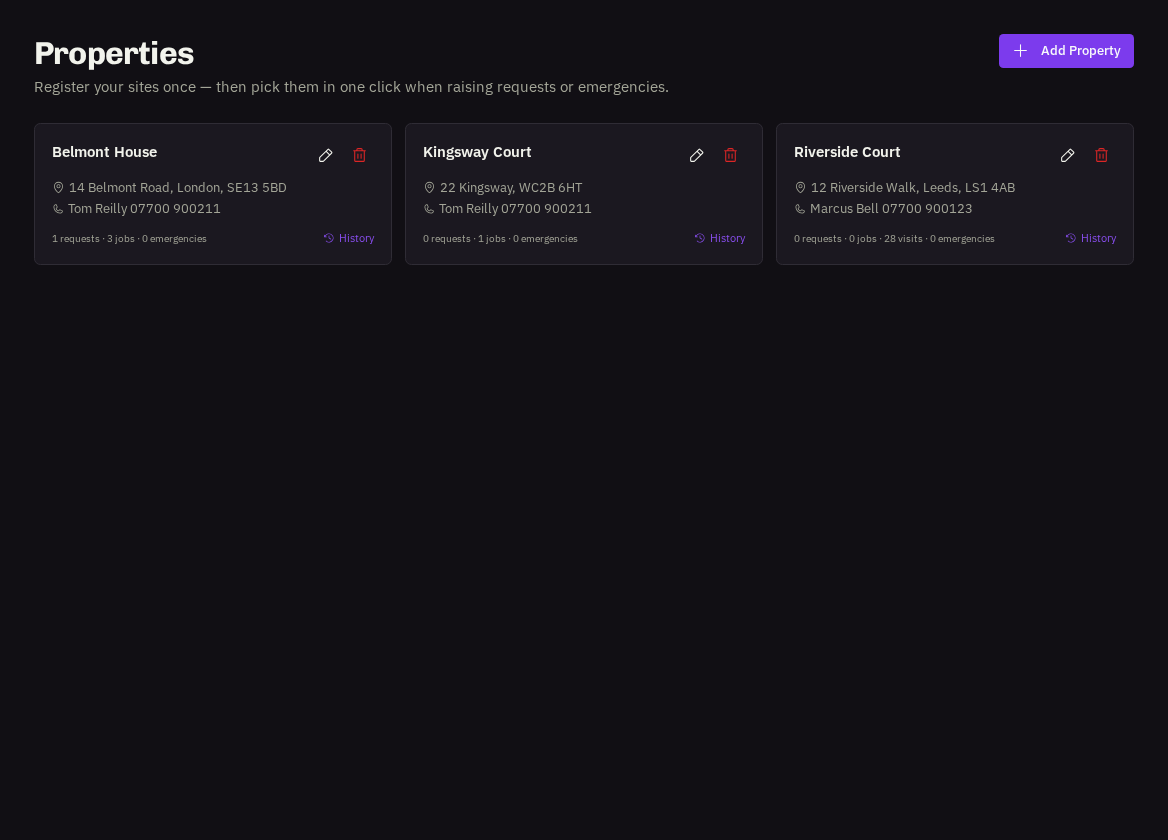
Note: when you raise a request, emergency or project you can pick the property in one click and everything is filled in. Your access notes and site contact are passed to the contractor with every job — in their briefing email, on their works order and on their phone on the day — so keep them current.
Editing
Open a property to update details or notes at any time; future jobs use the new information. Each property shows how many requests, jobs and emergencies it has had.
- Who can manage properties: Users and Administrators.
Related: Raising a job request · Reporting an emergency