Help centre / Jobs, Projects & Contracts
Proposing & following projects
Larger, multi-stage works: proposing a project and following scope, milestones, tasks and documents.
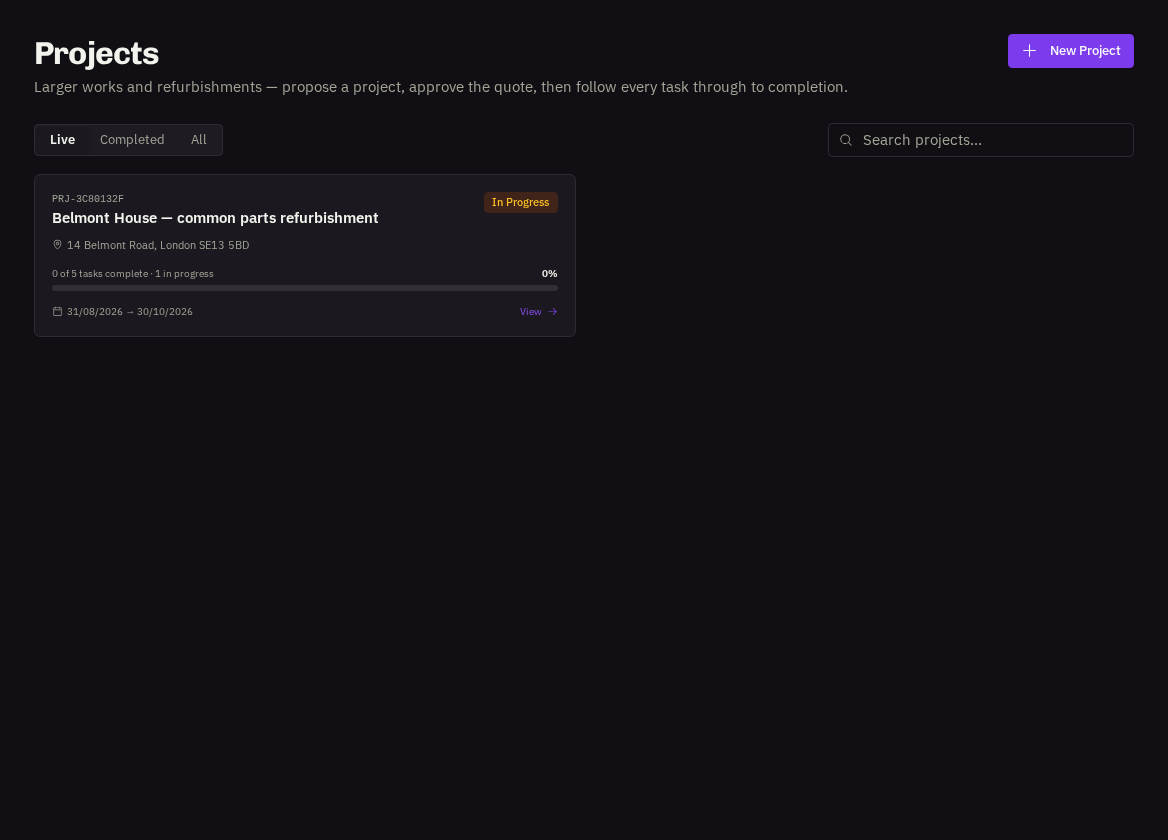
- Projects — are for refurbishments, fit-outs and planned programmes — anything with several stages or trades. We scope it, quote it and, once you approve, run it as a live project you can follow task by task.
Propose a project
Projects → Propose a Project. Give it a name (e.g. 'Ground floor office refurbishment'), the type of works, the scope of works in as much detail as you have, the property, desired start and target completion dates, an indicative budget (optional), priority and the on-site contact. Attach drawings or photos and submit.
- Stages: Being Planned (we're reviewing and pricing) → Planned (scope and quote agreed) → Project Live (work under way) → Completed.
On the project page
Scope of Works, Progress, Milestones (with dates and completion ticks), Tasks as our team plans them, Project Team, Documents & Plans and the Activity timeline. You're notified when the status changes and when milestones are reached — with photos where the team has shared them.
- Quotes and invoices — for a project appear under Quotes and Invoices and are linked from the project page.
Related: Approving or declining quotes · Following a job