Help centre / Requests & Emergencies
Reporting an emergency & response tiers
Choosing the urgency, what we do the moment you submit, and following the response clock.
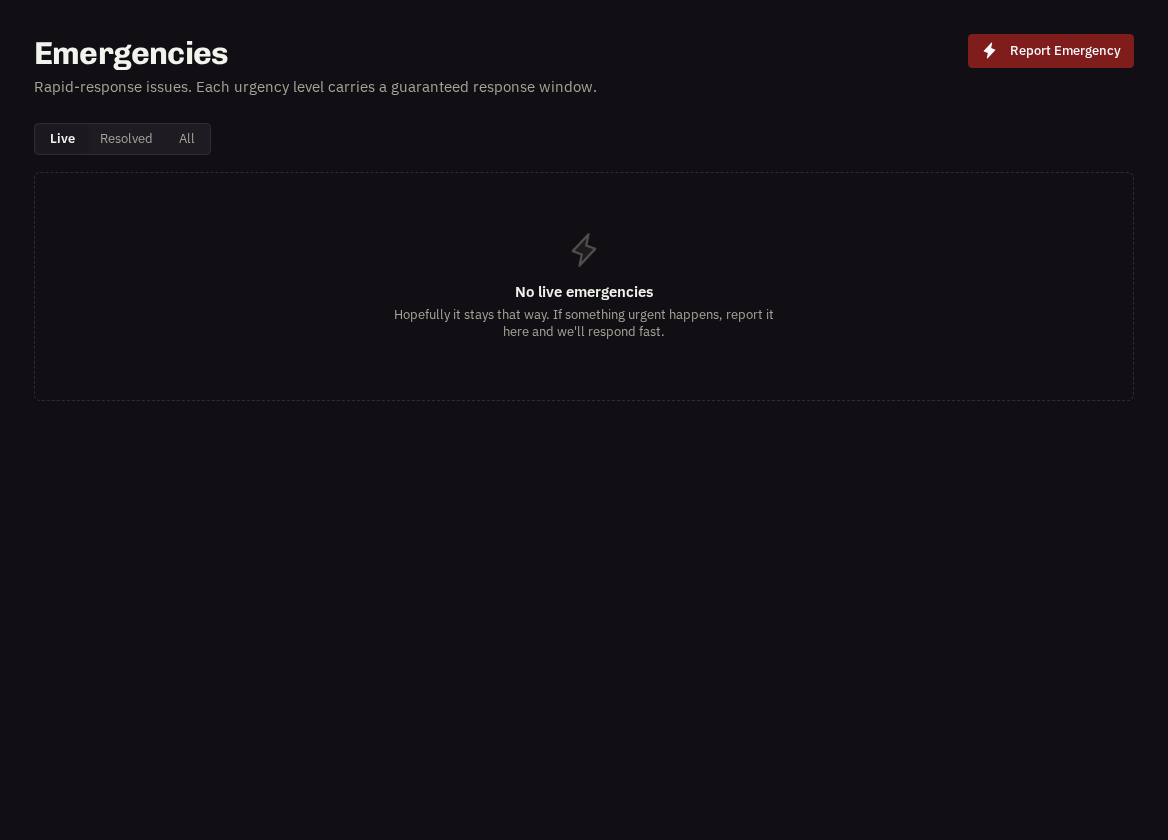
Use Emergencies → Report emergency when a problem can't wait for the normal request process — leaks, loss of power or heating, security failures, anything unsafe.
Choose the urgency honestly
Critical — 4 hours, Urgent — 8 hours, Moderate — 12 hours, Minor — 24 hours. The tier sets the response target that our team and the contractor are working to.
Fill in
The property (registered or typed), what has happened, the exact location within the site, photos if safe to take them, access instructions and the on-site contact who will be there.
The moment you submit
Our team is alerted instantly by email and in-app, the emergency appears under Emergencies with a response clock counting down against the tier, and you receive an acknowledgement.
Progress stages
Reported → Acknowledged (our team has seen it) → Contractor Assigned → Contractor On Site → Resolved. The page shows what was reported, the location, the response clock and an Activity timeline; you can comment at any point to add detail.
- Afterwards: completion notes and photos appear on the emergency, and any invoice is linked from the same page.
Related: Raising a job request · Comments vs Messages