Help centre / Jobs, Projects & Contracts
Booking, moving & cancelling contract visits
Self-service changes to your contract schedule, the notice rules and what short notice means.
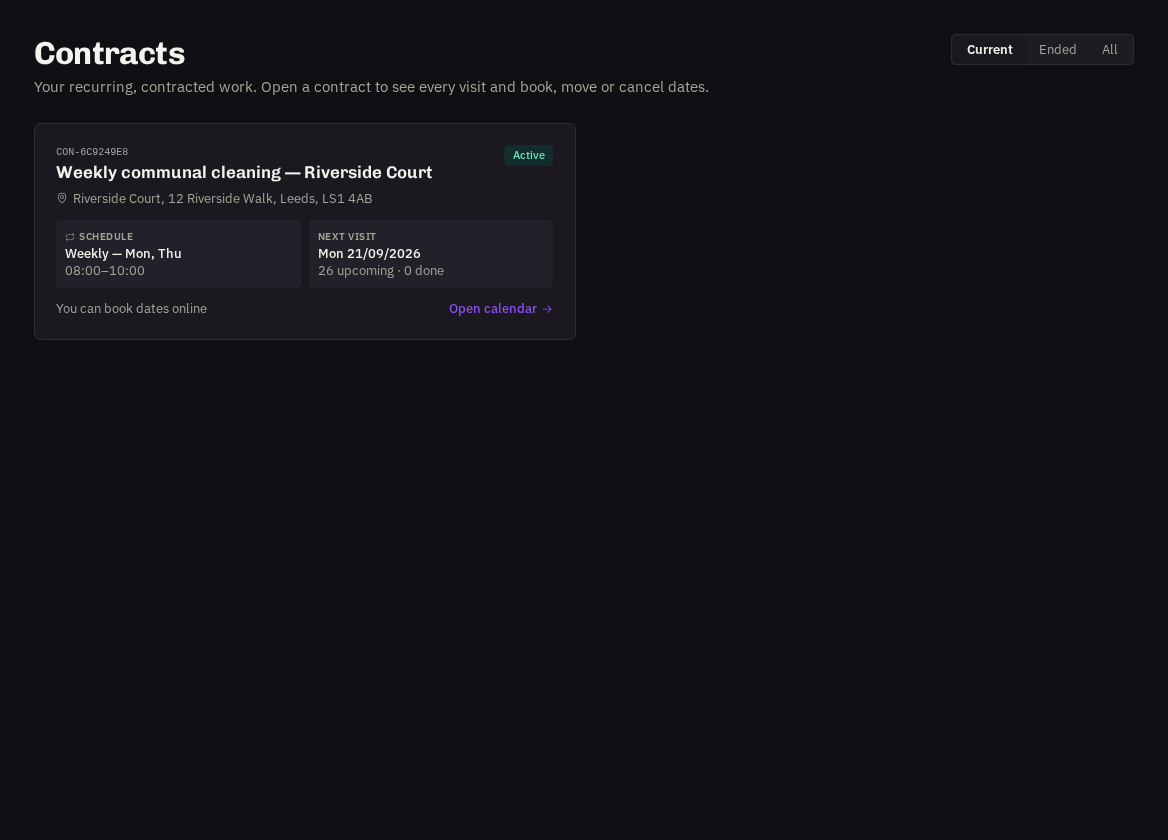
When your provider has switched on client booking for a contract, Users and Administrators can manage visits directly from the contract's calendar.
Book an extra visit
Click any free day → Book a visit. Add a note if there's something we should know ('please focus on the meeting rooms'). The visit is confirmed instantly, pre-assigned to your usual team, and appears in violet.
- Move a visit: open a future scheduled visit → Move to another date, pick the new day and confirm.
- Cancel a visit: open a future scheduled visit → Cancel visit and confirm. Cancelled visits are not invoiced.
The rules
Bookings need the minimum notice shown on the contract (usually 1 day — today is never bookable); only one visit per day; dates must fall within the contract's start and end. Visits already started or completed can't be changed.
Short notice
A visit booked or moved to a date fewer than 3 days away (your provider may set a different threshold) is flagged SHORT NOTICE. It's still confirmed, but our team is alerted so they can double-check cover — if there's a problem they'll contact you.
- Notifications: every booking, move or cancellation notifies our team and the assigned team immediately.
Related: Contracts: your recurring visits · Rating a completed visit