Help centre / Requests & Emergencies
Comments on a request vs Messages
Two ways to talk to us and when to use each.
- Comments — live on a specific request, emergency, job or project. Use them to add detail, upload another photo, answer a question from our team or ask about that piece of work. Everything stays attached to the record, so whoever picks it up has the full story.
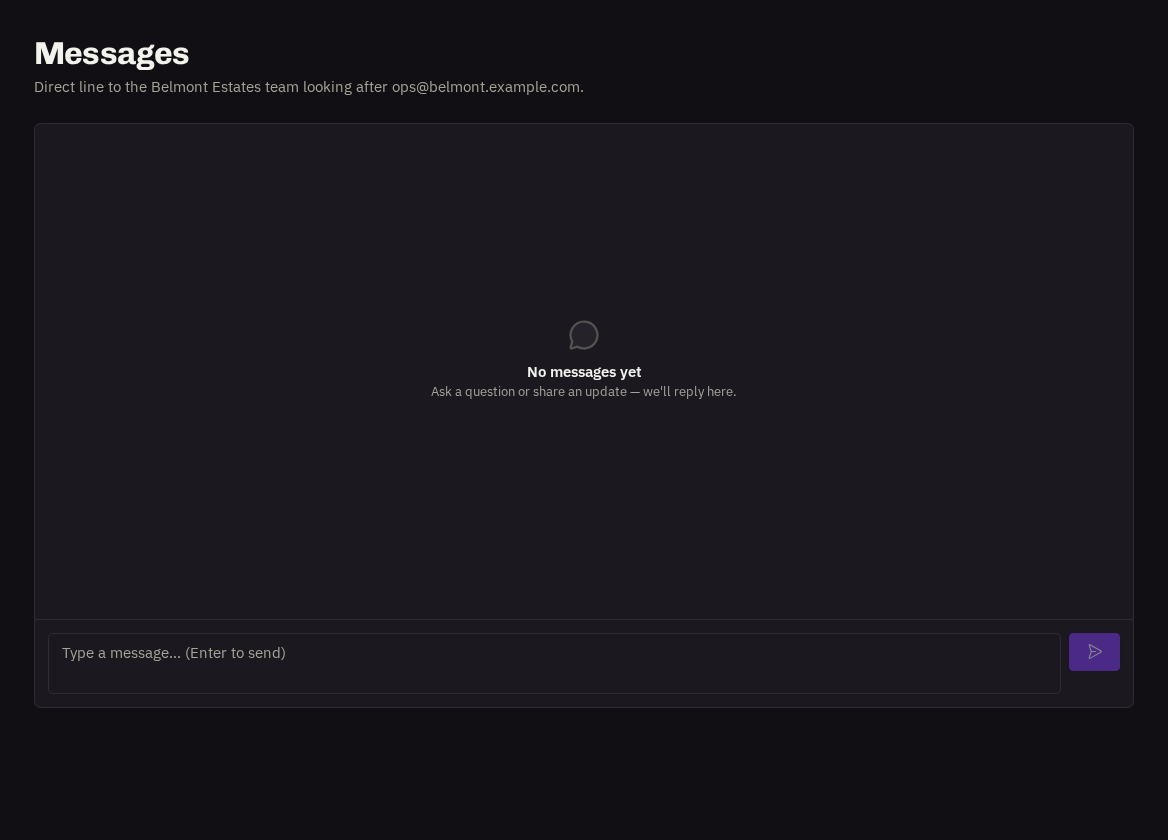
- Messages — (Work → Messages) is a general conversation with our team that isn't about one record — account questions, 'can you call me', anything broader. Type and press Enter to send; you'll see when we reply.
Our team sees both instantly and you'll be notified in-app (and by email if you've enabled it) when we respond.
- Who can post: Users and Administrators. Viewers can read.
Related: Following a request · Settings, notifications & the app