Help centre / Job Requests & Quotes
Convert a request to a job
What gets carried over, works-order auto-creation and supplier-safe pricing.
Press Convert to Job on an approved request. If quotes exist, the recommended quote must be selected first.
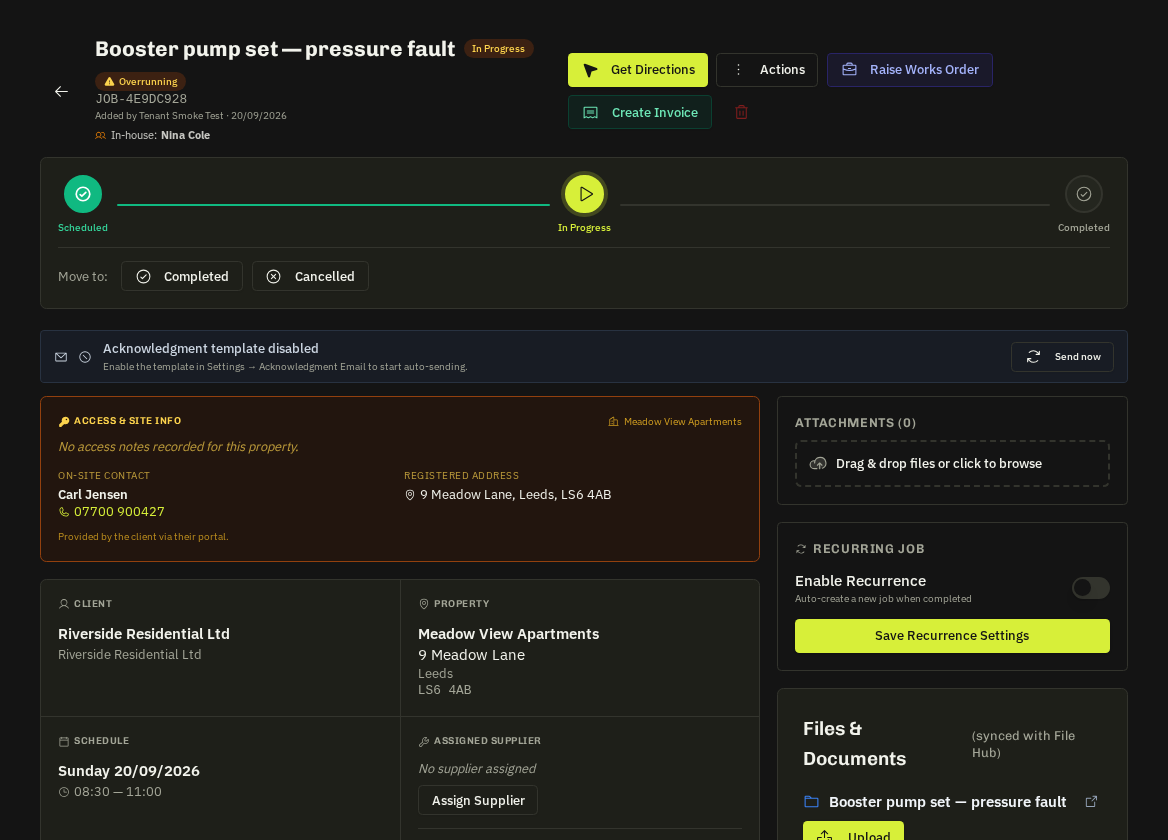
Carried over
Client and requester, property / address, what3words, service required, priority, attachments, the approved quote and — for portal requests — the client and property links so the job appears in the client's portal.
Works order
If the awarded quote is from a supplier, a draft works order is created with the supplier's cost lines — your markup is never applied. Everything the supplier receives (portal view, PDF, email) is stripped of client details and client prices.
Scheduling
The job opens with the assignee pre-filled. Set the date and arrive / finish window; the supplier or operative is notified and the client's portal shows Scheduled & Assigned only once the job has both a date and an assignee.
Client visibility
Contractor names are hidden from clients unless you switch Show contractor names on for that client. Client prices are never shown to suppliers.
Note: Converting closes the request (status Converted) and links it to the job; both timelines cross-reference each other.
Related: Jobs overview · Works orders · Contractor visibility for clients