Help centre / Contracts & Block Bookings
Contracts: client bookings, short notice & flags
What clients can do in their portal and how you review their changes.
When Clients can book visit dates is on and the contract is active, portal users (User tier and above) can click any free day to book a visit, and move or cancel any future scheduled visit.
Rules
Minimum notice (default 1 day; today is never bookable), no double booking on a date, within the contract's start/end dates. Bookings are auto-confirmed — the visit is created instantly, pre-filled with the default team, and the assignee is notified.
Short notice
Anything booked or moved to a date fewer than 3 days away (configurable) is tagged SHORT NOTICE: the admin email and notification say so, the visit gets a red ring and the flag banner highlights it.
Flags
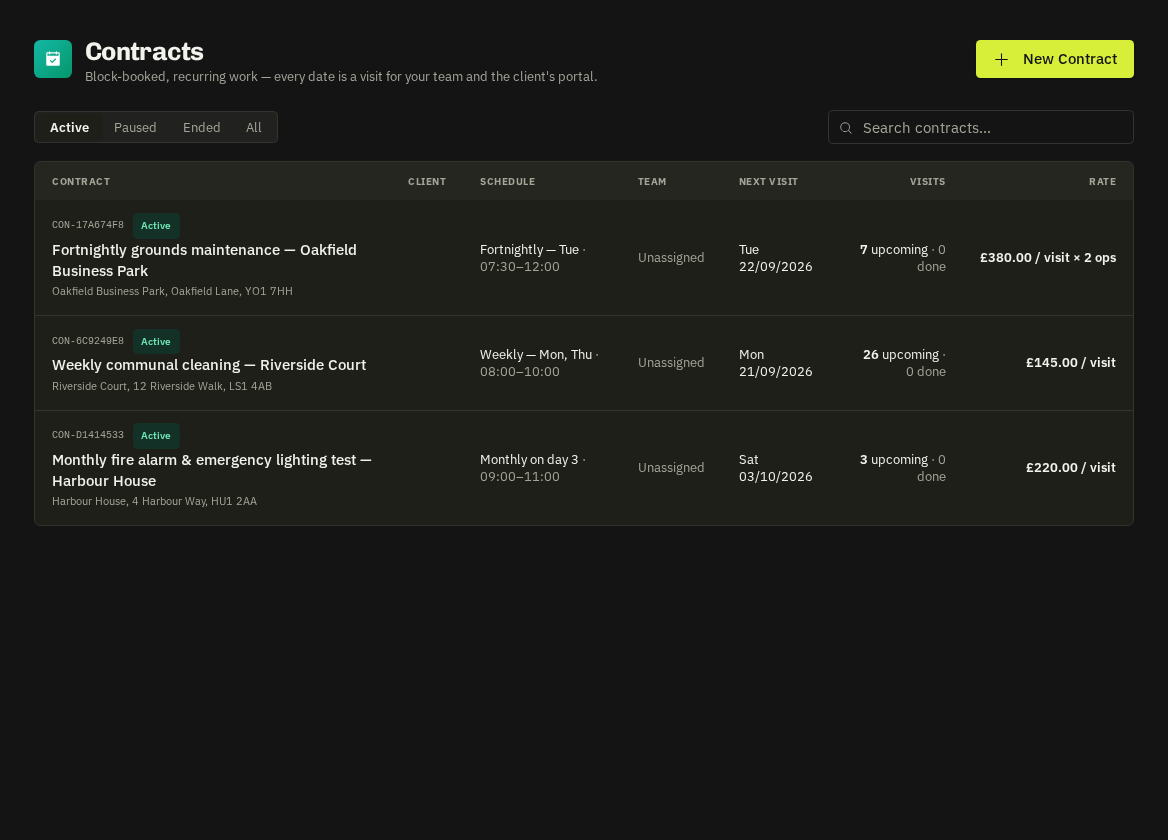
Every client booking, move or cancellation sets a flag. The contracts list shows a red count, the contract page shows a red banner listing each change with who did it, and the visit sheet shows the details. Press Mark as reviewed (per visit or all) once you've checked cover. Admins also receive an in-app notification and email for each change.
- Visibility: the client sees the team name only if contractor visibility is on for the contract/client; otherwise they see '[their brand] team'.
Related: Contractor visibility for clients · Contract ratings