Help centre / Clients, Properties & Client Portal
Clients directory & client record
What lives on a client record and how it connects to jobs, contracts and the portal.
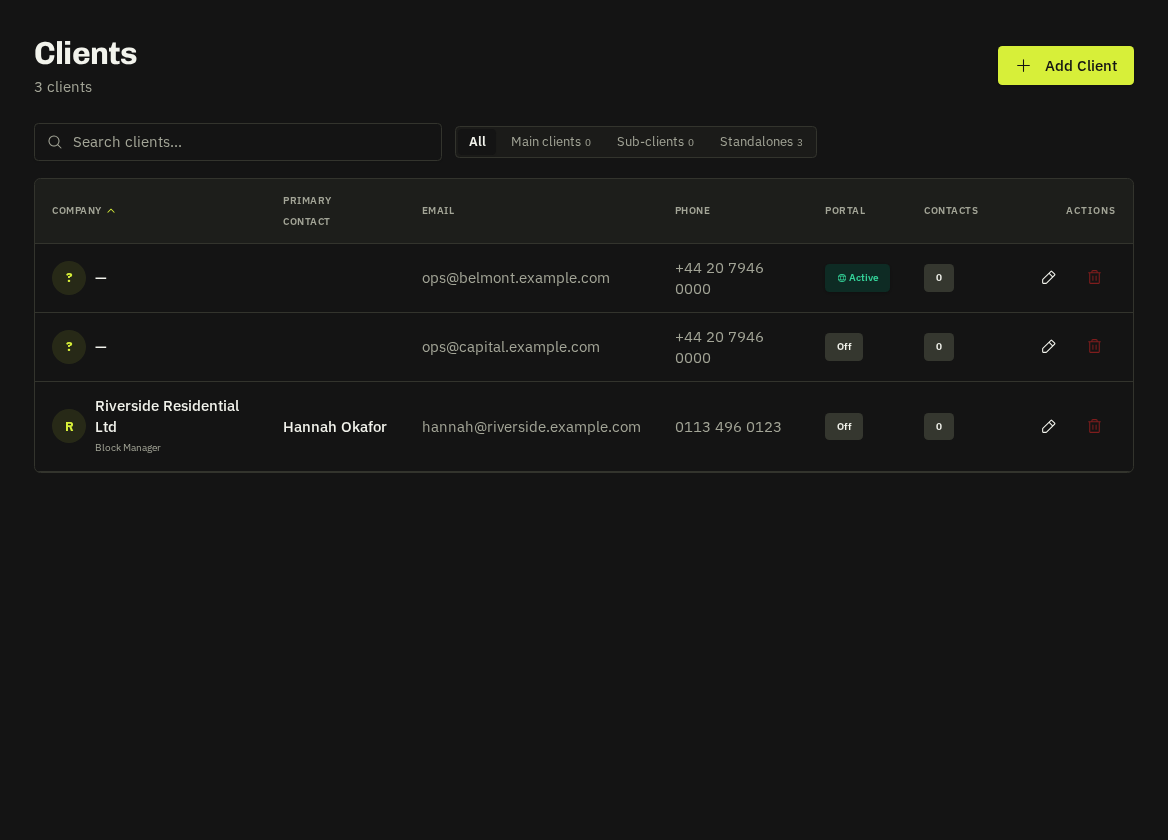
The directory
Search by company or contact, filter by portal status, and open a record. Each card shows open work, outstanding invoices and whether the portal is enabled.
The client record
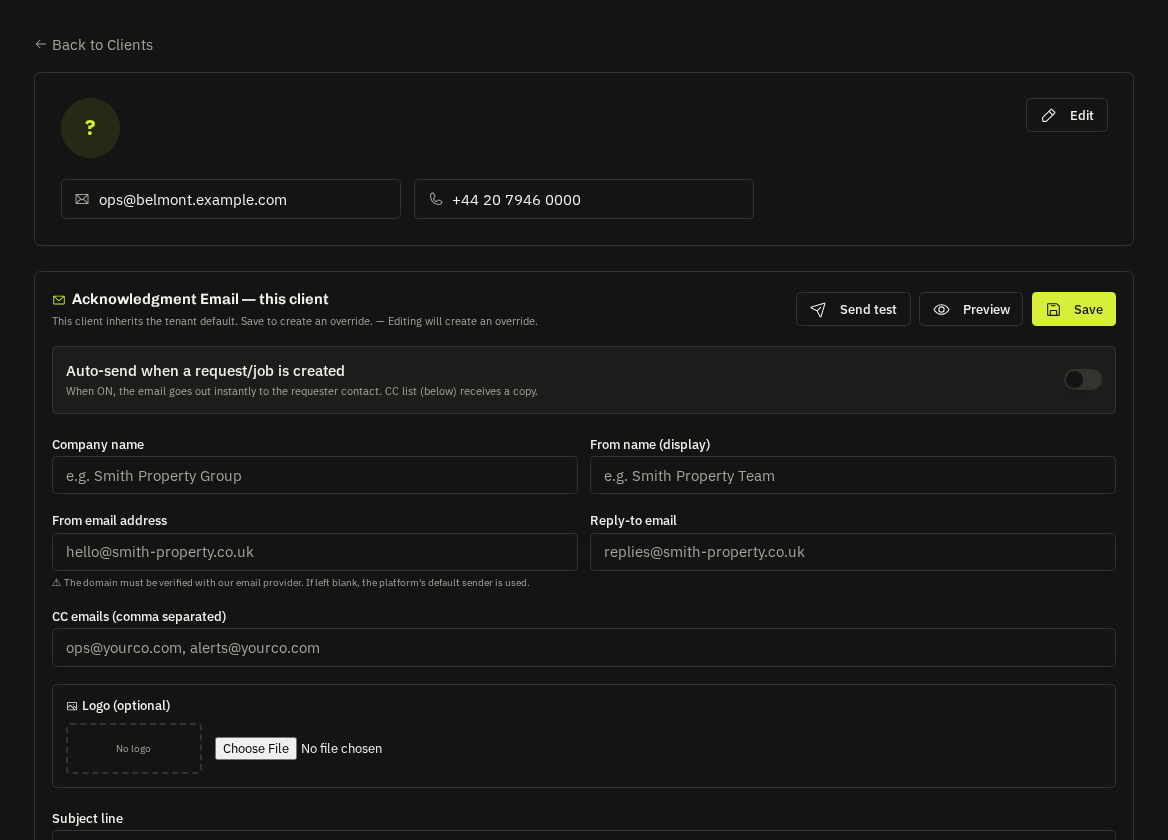
| Tab | Contents |
|---|---|
| Overview | Company details, contacts (each with a colour used on requests), addresses, notes |
| Work | Every request, job, emergency, project, contract, quote and invoice for this client |
| Portal Users | Invite and manage their portal logins and tiers |
| Registered Properties | Their sites with access notes, on-site contacts and what3words |
| Branding | White-label logo and colours for their portal and emails |
| Settings | Show contractor names by default, default PO behaviour, notification preferences |
Creating a client
Clients → Add Client: company, primary contact, billing address, VAT number. Add properties straight away — requests raised against a registered property inherit its access notes automatically.
Sub-clients
Large clients (managing agents, housing groups) can have sub-clients — separate portals and invoices under one parent for reporting.
Tip: The Portal badge on a client card tells you at a glance who can self-serve. Clients without portal users still receive branded emails with approve / pay links.
Related: Client portal users & tiers · Client white-label branding · Client properties