Help centre / Jobs, Emergencies & Works Orders
Contractor visibility for clients
Deciding whether portal clients see supplier/operative names, per client and per item.
By default the client portal hides who is doing the work and shows 'Contractor assigned' — or, for white-labelled clients, '[Their brand] team'.
- Client default: on the client record, switch Show Contractor Names by Default on to name contractors across all their jobs, emergencies and contracts.
Per item override
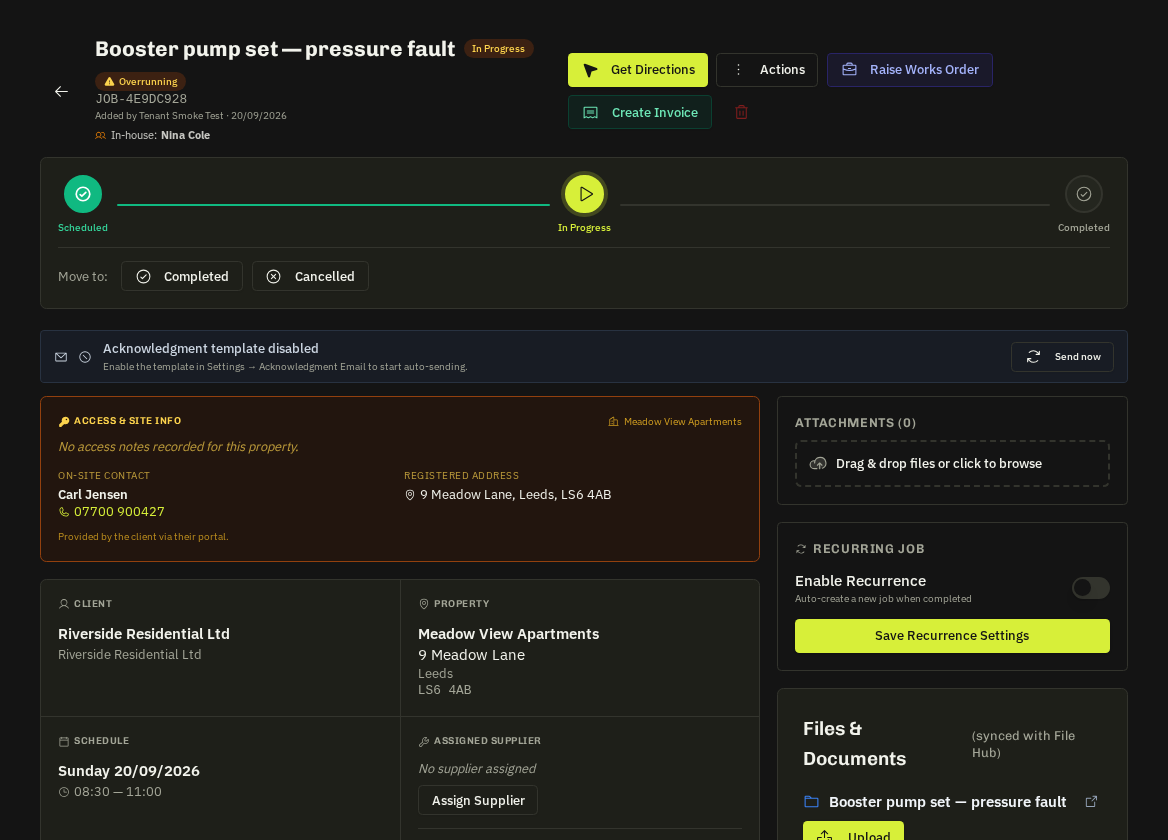
The Show contractor toggle in the Assigned Supplier block of a job or emergency, and the visibility card on a contract, override the client default either way. 'Reset to client default' removes the override. Contract settings flow to every visit of that contract.
- What's hidden: names in lists, detail pages, calendar labels, timelines and works-order vendor names — the portal never leaks a hidden name.
Related: Client portal users & tiers · Contracts: client bookings & flags