Help centre / Clients, Properties & Client Portal
Client portal users & tiers
Inviting client users, the three tiers, and what each can do.
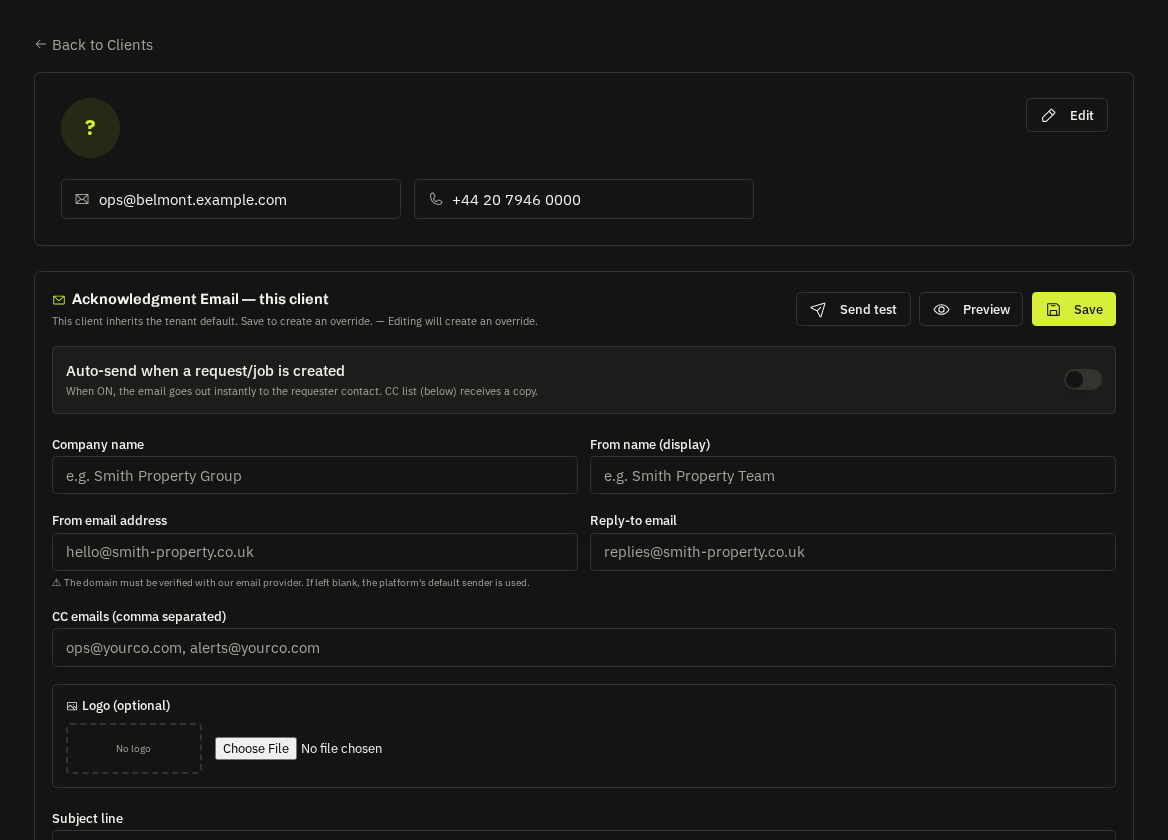
Client portal access is granted per client from the client record → Portal Users → Invite. The user receives a branded set-password email; accepting enables the portal for that client.
Tiers
| Tier | Can |
|---|---|
| Administrator | Everything: approve / decline quotes, confirm invoice payments or pay by card, invite and manage their team, book / move / cancel contract visits |
| User | Raise requests and emergencies, comment, manage properties, book contract visits, rate visits |
| Viewer | Read-only |
Managing users
Change tier, resend the invite, or remove. Client Administrators can also manage their own team from the portal — nobody can demote or remove themselves.
What clients see
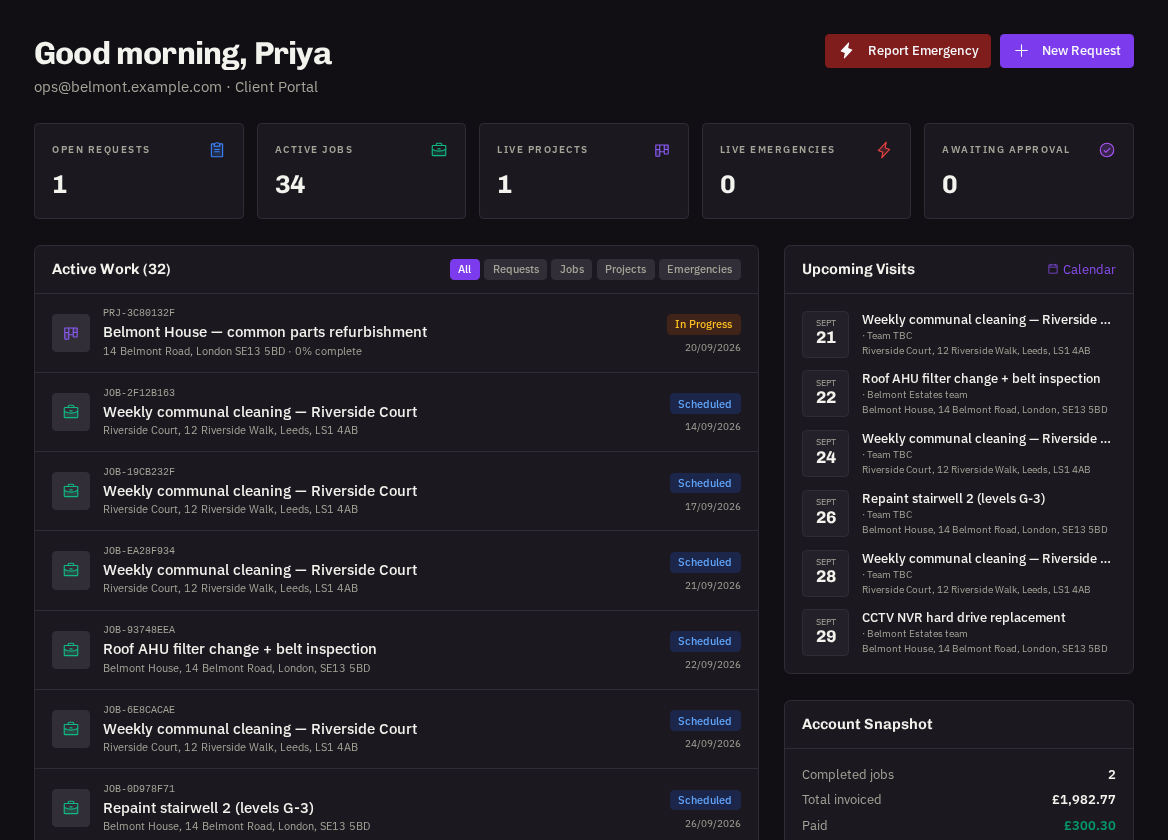
Dashboard, requests, emergencies, jobs (contract visits excluded from the list but on the calendar and contracts), projects, contracts, calendar, quotes, invoices, File Hub, messages, properties, reports, team, settings and a role-specific help centre — all under your branding (or the client's white-label if set).
Their sign-in door
Each client has a branded door at /login/<client-brand> (or your custom domain). Send that link in the invite follow-up so they don't land on the generic page.
Warning: The Client Portal is a plan add-on. If it's not in your plan, invites are refused and existing client users see a "portal not enabled" message at sign-in.
Related: Contractor visibility for clients · Client white-label branding