Help centre / Jobs, Emergencies & Works Orders
Assign a supplier (including one not on the system)
The searchable assign dialog, nearby suggestions, off-system suppliers and the contact card.
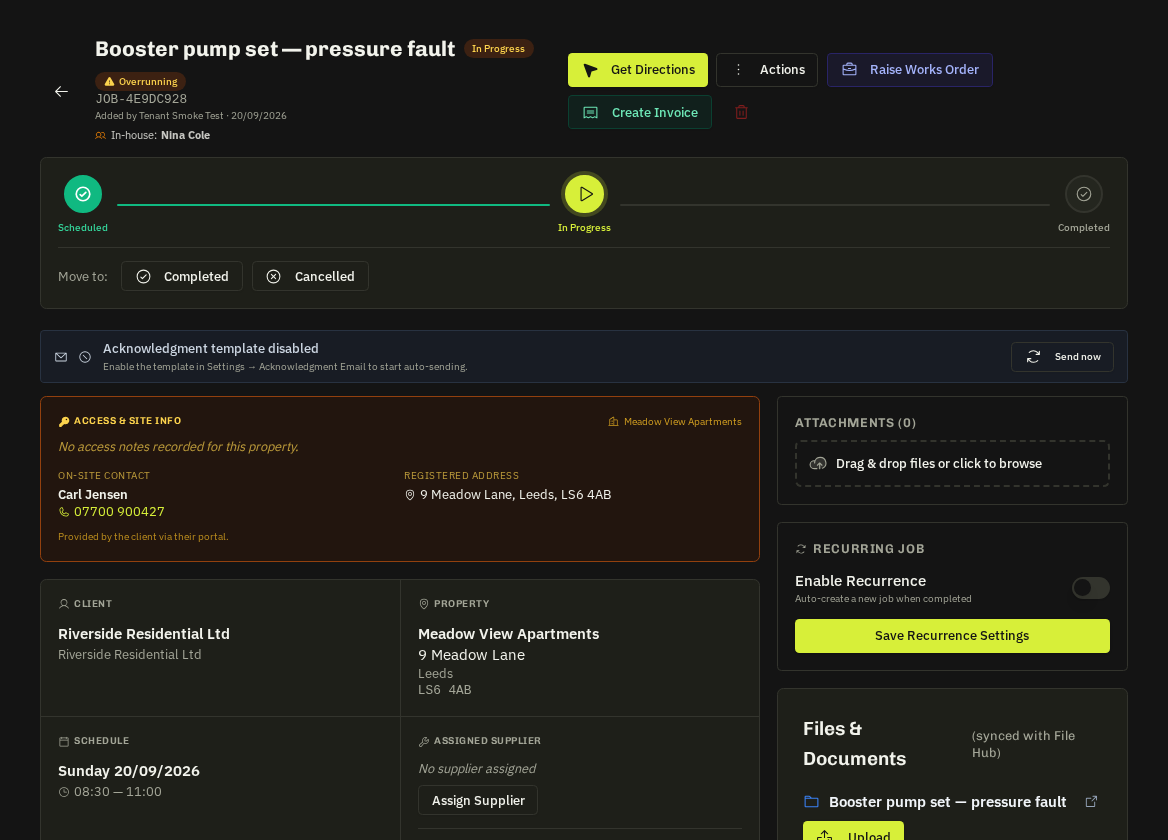
Open the job → Assign Supplier.
From supplier list
A searchable picker over your whole roster (company, contact, trade). Nearby suppliers are suggested from the job's coordinates. A reassignment warning appears if a different supplier was already assigned.
+ New supplier (not on system)
Enter company, contact, email, phone and trade. Tick Onboard them into the portal to send a 14-day portal invite at the same time. The supplier record is created, the job assigned and the assignment email sent in one go. The same option exists on emergency jobs and in the works-order wizard.
Assigned Supplier card
Shows company, contact, trade, clickable email and phone, and a Change Supplier button. The assignment email includes address, what3words link, schedule and instructions, plus the property's access notes when the client registered them.
Related: Assign an in-house operative · Works orders · Property access notes on dispatch