Help centre / Jobs, Emergencies & Works Orders
Assign an in-house operative
Dispatching to your own team and what the operative receives.
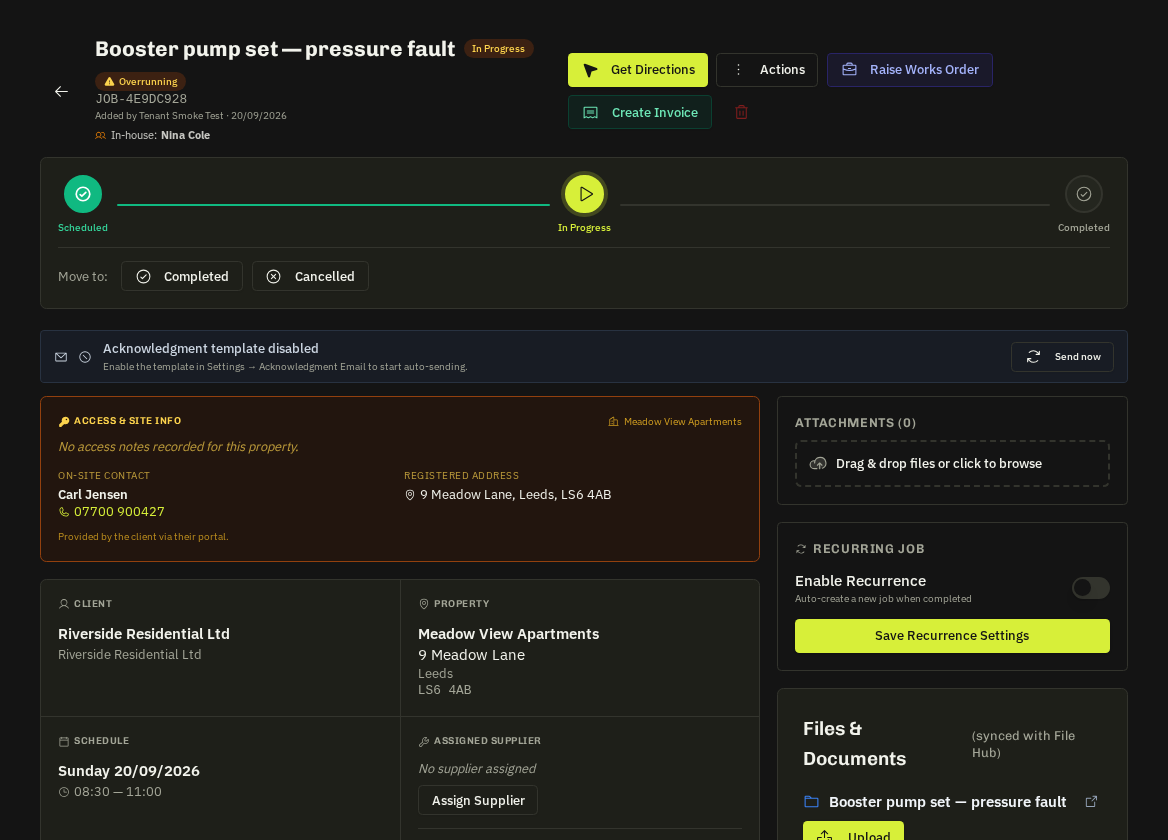
Open the job → Assign Operative and pick a team member. Or drag the job onto an operative on the Dispatch Board.
The operative receives
An in-app push and an assignment email with title, reference, address, what3words link, date/time and a 'View Job Details' button into their portal. The job appears in My Work, their Schedule, the morning briefing email and their day route.
- Per-visit overrides: on contracts, each visit can be reassigned individually without changing the contract's default team.
Related: Dispatch Board & day routes · In-house team