Help centre / Job Requests & Quotes
Add quotes to a request
Adding supplier quotes yourself, in-house quotes and how the two markup tiers work.
Besides invitations, you can add quotes directly on the request's Quotes panel.
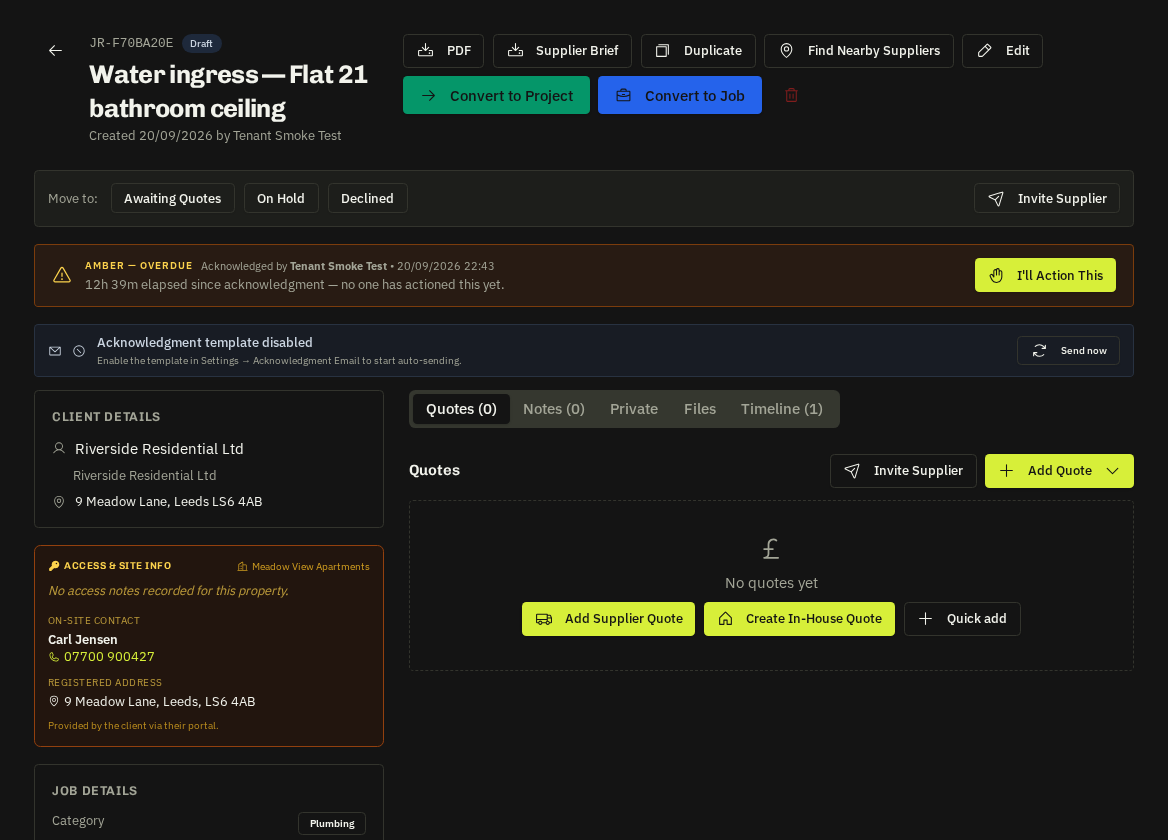
- Quick supplier quote: supplier, amount (their cost, ex VAT), validity and notes.
In-house / detailed quote
Opens the full Quotes module builder linked to the request — line items, two markup tiers (Tier A 'Fixlr' and Tier B 'Client mark-up', both percentages), VAT, terms and PDF. The request mirrors the cost price (pre-markup) so markups are never double-counted; the mirror stays in sync when you edit the quote.
- Markup templates: save your usual percentages as presets and apply them in one click (see Markup templates).
Related: Compare quotes side by side · Markup templates · Markup analytics