Help centre / Accounts & Payroll
VAT returns & Making Tax Digital
Boxes 1–9 for your scheme, adjustments, locking a period and submitting to HMRC.
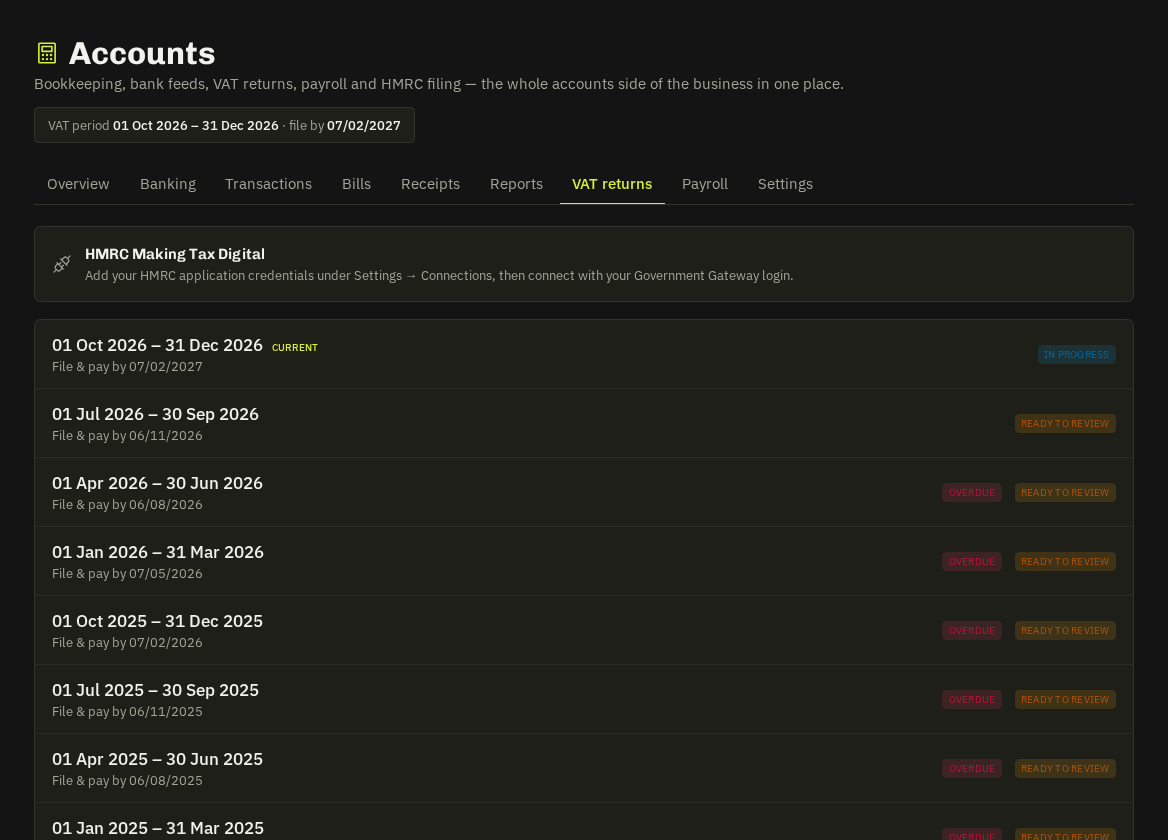
VAT returns lists your periods (from your settings, merged with HMRC obligations when connected). Open a period to see boxes 1–9 for your scheme — standard (invoices issued + bank purchases), cash and flat rate (from explained bank lines; box 6 gross; capital assets ≥ £2k reclaimable).
Working a return
- Check the boxes; add manual adjustments per box with a note.
- Lock the period — boxes freeze; lines in a locked period can't be un-explained or deleted; anything explained afterwards rolls into the next return as late entries.
- PDF for your records.
- Submit to HMRC — connect your HMRC account once (Settings → Connections → MTD VAT, Government Gateway sign-in); liabilities and payments appear alongside. Unlock is possible until submitted.
Warning: The HMRC connection uses your own Government Gateway credentials — nobody at Fixlr sees them.
Related: Accounts at a glance · Banking