Help centre / Accounts & Payroll
Syncing with Xero, QuickBooks, FreeAgent, Sage, Zoho Books & FreshBooks
Keep your accountant's software in step: explained lines, bills, payroll journals, and pulling bank lines back.
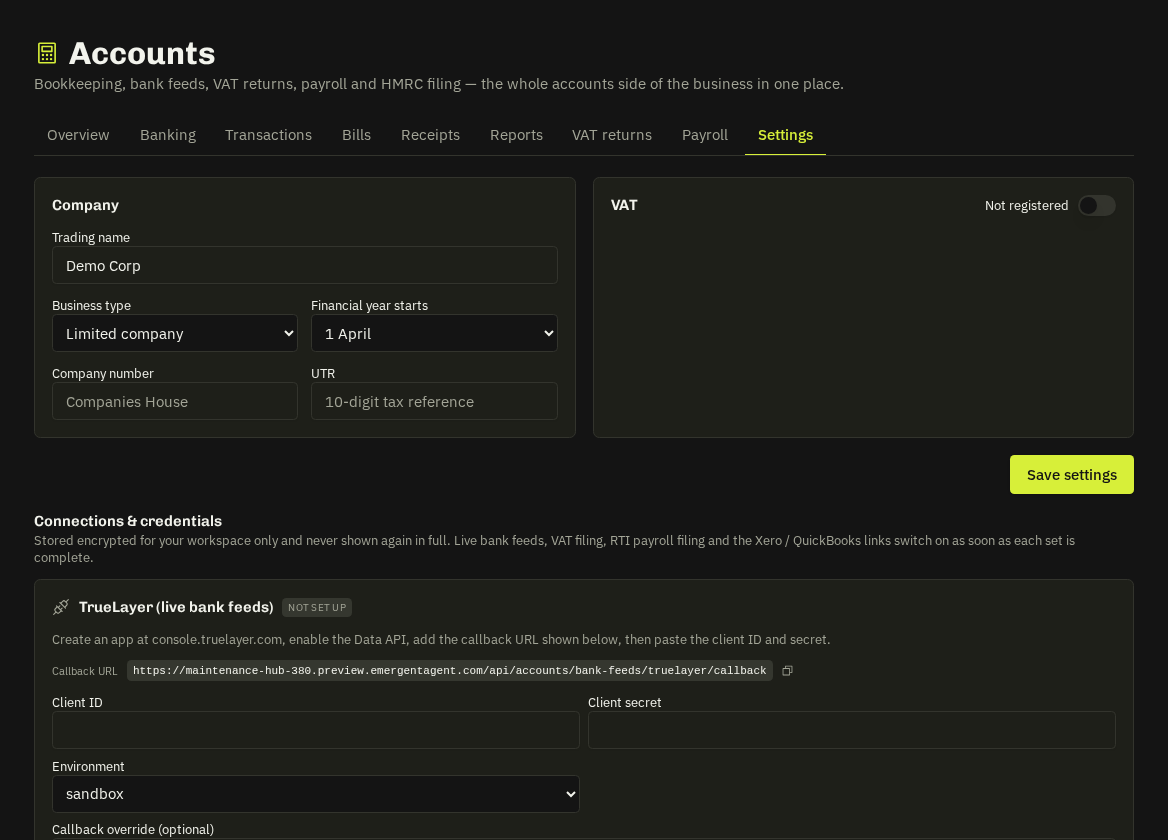
Connect your accounting software once under Settings → Integrations (your own app credentials or the platform's). Then in Accounts → Settings → Books map your categories, bank accounts and payroll accounts to theirs — names are auto-matched, you fix the rest.
What syncs
| Fixlr | Goes across as |
|---|---|
| Explained bank line | spend / receive money transaction (VAT inclusive) or bank transfer |
| Supplier bill, and its payment | purchase bill (+ supplier contact) and payment against it |
| Approved pay run | balanced wages journal (reopen voids it) |
| Invoice payments | left to the existing invoice sync in the Integrations hub |
Auto-sync runs every minute (Sync now too); failures that need a mapping wait until you save it; un-explaining voids the remote entry. Connected to more than one? Each gets the same lines.
Pull-back
Switch on Pull bank lines and lines approved in your software for a mapped account appear in Banking, already explained where the account code maps (Pulled from Xero). Pulled lines are never pushed back. (FreshBooks has no bank pull-back.)
Warning: Live Xero/QuickBooks/FreeAgent/Sage/Zoho/FreshBooks calls have been verified with mocked responses only until a workspace connects a real account — check the first few entries in your software.
Related: Integrations & keys · Banking